
Quick Answer
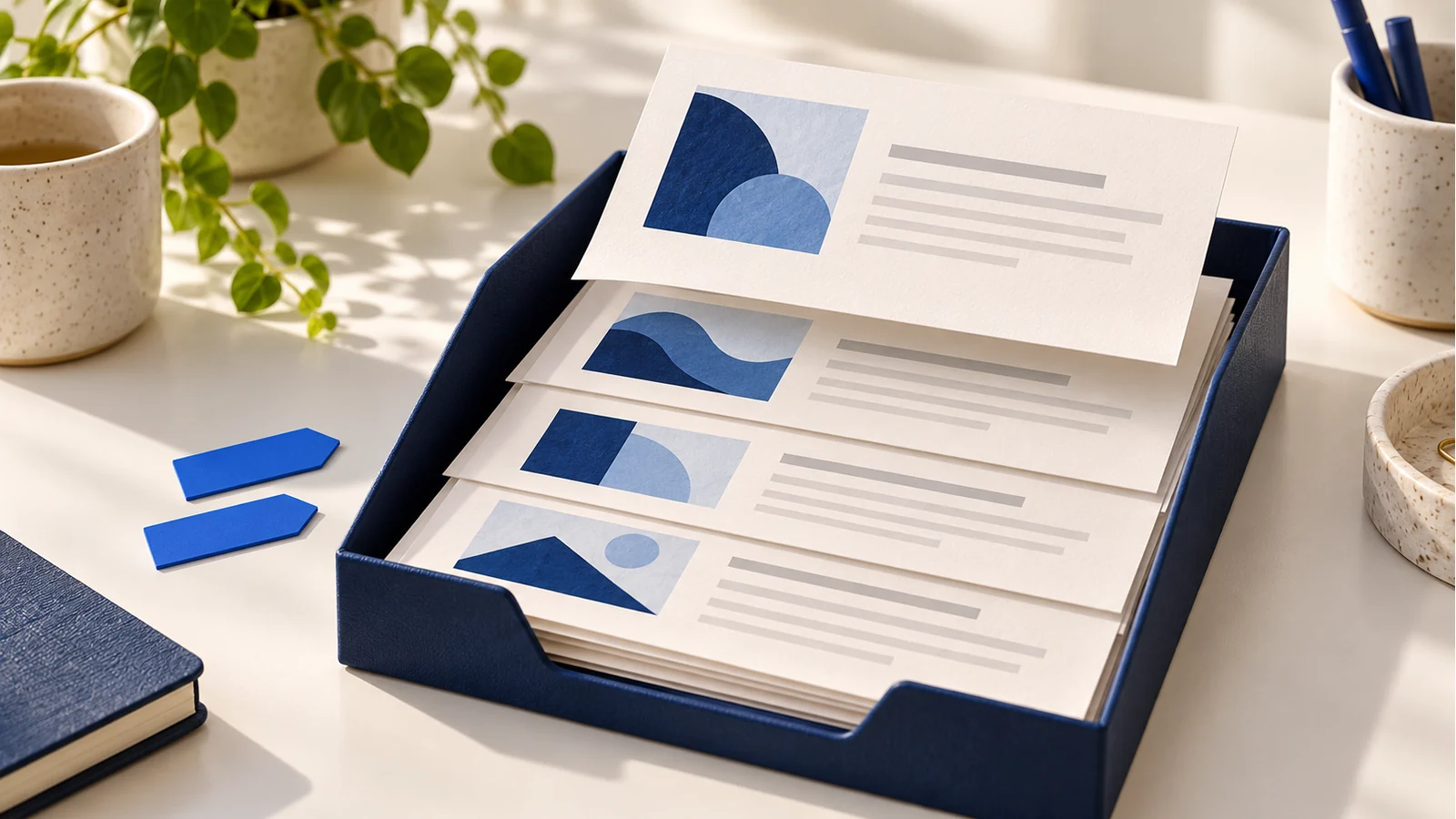
The publisher’s sixteen Divi Blog Loop layouts provide article-listing structures in Default and Prestyled variants. Before adapting one, identify its page context, verify the query and connect each card to the current loop record. Configure pagination for the intended loop and test subsequent pages. Importing a design does not establish correct archive filtering, shared-style references or article destinations.
The same card design can serve a curated homepage feature or a category archive. Those pages need different query decisions even when they look alike.
Review the sixteen-layout resource
The October 13, 2025 Elegant Themes resource describes sixteen individual designs in two style variants and combined exports. Review its current download requirements and terms. Interactive Online does not distribute the archive or claim ownership of its assets.
Inspect an authorized import in a development copy. Keep the existing page or template recoverable. Review any presets and variables instead of assuming a Default file has automatically connected to the site’s approved design system.
Select the right query context
For a curated listing, define the intended content type, terms, ordering and item count. For an archive template, current Loop Builder guidance identifies Posts for Current Page as the query that follows the archive context.
Test at least two categories or other intended archive contexts. A fixed query for recent posts can make different archive URLs repeat the same collection. An empty result also needs a helpful state rather than unrelated demonstration posts.
Bind the card to the current record
Inspect each title, featured image, excerpt, date, author and term field. Use the appropriate Loop dynamic value rather than a fixed value inherited from the surrounding page. Follow each card’s destination to confirm it belongs to that record.
Choose heading levels from the containing page structure. Keep excerpts useful and test long titles, missing featured images and several categories. Avoid wrapping a whole card in a link when it contains other independent links that would create conflicting nested actions.
Target and test pagination
Place pagination outside the repeated item. The Pagination module reference distinguishes Main Query from a Looped Element target. Select the actual intended loop in the installed interface and use an understandable admin label.
Check the second and final pages, not only the first. Confirm new records appear, context remains correct and no unexpected duplicates or empty trailing pages occur. Test browser Back and the address after following a result. Recheck targeting after duplicating a section containing both loop and pagination.
Our staggered blog-layout guide covers visual placement, while our grid reference covers tracks and content constraints. Ongoing development can build the listing around the site’s editorial structure.
Key Takeaways
- Choose the query from the page’s actual purpose.
- Verify current-record fields and destinations.
- Inspect imported shared-style references.
- Test pagination beyond the initial result page.
Frequently Asked Questions
Can I use the same fixed query in every category template?
That can repeat an unrelated collection. Use and test the appropriate archive-context query for the page.
Does an imported Read More button know its article?
Verify its dynamic destination. A copied fixed link can send every card to the same page.
Where should pagination sit?
Outside the repeated item, targeting the intended query or loop. Confirm its actual output on later pages.