
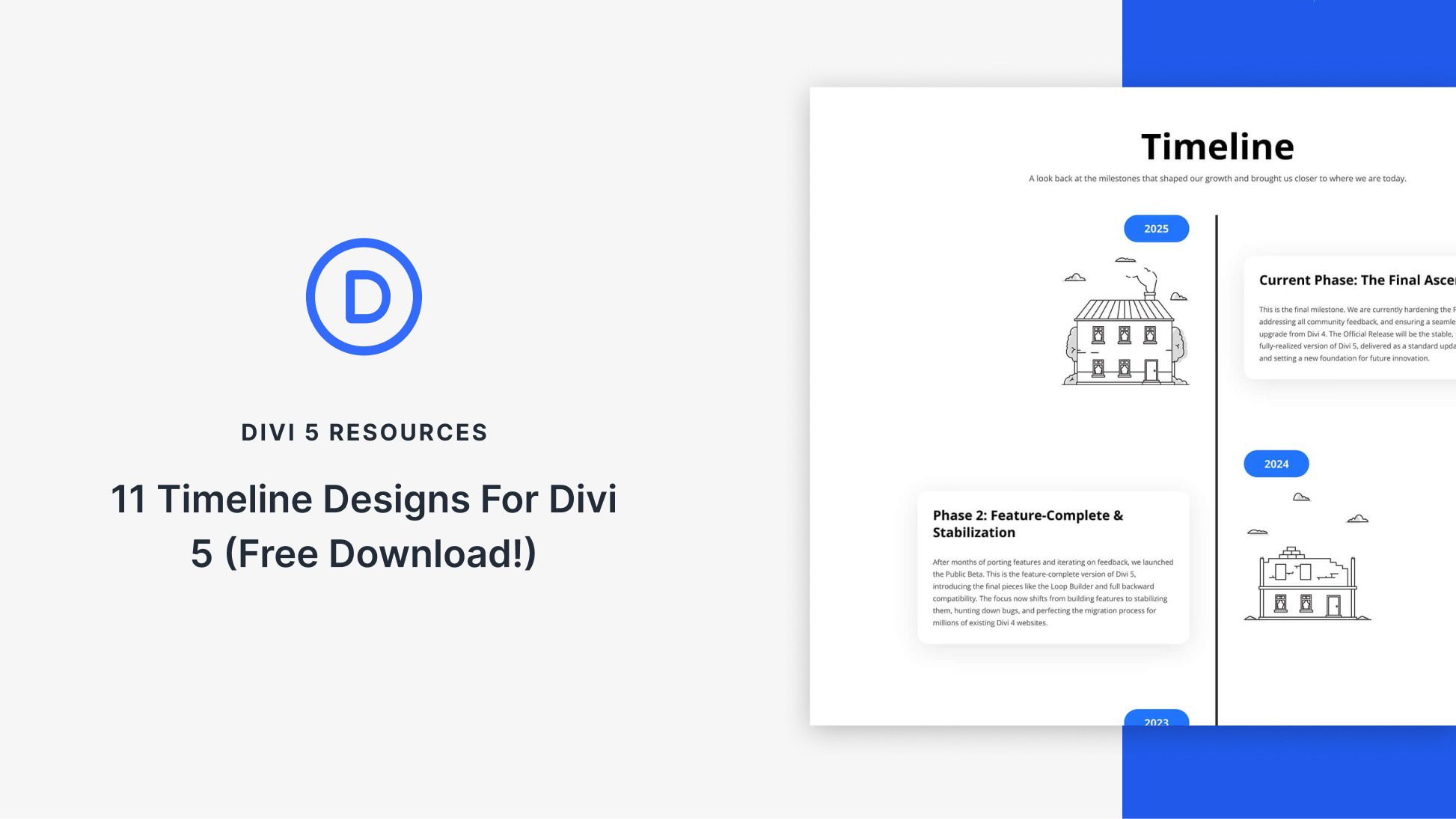
Effortless Timeline Creation with Divi 5
Discover how Divi 5 simplifies the process of building dynamic timelines with 11 customizable sections.
Divi 5 offers a seamless way to design clear and adaptable timelines. This free pack includes 11 unstyled timeline sections, perfect for those looking to infuse their own design and branding. These sections are built for easy integration into your Divi Library, making them ready to use with just a few clicks.
To get started, import the sections into your Divi Library using the Visual Builder. Once imported, you can effortlessly add any section to a page, swapping content to suit your project’s needs. These layouts are versatile, allowing you to customize dates, headings, descriptions, and calls to action using Divi’s core modules.
Divi 5’s Inspector feature allows you to adjust styles with ease. You can change colors, fonts, and layout styles using its intuitive panel. Additionally, Divi’s customizable responsive breakpoints keep your timeline clear on any device. Using Divi AI, you can condense long paragraphs into concise, scannable steps.
Make your most crucial milestones stand out with clear labels, dates, and visuals. Ensure your text is readable by using appropriate contrast settings, especially when using backgrounds. Consistent imagery and a clear order can enhance the visual appeal and story impact. Light motion effects can also add dynamic flair without being distracting.
These ready-to-use timeline sections integrate smoothly with Divi 5’s tools, allowing for creative freedom and improved productivity. Whether you’re planning a product launch or mapping out a service process, Divi 5 makes timeline creation straightforward and professional.
Explore Divi 5 for seamless website design.
Key Takeaways
- Divi 5 offers 11 unstyled timeline sections for easy customization.
- Import sections into the Divi Library for effortless page addition.
- Utilize core Divi modules for content modification.
- Adjust styles with the Divi 5 Inspector feature.
- Maintain readability and user engagement with proper design techniques.
FAQs
How do I import timeline sections into Divi 5?
Go to Divi Library, click Import & Export, and choose the desired JSON file.
Can I change the timeline’s appearance?
Yes, use the Divi 5 Inspector feature to modify colors, fonts, and layout styles.
How can I make my timeline stand out?
Utilize clear labels and consistent imagery to highlight key milestones.
Is there a way to ensure readability on mobile devices?
Yes, use Divi’s customizable responsive breakpoints and Divi AI to simplify content.
What are some tips for effective timelines?
Maintain contrast for readability, use consistent imagery, and apply subtle motion effects to enhance the experience.
For more on Web Design, visit our services page.