
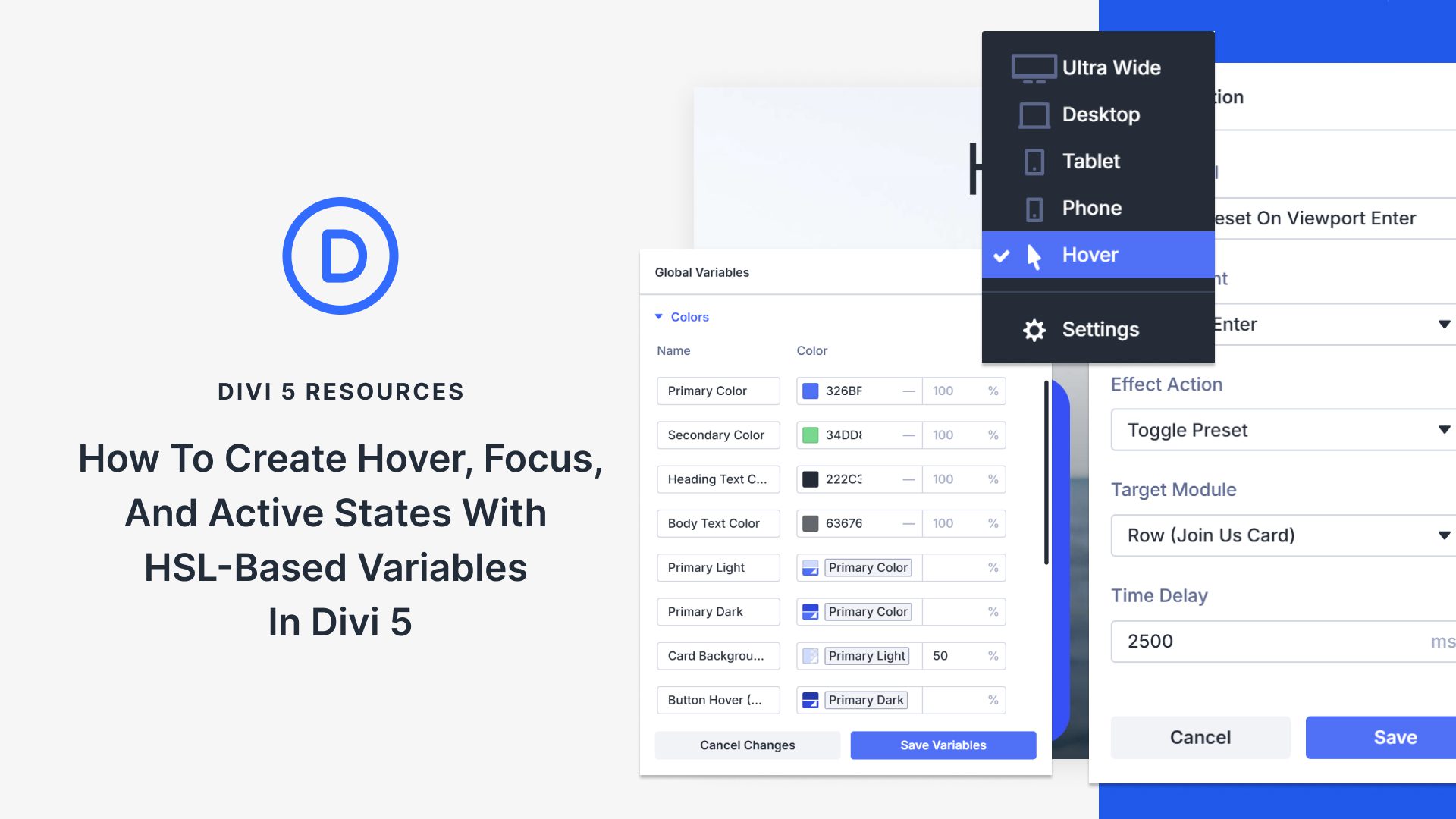
Exploring HSL and State Management in Divi
Building interactive website elements that maintain visual consistency can be quite challenging. With the introduction of HSL-based color variables, Divi 5 simplifies this process. By utilizing Hue, Saturation, and Lightness, these variables enable cohesive color management across different states like hover, focus, and active. Here’s a closer look at how it works.
Divi 5 leverages HSL colors to streamline design workflows. Unlike traditional hex codes or RGB values, HSL divides color into three components—Hue for color position, Saturation for intensity, and Lightness for brightness. This separation allows for cleaner and more predictable adjustments, ensuring all shades remain connected within the same color family. For instance, changes to the Lightness can smoothly transition a blue hue into lighter or darker shades while maintaining unity.
Moreover, using Divi 5’s Design Variables makes it easier to reuse these HSL-based colors without memorizing complex codes. By inputting a base color and adjusting sliders for Hue, Saturation, and Lightness, designers can create multiple shades with ease. This seamless customization extends into different interaction states, such as hover or focus, without complicated coding requirements.
Divi 5’s built-in Interactions system enhances state management by using triggers like Mouse Enter, Click, and Viewport Enter. These allow designers to create dynamic, user-responsive websites. Hovering over a button, for example, can initiate changes across multiple elements simultaneously.
Managing states using Divi 5 is intuitive, with controls integrated directly within modules. Interactive components like buttons or forms adjust based on user actions, offering a visually cohesive experience without additional coding.
By combining the ease of HSL color management with innovative state controls, Divi 5 enables designers to create interactive web experiences effortlessly. This system not only simplifies technical challenges but empowers creative decisions, ensuring every interaction is polished and intentional.
Try Divi Quick Site today to transform how your websites respond to user interactions.
Key Takeaways
- HSL Colors: Separate Hue, Saturation, Lightness to ensure cohesive color variations.
- Design Variables: Utilize Divi 5’s Design Variables for easy reuse of custom colors.
- State Management: Handle hover, focus, and active states without coding complexities.
- Interactions System: Leverage triggers to create dynamic, user-responsive designs.
- Module Integration: Access state controls directly within Divi modules for seamless design.
Frequently Asked Questions
What are HSL colors?
HSL stands for Hue, Saturation, and Lightness, offering a more intuitive way to manage color consistency across various design elements.
How do HSL colors improve design consistency?
They allow designers to maintain color harmony by ensuring all shades share the same hue while adjusting saturation and lightness for variation.
Can I manage interactions without coding in Divi 5?
Yes, Divi 5 provides built-in tools to manage interactions and states visually, eliminating the need for coding.
What are design variables in Divi 5?
Design variables let you store and reuse your custom HSL colors easily, streamlining your design process.
How does Divi 5 handle state management in modules?
Divi 5 integrates state controls directly into modules, allowing for seamless, cohesive interactions like hover, focus, and active states.