
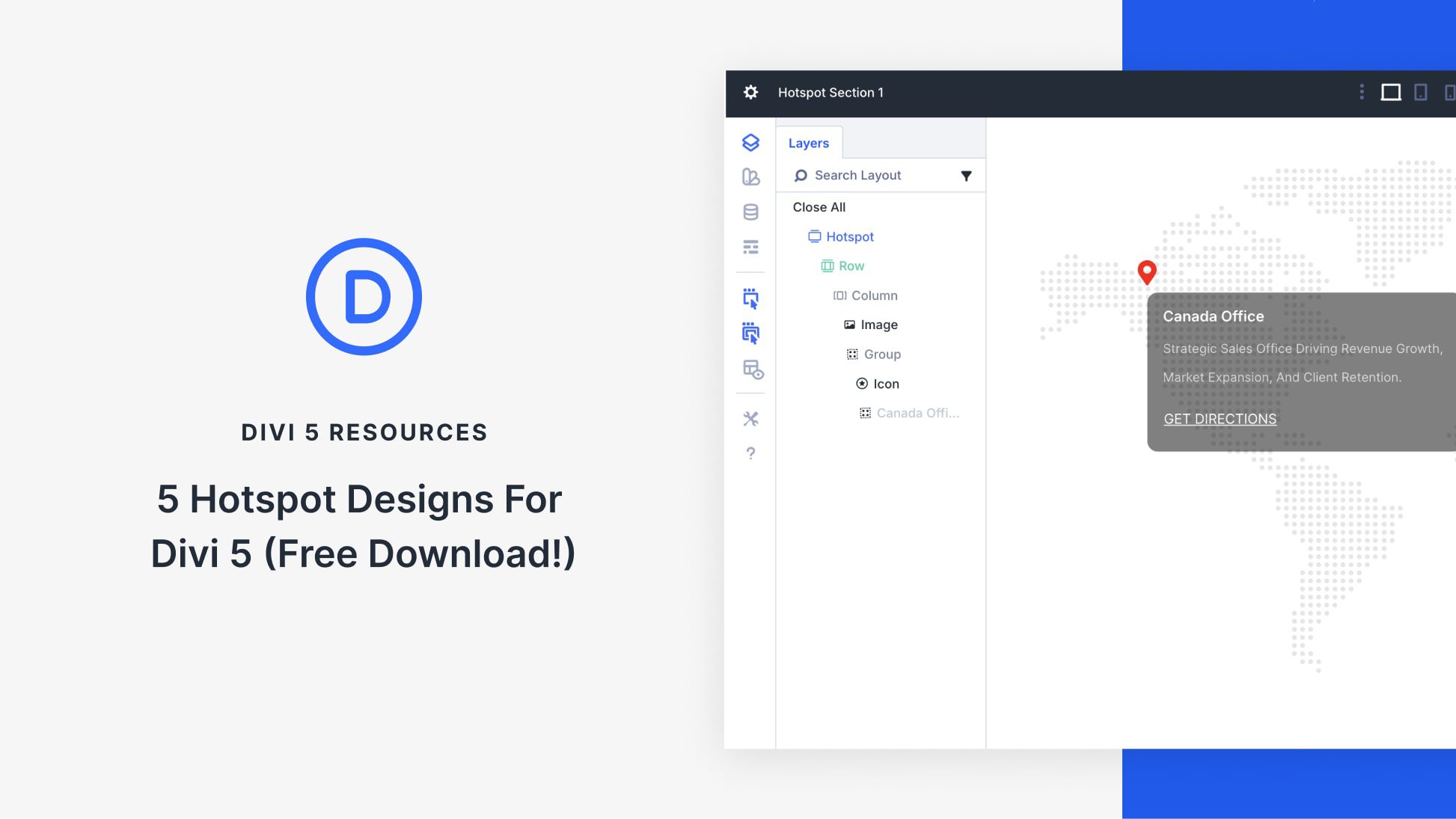
Discover Interactive Sections with Divi 5
Divi 5 offers an easy way to build interactive sections that look professional and on-brand. This free pack includes five hotspot sections designed to showcase important areas or details engagingly and clearly. By incorporating this feature, you can enhance your webpage with interactive visuals that capture attention and allow easy updates with customizable text and imagery.
The Hotspot Pack offers five unique layouts, each perfect for showcasing locations, features, or specific callouts with interactive pins and info areas. Importing them is straightforward—add them to the Divi Library and use them on any page via the Visual Builder. This allows for easy customization and updating of content, ensuring your page stays dynamic and relevant.
To implement these hotspots, import the sections into your Divi Library, and then add them to any page in the Visual Builder. Adjust the settings to change colors, icons, and other styles, ensuring the hotspot matches your brand’s aesthetic.
By following some practical tips, you can ensure your hotspots are effective. Keep labels short and clear; use contrast to highlight important areas; match imagery to the message; and apply motion effects subtly to enhance user interaction without causing distraction.
To learn more about creating engaging website designs, explore the Divi Theme.
Key Takeaways
- Divi 5 simplifies creating interactive sections with hotspot designs.
- Includes five unique hotspot layouts for highlighting key areas.
- Easy to import into the Divi Library and apply via the Visual Builder.
- Customization options allow for brand-specific styles.
- Effective design tips ensure hotspots remain clear and engaging.
FAQs
How do I import hotspot sections into Divi 5?
Import sections by going to Divi → Divi Library, selecting Import & Export, and uploading the JSON file.
Can I customize the hotspot sections?
Yes, you can change colors, icons, and layout styles to fit your brand.
What can I use hotspot sections for?
They are great for areas like product features, office locations, or event hubs, where interactive details enhance user experience.
Are the hotspot sections mobile-friendly?
Yes, they are designed to maintain clarity and usability across devices.
Where can I learn more about web design with Divi 5?
Explore AI Website Builder Tools to deepen your insights into web design.
By leveraging these interactive hotspot designs, you can effectively guide visitors through important information, bringing attention to the most critical parts of your site.