
Discover the New Features in Divi 5
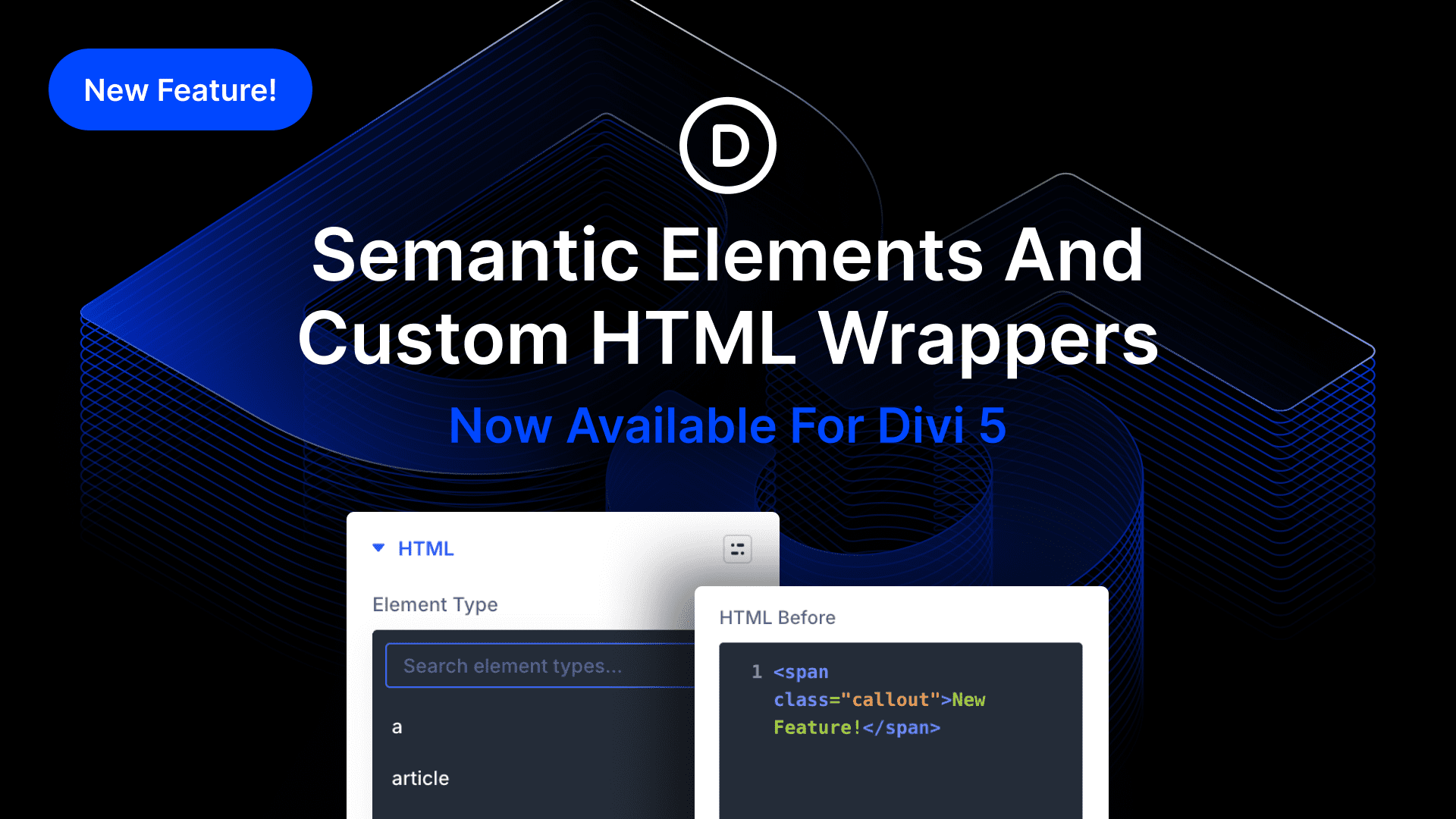
Divi 5 introduces Semantic Elements and Custom HTML Wrappers, bringing improved accessibility and SEO benefits to website design. With this update, users can change the element type of any module and utilize tags like nav, section, and button, allowing screen readers and bots to understand page structures better. These features enable developers to build websites with enhanced meaning, improving overall usability.
The update also allows users to add custom HTML before and after elements, providing flexibility that was previously limited. This new capability helps inject code into areas that modules couldn’t access before, offering more control over custom wrappers and unique site elements.
For instance, using Divi 5, developers can create navigation menus and convert them into a nav element, refining how screen readers interpret content. Building a one-page website is now simpler with semantic sections like header and footer, ensuring better organization and readability. With these updates, Divi 5 empowers users to craft designs with ease and precision.
Key Takeaways:
- Divi 5 enables the use of semantic tags to improve site accessibility and structure.
- Custom HTML Wrappers allow injecting code before and after elements.
- The update supports better site organization with new HTML options.
- Useful for creating navigation menus and unique web components.
- Enhances site usability and SEO.
FAQs:
What are Semantic Elements in Divi 5?
Semantic Elements allow developers to use specific tags like nav and section, which help screen readers and bots understand the structure of a webpage.
How do Custom HTML Wrappers work in Divi 5?
They let you add HTML code directly before and after elements, providing more control over how content is displayed.
Can I build a navigation menu with Divi 5?
Yes, you can create a menu using Divi elements and convert it into a nav element for better screen reader interpretation.
What benefits do these updates offer for SEO?
Using proper semantic tags and HTML structure enhances accessibility and helps improve search engine ranking.
How do I start using these new features in Divi 5?
Try Divi 5 by exploring its settings panel and utilizing the new HTML option group to select your desired tags.
For more about web design services, find detailed support here: WordPress Website Design.
Explore Divi 5 and discover these powerful features that will make your site building process more efficient and effective. Interested in using Divi? Check out the Divi Theme.