
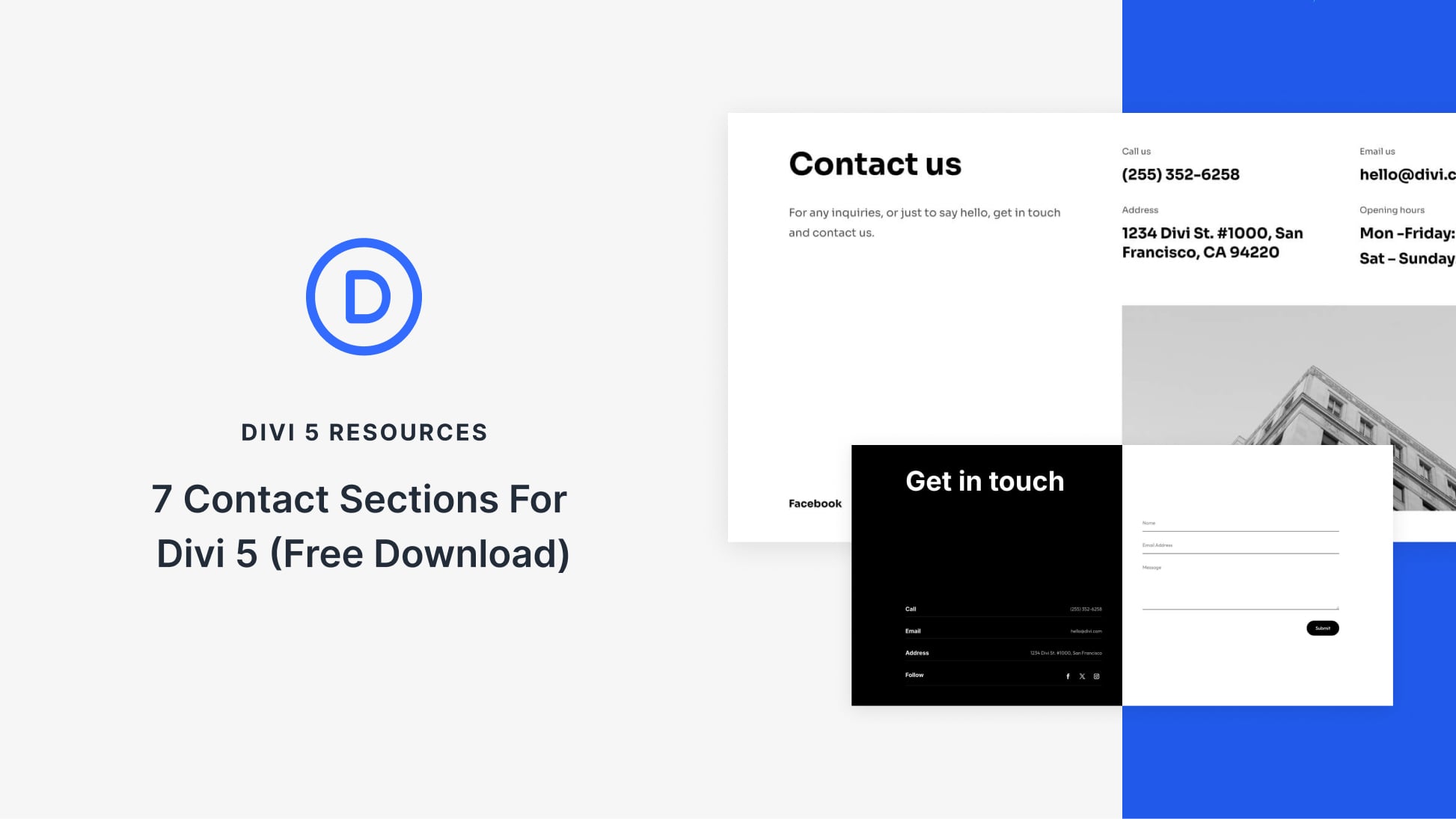
Crafting Contact Sections with Divi 5
Divi 5 offers a streamlined approach for creating refined contact sections that stand out on any website. With a complimentary set of 7 Styled Contact Sections, users can effortlessly enhance their site’s professionalism and responsiveness. Each section is crafted to ensure ease of use, utilizing clear layouts and modern typography to encourage visitor interaction. To get started, simply incorporate these sections into your pages using Divi’s Visual Builder, making customization both quick and seamless.
These contact sections are designed for straightforward integration. By importing them into your Divi Library, they can be added to any webpage. The package includes individual exports and a combined file to streamline the uploading process. Once imported, you can modify content and styling to align with your brand’s identity, ensuring a cohesive and inviting user experience.
Key features like adaptable form fields, image options, and subtle animation choices allow further customization. Users can also adjust typography, layout, and color schemes to reflect their brand’s aesthetics. Furthermore, best practices such as maintaining clear CTAs and ensuring mobile compatibility are emphasized to optimize user engagement.
Divi 5 makes it simple to offer multiple contact methods, including forms, phone numbers, and emails, ensuring effective communication channels. These designs encourage brevity in forms, enhancing the likelihood of user submission. In a digital world where first impressions count, leveraging these pre-styled sections can significantly improve your website’s effectiveness and appeal.
Key Takeaways
- Divi 5 simplifies the creation of professional contact sections.
- Includes 7 pre-styled contact layouts for easy integration.
- Customize sections to match brand aesthetics effortlessly.
- Ensures ease of communication with multi-channel contact options.
- Enhances user experience with responsive and clear design elements.
Frequently Asked Questions
How do I integrate contact sections into my existing pages?
Simply import the sections into your Divi Library through the Visual Builder, where you can then drag and drop onto any webpage.
Can I modify the pre-made sections?
Yes, you can customize text, images, and styles to fit your requirements easily.
Are these contact sections mobile-friendly?
Yes, they are designed to be responsive, adapting well to various screen sizes.
What makes Divi 5’s contact sections different from others?
Divi 5 offers modern styling with user-friendly editing tools, ensuring both aesthetic appeal and functional usability.
Is there an option to download all at once?
Yes, the package includes all contact sections in one file for bulk downloading and importing.
Explore the ease of AI Website Builder functionalities for more engaging webpages, and consider exploring WordPress Hosting solutions to optimize performance.