
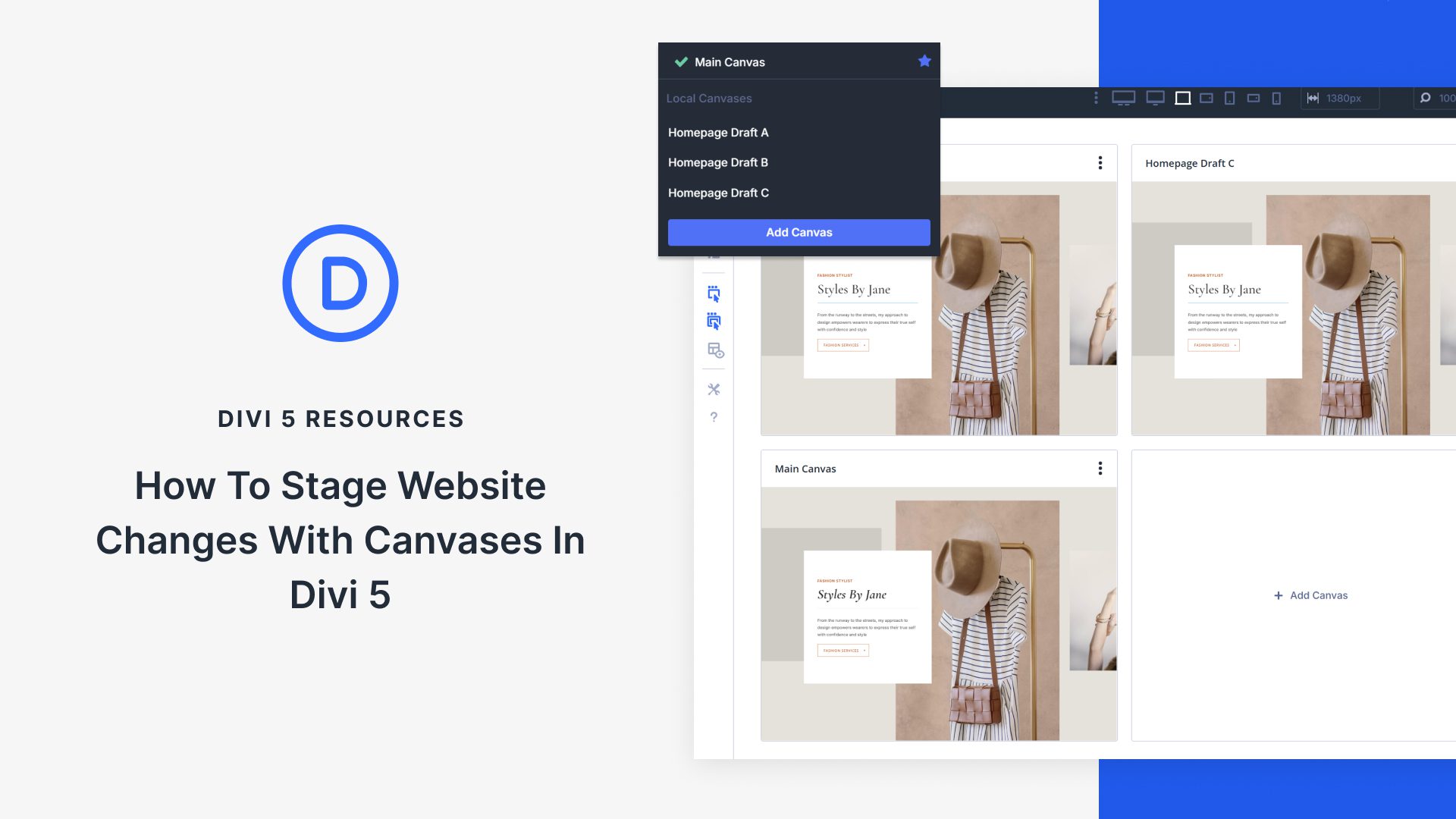
Mastering Design Staging with Divi 5 Canvases
Canvases in Divi 5 offer a game-changing way to handle website updates and design changes. These isolated workspaces let you stage and test new designs without affecting your live site. With Divi 5, you can explore fresh ideas, compare different layouts, and ensure a seamless launch without the need for complex staging environments.
Staging is crucial when redesigning web pages. It allows you to test new layouts and ideas without showing unfinished changes to visitors. This way, your live site remains professional and error-free, enhancing user experience and maintaining stability.
Divi 5’s Canvases feature lets you duplicate your existing layout to a separate workspace where you can modify and test. Each Canvas is detached, which means you can make substantial changes in one without affecting the other. This approach is efficient and user-friendly, thanks to the Visual Builder’s intuitive interface.
Creating a design staging area in Divi 5 is simple. Start by duplicating your main layout, then rename and adjust it as needed. You can make as many changes as you like without any impact on the live version. The versatility of multiple Canvases means you can test various designs, refine each one, and compare them easily. This flexibility is invaluable for client projects, allowing you to present multiple options and decide on the best one together.
Once satisfied, you can make your new design live with just a few clicks. This streamlined process maintains full control over the website update, ensuring that only the final polished version is visible to visitors.
Experience smooth, stress-free design updates with Divi 5 Canvases and see Divi Theme in action today!
Key Takeaways
- Divi 5 Canvases allow for separate, isolated workspaces.
- Staging protects your live site from visible incomplete updates.
- Easily duplicate, name, and modify your main layout.
- Test multiple designs without impacting the live website.
- Implement your design changes smoothly with a single click.
Frequently Asked Questions
What are Divi 5 Canvases?
Canvases are separate workspaces in Divi 5 that allow you to test and stage design changes away from the live website.
Why is staging important in web design?
Staging helps you test new designs without affecting your live site, ensuring visitors always see a polished version.
How do I duplicate my main layout in Divi 5?
Use the Visual Builder to duplicate your main layout, creating an isolated Canvas for testing changes.
Can I create multiple Canvases?
Yes, Divi 5 allows multiple Canvases, enabling you to test different design versions and compare them easily.
How do I make my staged design live?
Once satisfied, you can assign your staged Canvas as the Main Canvas and publish it with just a few clicks, making the new design live.
For more on WordPress Site Design, visit WordPress Site Design.