
Quick Answer
Divi blend-mode layouts can combine images, colors and text into a distinctive composition, but the result depends on the backdrop. Treat a downloaded effect as a starting point: replace the sample content, inspect the layers, and check readability with your own photographs at each layout size. Elegant Themes provides the resource discussed here; download access and usage terms belong to the publisher.
A treatment that looks clear over a pale studio photograph can disappear over a dark outdoor scene. Before choosing a blend effect for a business website, decide which information must remain readable as the image changes.
What the publisher resource contains
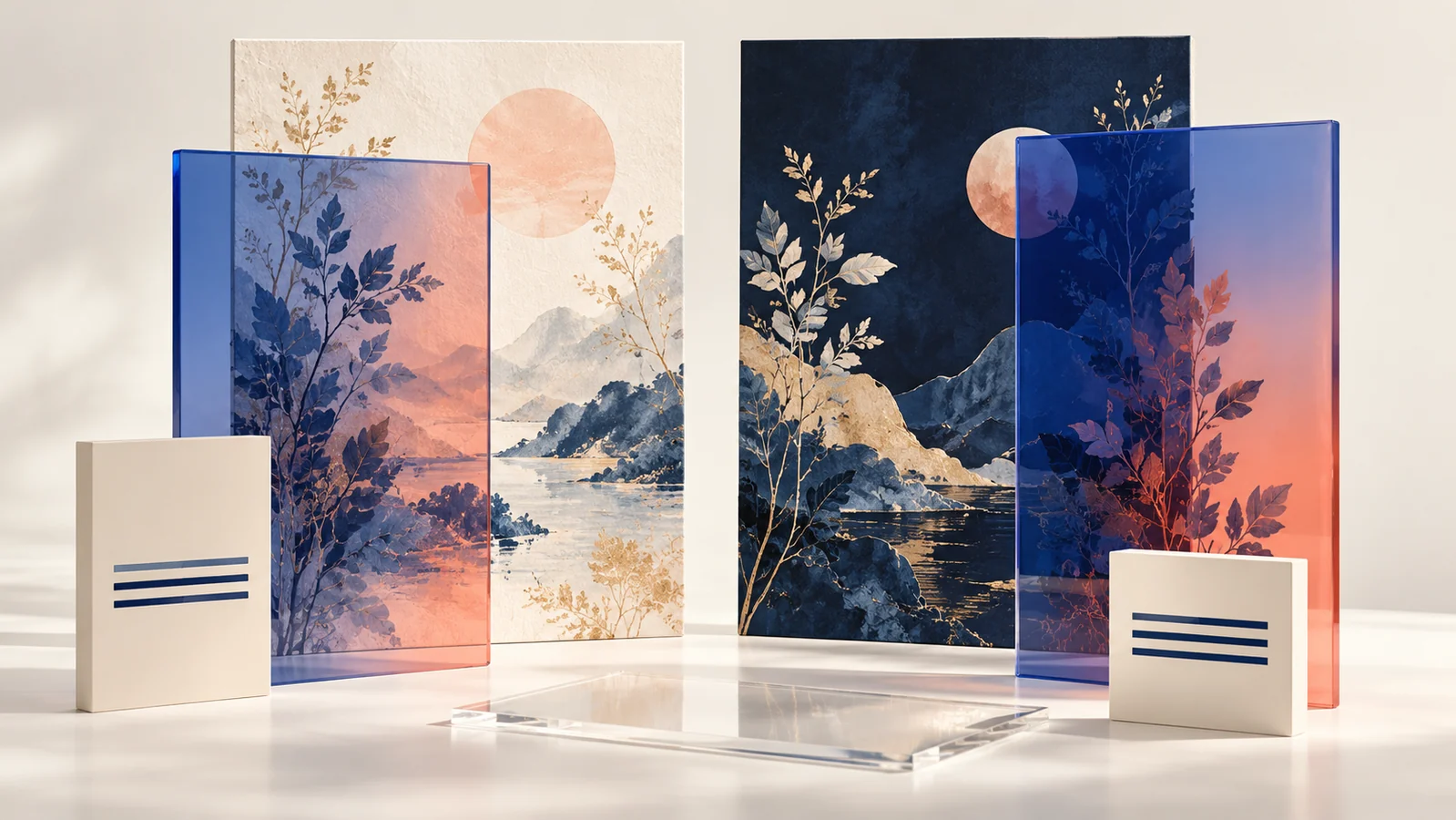
The February 2, 2026 Elegant Themes blend-mode resource presents seven section designs, with individual exports and a combined layout. Its page supplies the publisher’s download instructions. Interactive Online does not distribute that archive or grant rights to the included photographs, fonts or other assets.
Check the current download requirements and applicable terms at the source before using it. Import an approved copy into a development site, where you can inspect what the section adds without changing a public page.
Inspect the layers before changing the effect
MDN describes mix-blend-mode as controlling how an element’s content blends with its backdrop. A Divi design may also use background blending, masks, overlays or ordinary opacity. Identify the control responsible for the visible effect before adjusting several settings at once.
Temporarily compare the composition with its normal appearance in your development copy. Identify the foreground image, background image, overlay, text and parent container. Then change one layer at a time. A different parent background can alter the result even when the foreground settings stay the same.
Keep essential words as real text. A decorative double-exposure treatment can carry a mood while a conventional heading states the service. If the image contains the only explanation of an offer, the page becomes harder to update, resize and use with assistive technology.
Review the effect with production content
Use the actual approved image and heading during review. Check a narrow crop, a wider crop, a longer heading and any alternate photograph an editor may select later. Text that crosses a busy part of the image needs a dependable surface behind it, such as an opaque text panel, rather than a favorable crop alone.
- Check ordinary text and qualifying large text against their actual rendered backgrounds using the WCAG contrast guidance.
- Keep the linked or clickable area identifiable when the effect is subtle.
- Describe informative images according to their purpose; decorative layers should not repeat the same description.
- Review image dimensions and delivery using our website image-sizing guide.
Set rules an editor can follow
Record which image belongs in each layer, which crop keeps the subject visible, and which text or background settings should stay together. Include a simple alternative for pages where the effect competes with a form, product detail or call to action.
If every new photograph needs custom adjustments, reserve the treatment for a few art-directed sections. Repeated content usually benefits from a predictable image and text layout. Our WordPress design service can help select a treatment that the people maintaining the site can use consistently.
Key Takeaways
- The publisher controls the resource, access requirements and usage terms.
- Identify the actual layer and blend control before editing the composition.
- Check text over the production image and its responsive crops.
- Give editors image-selection rules and a simpler alternative.
Frequently Asked Questions
Does a blend mode make text accessible?
Its appearance depends on the content and backdrop. Review the rendered contrast, text structure and interaction separately.
Can I use any replacement photo?
Use an image you have permission to publish, then review its crop and tonal range in the effect. A replacement can change the composition substantially.
Is the download hosted by Interactive Online?
No. Follow the linked Elegant Themes resource for its current download process and terms.