
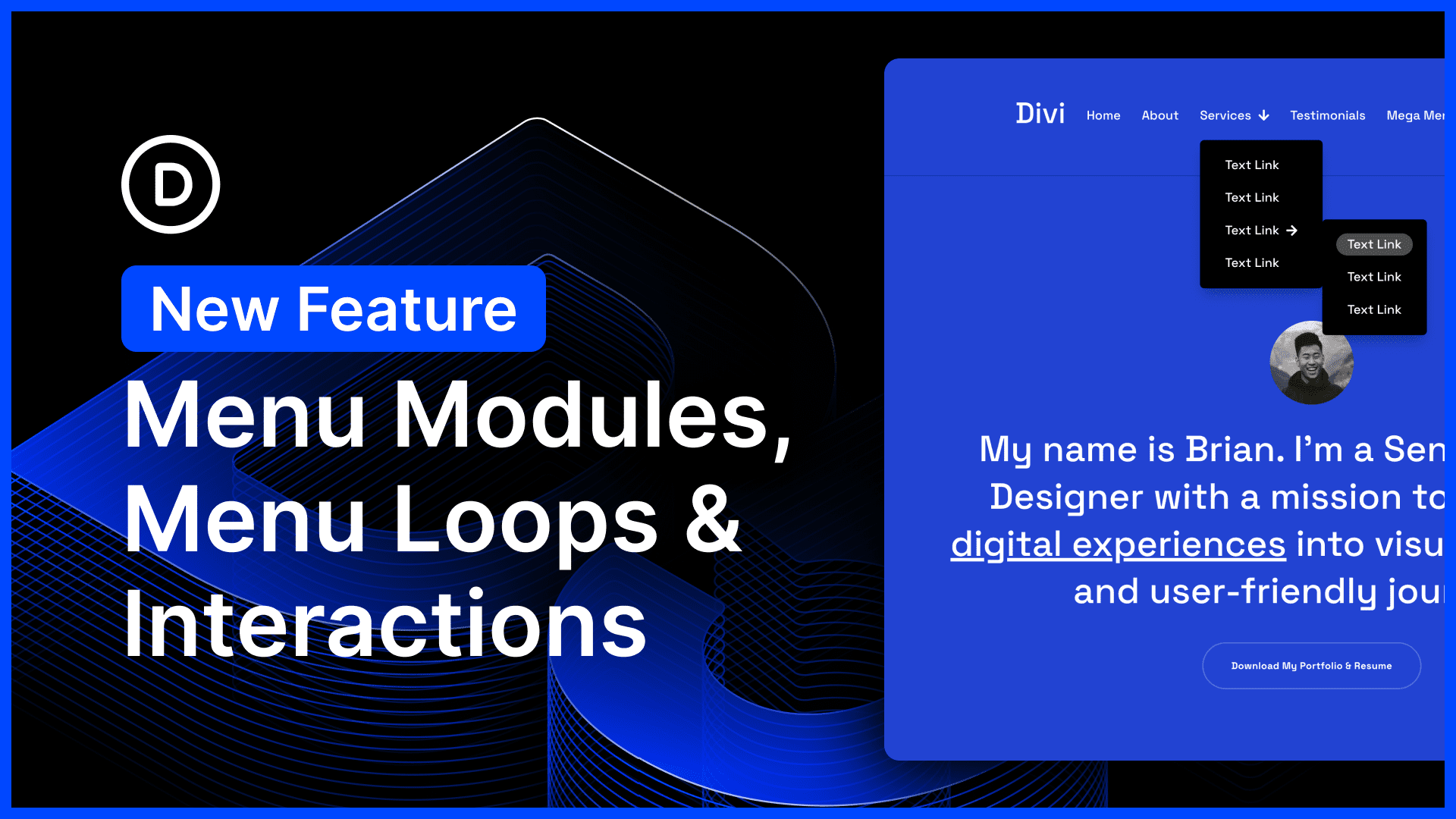
Explore New Menu Features in Divi 5
The latest updates in Divi 5 bring exciting tools for building menus, including menu looping, selector-based targeting, and breakpoint triggers within the interaction builder. These features enhance flexibility in creating various menu types such as mega menus and slide-in menus. Users can now integrate menu components with broader systems like canvases and semantic elements, providing endless design possibilities.
Among the newly introduced modules are the Link and Dropdown modules. The Link Module simplifies adding dynamic links to menus, allowing for evergreen menu creation beyond the WordPress menus system. Meanwhile, the Dropdown Module streamlines the process of crafting dropdown menus, enabling functionality and creativity by linking interactiveness to parent elements.
The Menu Loop feature allows for looping through WordPress menu items. By activating this, users can select menus and plug in dynamic content, giving them control over the looped design element’s appearance.
Moreover, the interaction builder now includes selector-based interaction targets. This advancement lets users target parent or child elements, a handy feature when reusing components like hamburger or X icons. Breakpoint triggers have also been added, offering control over menu interactions at specific breakpoints, enhancing the mobile-friendly menu experience.
A special addition is the Before/After Image Slider module. This module enables users to compare two images effortlessly with a sliding effect, adding another layer of functionality to websites.
These features are available in Divi 5, a significant iteration that reimagines Divi with numerous requested features. Users are encouraged to explore these updates and share feedback.
Try Divi 5 for an enhanced menu-building experience and unlock extensive customization capabilities for your website.
Key Takeaways
- New menu components like Link and Dropdown modules enhance menu creation.
- Menu Loop feature allows dynamic menu item looping with design control.
- Selector-based targeting and breakpoint triggers offer menu interaction flexibility.
- The Before/After Image Slider module adds comparison functionality.
- Divi 5 introduces a redesigned structure packed with user-requested features.
Related FAQs
What is the Link Module in Divi 5?
The Link Module allows users to add dynamic links to their menus, making menu creation easy and flexible.
How does the Dropdown Module function?
The Dropdown Module simplifies the creation of dropdown menus by linking them to parent elements for interactive experiences.
What are selector-based interaction targets?
These allow users to target parent or child elements for interactions, enabling reusable components like icons.
How do breakpoint triggers enhance menus?
Breakpoint triggers allow specific interactions on different devices, improving mobile menu functionality.
What is the Before/After Image Slider?
It’s a tool that lets users compare two images using a sliding mechanism, providing practical visual comparison.
Explore these updates and more with the new Divi Theme and elevate your website design with these cutting-edge tools.