
Understanding Design Variables and Their Benefits
Design systems streamline web development by offering consistent design elements like color palettes, typography, and spacing. Divi 5 enhances this with Design Variables, introduced in April 2025, allowing designers to manage these elements globally. This innovation saves time and effort in setting up new projects, as these variables can now be imported and exported between sites effortlessly.
Design Variables in Divi 5 are shortcuts for frequently used design choices, managed via the Variable Manager in the Visual Builder. These include colors, fonts, numbers, images, text, and links. When a variable is updated, changes automatically apply across the entire site, eliminating the need to individually edit each occurrence.
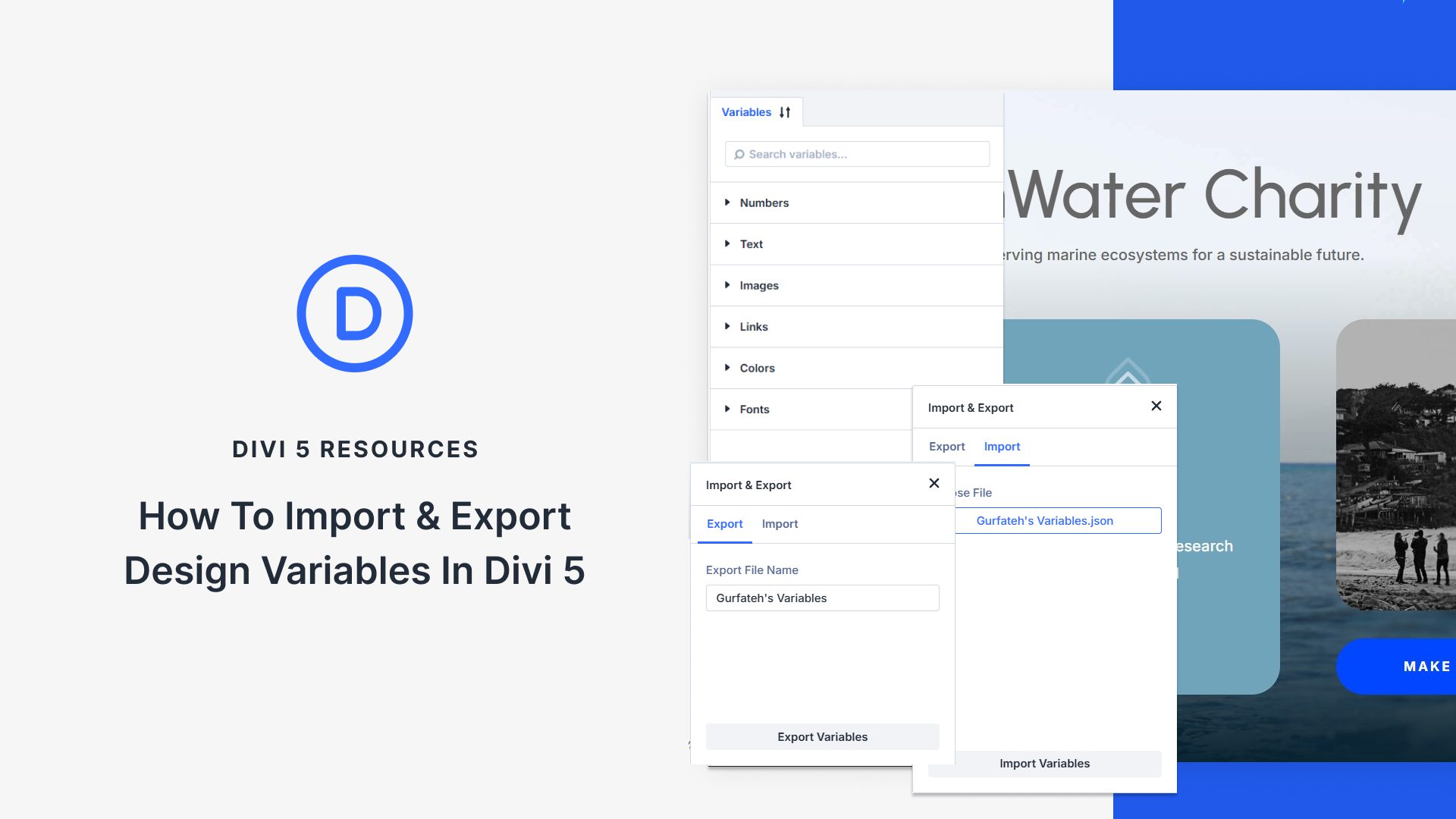
By exporting Design Variables as a JSON file, designers can maintain consistency across multiple projects. Agencies, freelancers, and teams will find it beneficial to reuse these variables, saving time on initial project setup. Naming variables clearly aids understanding when they’re shared or reused, ensuring effective communication and application.
For exporting, Divi 5 gathers all variables into a single file, encompassing every design aspect from colors to links. Clear names and date-stamped filenames assist in managing multiple versions or undoing changes. Additionally, cooperation with Divi’s Preset Manager allows for comprehensive design packages.
Importing variables is straightforward through the Variable Manager, and integrating these with existing site content is smooth with tools like Find and Replace, Extend Attributes, and the Inspector. These tools facilitate a seamless transition from static values to dynamic Design Variables, enhancing site efficiency.
To learn more about Divi Theme, visit Elegant Themes.
Key Takeaways
- Design Variables streamline repetitive design tasks.
- Import/Export functions simplify transferring design systems.
- Variable Manager handles all design elements like colors and fonts.
- JSON Files ensure cross-site consistency and backup.
- Divi Tools aid in integrating variables with existing content.
FAQs
What are Design Variables in Divi 5?
Design Variables store reusable design elements such as colors and fonts, making site-wide changes effortless.
How do I export Design Variables?
Use the Variable Manager to package all variables into a JSON file, which can be imported into another site.
Why should I use Design Variables?
They save time by allowing global updates and maintaining design consistency across projects.
Can Design Variables be updated?
Yes, any update to a variable applies across all instances site-wide.
How do imported variables integrate with current site content?
Tools like Find and Replace help switch existing static content to newly imported Design Variables quickly.