
Exploring Presets in Divi 5: A Guide to Efficiency
Presets in Divi 5 are crucial for web designers seeking to streamline their workflow by saving and reusing style settings. These presets simplify creating a consistent design across multiple projects. By exporting and importing preset libraries, designers can effortlessly apply their stylistic choices to new sites, ensuring consistency and saving valuable time.
Divi 5 allows designers to easily export their preset libraries and import them into other projects. This process keeps core styling decisions intact, such as button behavior and heading spacing, eliminating the need for repetitive design work. This feature is particularly beneficial when transitioning projects to another designer or client, as it preserves the established design system for ongoing development.
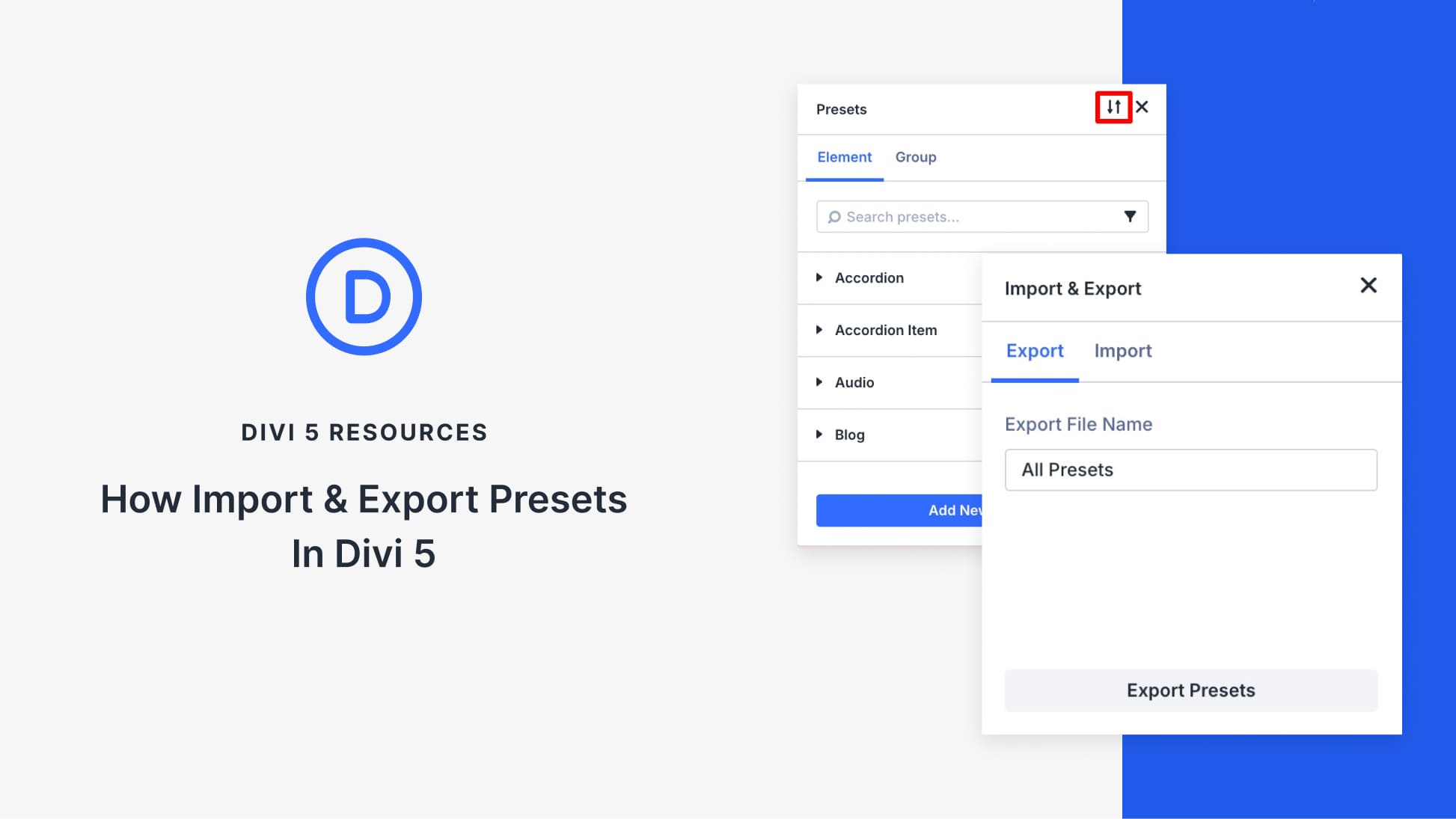
The Preset Manager, found in Divi’s Visual Builder, is an essential tool for managing presets. It provides a centralized location for all preset and option groups, offering quick search and filtering capabilities. The preview panel within the Preset Manager allows designers to see live updates on sample elements, ensuring their customizations appear as intended on the actual site.
Importing and exporting presets is straightforward. By using the Import/Export icon, designers can export their presets as JSON files and import them into other Divi 5 sites. This process only transfers styling logic, not layouts or templates, maintaining clarity and organization.
Presets often rely on design variables like font sizes and colors. When presets referencing these variables are imported, the associated variables are included, maintaining design integrity across projects.
For efficient preset management, it is recommended to use clear naming conventions and organize presets into smaller, manageable packs. Consistent naming and grouping make presets easier to apply and update, ensuring a streamlined workflow.
The Divi 5 preset feature transforms web design by offering a repeatable and consistent approach to styling. By developing a well-organized preset library, designers can efficiently tackle new projects while maintaining quality and coherence.
For more information about optimizing your Divi experience, explore the Divi Quick Site tools.
Key Takeaways
- Preset Reusability: Divi 5 presets save time by allowing style setting reuse.
- Preset Manager: Centralizes management of all presets and offers live previews.
- Import/Export: Easy import/export process for transferring styling logic.
- Design Variables: Presets referencing variables ensure consistent application.
- Organizational Tips: Use clear naming conventions and smaller packs for efficiency.
FAQs
What are Divi 5 presets?
Divi 5 presets are saved style settings that can be reused across elements to maintain design consistency.
How do presets benefit web designers?
Presets save time and ensure design consistency by allowing designers to reuse established styling decisions on new projects.
Can I import presets into any Divi 5 site?
Yes, presets can be exported as JSON files and imported into any Divi 5 site running a compatible version.
Do presets include design templates?
No, presets only transfer styling logic, not layouts or templates, preserving site-specific setups.
How do design variables work with presets?
When importing presets, any related design variables are also imported, maintaining the design consistency across projects.