
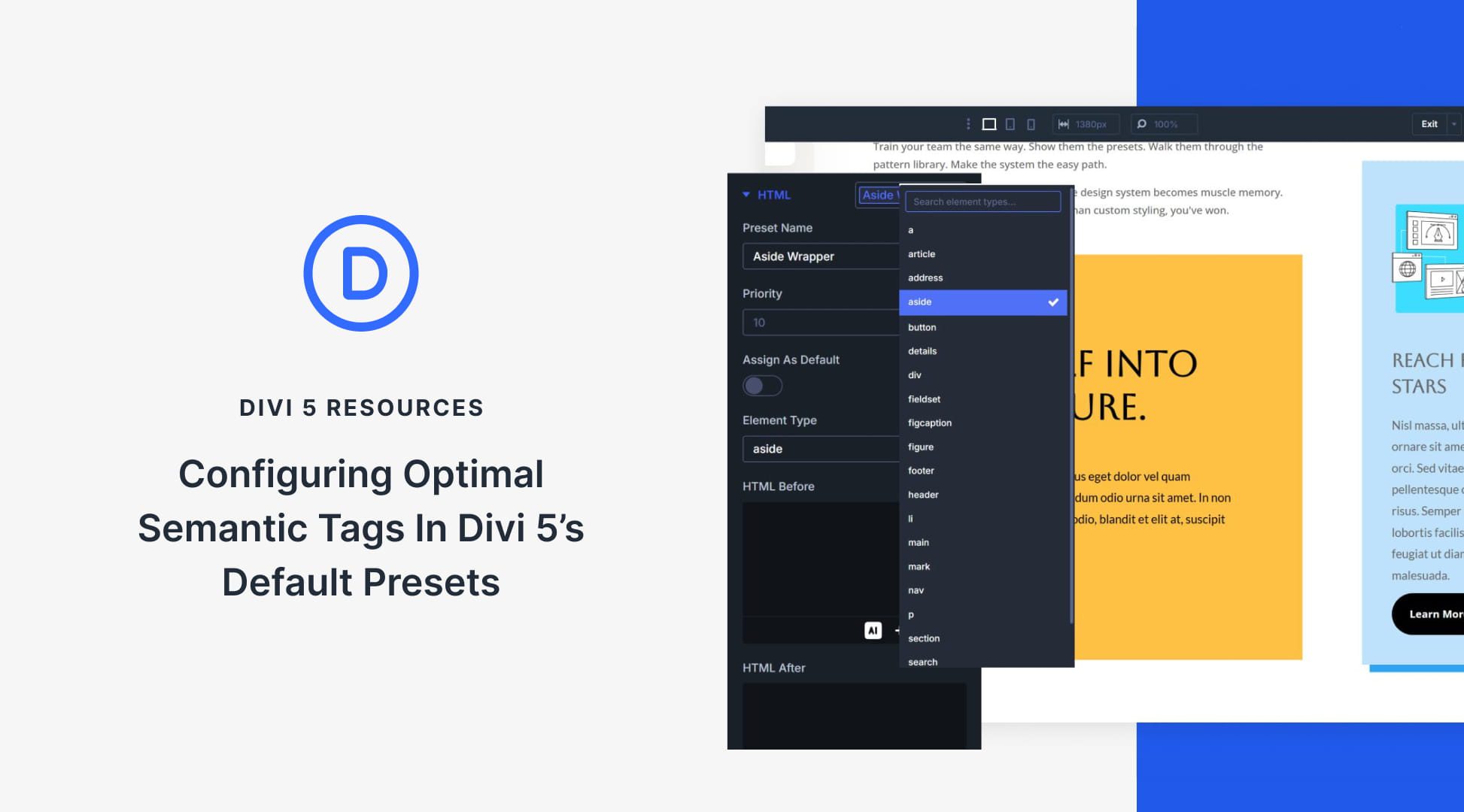
Streamlining Your Website with Divi 5’s Preset System
Divi 5 revolutionizes web design by introducing semantic tags, ensuring clean and efficient page structure. By setting these tags at the default level, all subsequent elements automatically follow the correct HTML structure. This approach not only enhances user experience but also boosts SEO, as search engines can better understand page content.
Semantic tags like header, nav, and footer categorize parts of a webpage, guiding both browsers and screen readers. This clarity is crucial for accessibility and improving navigation efficiency. With Divi 5, users can set semantic tags using presets, enabling consistent design and functionality across a site.
Divi 5’s preset system divides into Option Group Presets and Element Presets. The former handles settings like borders and text, applicable across various elements, while the latter addresses specific element styles. This dual structure allows for flexibility and consistency in site design. Users can store both visual styles and markup decisions within presets, which is advantageous as site complexity increases.
Presets simplify adjustments, reducing the need for manual tweaks. The Preset Manager acts as a central hub, streamlining the creation and management of presets, which is especially useful for large sites. By pre-defining semantic tags, potential inconsistencies are minimized, ensuring that site elements remain uniformly structured.
For ease of implementation, Divi 5 includes the Preset Manager, where users can assign semantic tags to columns and sections effectively. This system enables quick adaptation of design changes through a single update, influencing every linked element across the platform.
Key Takeaways:
- Semantic tags enhance accessibility and SEO.
- Divi 5 presets facilitate consistent web design.
- Option Group Presets manage common design features.
- Element Presets ensure detailed element styling.
- Preset Manager streamlines tag management and updates.
FAQs
What are semantic tags and why do they matter?
Semantic tags describe the type of content, helping browsers and screen readers understand page structure for better navigation.
How does Divi 5 simplify semantic tagging?
Divi 5 allows users to set semantic tags through presets, ensuring uniform application across elements without repetitive manual input.
What is the difference between Option Group Presets and Element Presets?
Option Group Presets manage settings applicable to multiple elements, while Element Presets focus on specific styles for individual elements.
How can Preset Manager benefit large websites?
Preset Manager offers centralized control, simplifying the process of updating styles and semantic tags across extensive sites.
Can presets be customized after application?
Yes, presets can be adjusted post-application, allowing for targeted changes without altering the overall structure.
Explore the advantages of Divi 5 and elevate your web design process with streamlined and semantically sound pages.