
Quick Answer
Plan a Divi 4 to Divi 5 migration around the content, templates and dependencies your business needs to keep. Identify what can convert, what needs a replacement and what requires a rebuild. Run the current migrator on an isolated copy, then check visitor functions and native editing before scheduling the live change. A compatibility report helps define the work; it does not replace site-specific acceptance testing.
This guide’s beta-era context
This article was first published on November 8, 2025, during Divi 5’s public beta period. Its existing URL preserves that history. Elegant Themes announced that Divi 5 exited beta on February 26, 2026. Beta-era installation advice should not be treated as a description of the current release.
Before planning work, check the vendor’s current release notes, requirements and compatibility guidance for the versions you intend to use. This guide does not declare a particular installed copy to be the latest public version.
Define what must survive the move
Start with an inventory of the current site, including pages, posts, reusable layouts, shared headers and footers, dynamic templates, forms and business integrations. Record who edits each part and how it is maintained.
List the conditions for accepting the result. These may include unchanged public URLs, preserved content and search metadata, working forms, correct product options, accessible controls and an editing process the team can still use. Specify which design changes are intentionally included.
A migration and a redesign can share a project, but combining them expands the work to be reviewed. If the goal is to preserve the design, record representative views before conversion. If the design will change, agree on the new layouts and content separately through the website design process.
Separate conversion, replacement and rebuilding
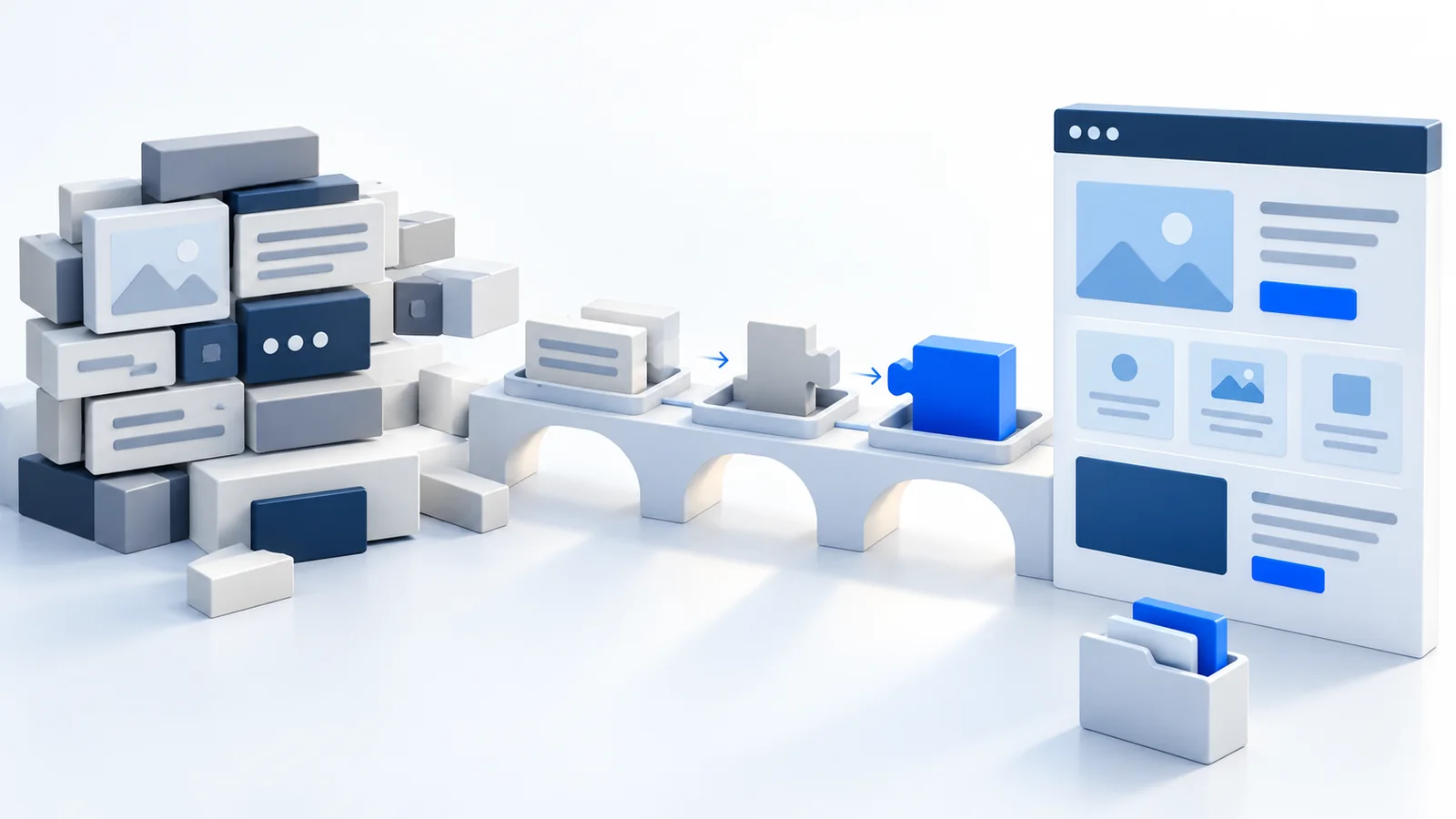
Classify each dependency before estimating the project. A site can contain all three types of work.
Ways to handle existing Divi content and dependencies
- Convert supported content
-
Planning question: Can the current migrator convert the existing component?
Evidence to request: A test result covering its appearance, behavior and editability.
- Replace a dependency
-
Planning question: Does an unsupported module or plugin need a supported alternative?
Evidence to request: A comparison of required features, data handling and migration work.
- Rebuild custom work
-
Planning question: Does custom code depend on the older builder's storage or APIs?
Evidence to request: A reviewed implementation plan and tests for the affected functions.
- Retain temporarily
-
Planning question: Is a documented compatibility path appropriate while a dependency is addressed?
Evidence to request: Known limitations, an owner and a follow-up decision.
A visual resemblance between two modules does not establish that their saved data, output or integrations are interchangeable. Ask what happens to the actual content and how future edits will work.
Turn the compatibility report into a work list
Use a controlled copy of the site with recovery available. Prevent test mail, payment calls, indexing and production integrations from running unintentionally. The copy should contain the dependencies needed for a meaningful test.
Elegant Themes’ current migration instructions describe the Migrator’s compatibility scan and conversion process. They distinguish supported content from components that use backward-compatibility mode. Check third-party module support with the module vendor as well.
Record each warning against the page, template or reusable component it affects. Assign a decision: convert and test, replace, rebuild, or retain temporarily with known limitations. An unexplained warning count is difficult for an owner to approve.
The scan covers builder compatibility. Your project still needs checks for custom code, external integrations, access rules and business data. Keep the full-site recovery arrangement separate from any content restoration feature provided by the migrator.
Check the site and its editing workflow
Check representative page types and every critical business path after the test migration. Include the shared shell, archive and search views, dynamic templates, forms, buying paths where present, and error states. Review narrow screens, keyboard navigation and content that is longer than the sample used during design.
Open converted content in the intended native editor. Confirm that an authorized editor can change the text, images and reusable elements expected in the handoff. A page that renders correctly can still need editing work before it is ready for the team.
Compare public URLs, redirects, canonical decisions and search metadata with the baseline. Assess performance using comparable conditions on the actual site rather than assuming a framework change guarantees a particular score.
Record failed checks and retest after the relevant fix. Use a website audit to define any additional accessibility, content or technical review needed beyond the migration’s agreed scope.
Agree on release and recovery
Plan how content and transactions added during testing will reach the final site. A store or membership database cannot be replaced casually with an older test copy. Identify any short editing pause, final synchronization and reconciliation work before choosing a release window.
Define who approves the result, who performs the change and who checks it afterward. Document the recovery point and conditions for using it. Restoring an older copy may undo newer edits, so the decision needs a current data plan.
If a dependency prevents migration, document the reason and a review date while following the vendor’s current support guidance. Avoid turning a temporary decision into an untracked indefinite delay.
Key Takeaways
- Preserve the beta-era article history while using current release guidance.
- Define the content, URLs, functions and editing tasks the migration must preserve.
- Estimate conversion, replacement and custom rebuilding separately.
- Resolve compatibility warnings through documented decisions and site tests.
- Plan for content and transactions added while the test copy is being reviewed.
Frequently Asked Questions
Is Divi 5 still in public beta?
Elegant Themes announced its exit from beta on February 26, 2026. This article’s original beta URL is retained for continuity. Check current official release information before installing software.
Will the migrator convert every third-party module?
Do not assume that. Review the scan and the vendor’s compatibility information for each dependency, then test its output and editing behavior.
Does migrating mean I need a new design?
A migration can aim to preserve the existing design. Replacement modules or custom dependencies may still require work. Agree on any planned redesign separately so the acceptance criteria are clear.
Can I move the staging database over the live site?
Only through a plan that protects and reconciles activity added since the copy was made. Orders, memberships and content changes may otherwise be replaced by older data.
For help scoping an existing Divi site, bring its dependency list and current priorities to a WordPress website project discussion. Identify conversion and custom development needs before requesting a release date.