
Quick Answer
For new Divi 5 structures, use the current regular-section and nested-layout tools. Existing Specialty Sections are a separate preservation question: current Flexbox guidance says legacy and migrated examples remain supported and editable, while they are unavailable in the Add Section panel. Rebuild a working legacy section only for a defined reason and verify the replacement.
Why the distinction exists
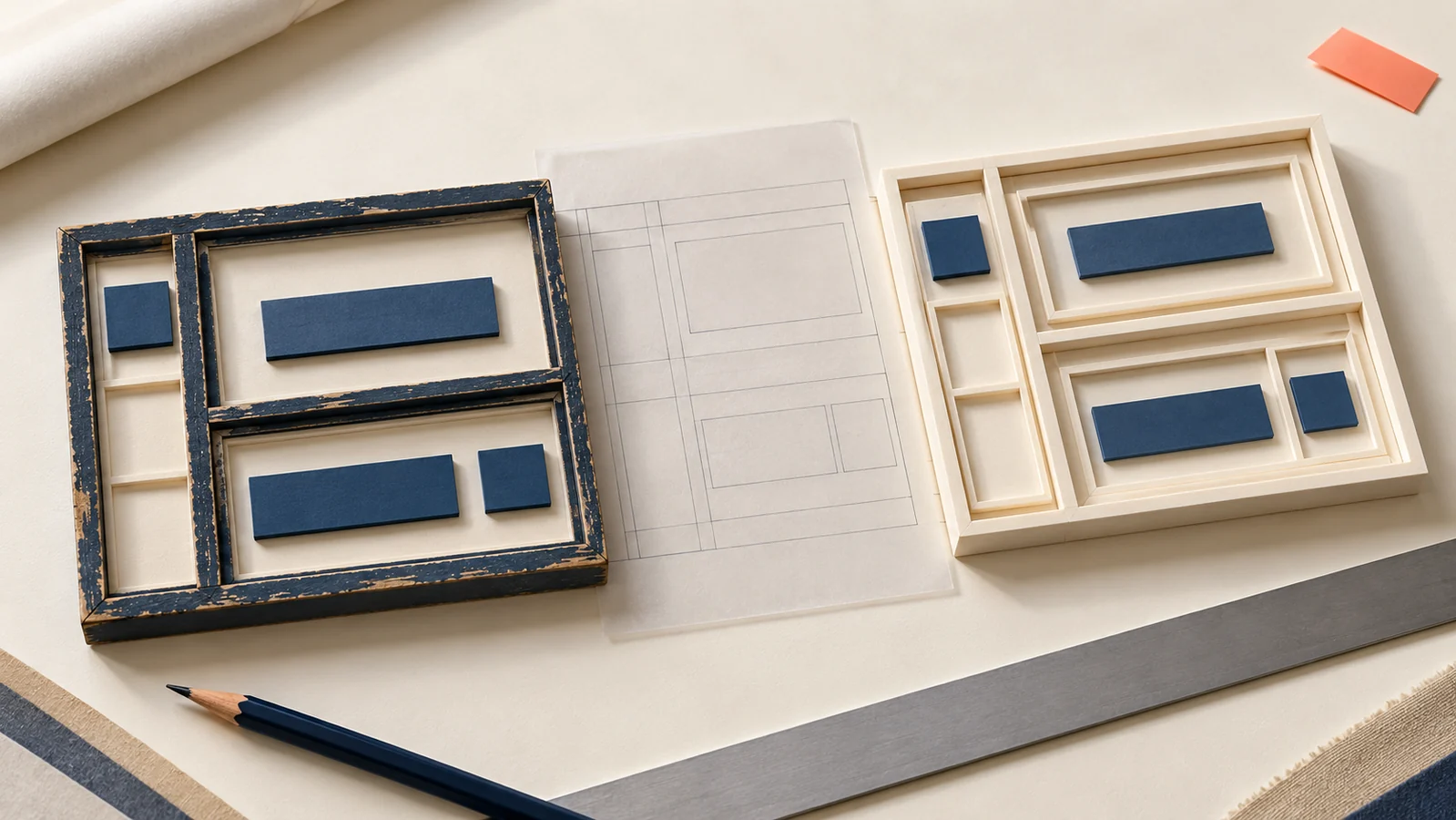
The June 2, 2025 comparison explained how nested rows could reproduce layouts previously built with Specialty Sections. It demonstrated a desktop recreation and discussed a future change in availability.
The current official Flexbox reference gives the more relevant availability rule: existing Fullwidth and Specialty Sections remain supported in legacy or migrated layouts and can be edited, but cannot be newly added through Add Section.
Choose preservation or rebuilding deliberately
| Situation | Review approach |
|---|---|
| A working migrated section | Inspect its behavior and dependencies before proposing a structural change. |
| A new layout | Use current supported section, row, column and grouping controls. |
| A layout needing structural revision | Define the reason and reproduce its required content and behavior on a working copy. |
Do not interpret deprecation language as a direction to delete a working section immediately. Equally, do not plan a new build around an insertion option that current documentation says is unavailable.
Map the layout before replacing it
Record the main content, sidebar or paired content, nested groups, images and actions. Note custom CSS selectors, IDs, anchor links and shared templates that depend on the existing structure. Preserve a recoverable before-state.
Build the simplest supported structure that expresses the same content relationship. Confirm the installed version’s nesting and layout controls instead of relying on an old “unlimited” claim.
Compare more than a desktop screenshot
Check reading order, stacking, spacing, image placement and action links at the widths the real content needs. Include longer headings and narrow screens. A desktop recreation does not prove that the mobile layout or keyboard route remains usable.
Review dependencies after the structure changes, then document intentional differences. Our website redesign service can help scope a wider structural update without treating every legacy section as a defect.
Key Takeaways
- Existing legacy support differs from new insertion availability.
- Define the reason before rebuilding a working section.
- Verify dependencies and responsive behavior after a structural change.
Frequently Asked Questions
Must I delete existing Specialty Sections?
Current official guidance says legacy and migrated examples remain supported and editable. Assess their actual behavior before planning changes.
Can I add a new Specialty Section through Add Section?
Current Flexbox guidance says that option is unavailable. Use the supported layout controls in the installed version.
Does a matching desktop layout finish the rebuild?
No. Compare narrow-screen behavior, content order, links and any CSS or template dependencies as well.