
Quick Answer
A SaaS marketing website should explain the product’s actual use, help a visitor assess fit and connect them to a working demo, trial or account entry. Define the boundary between public content and the application before choosing a template. A marketing-site layout does not build the software, its billing rules or its security controls.
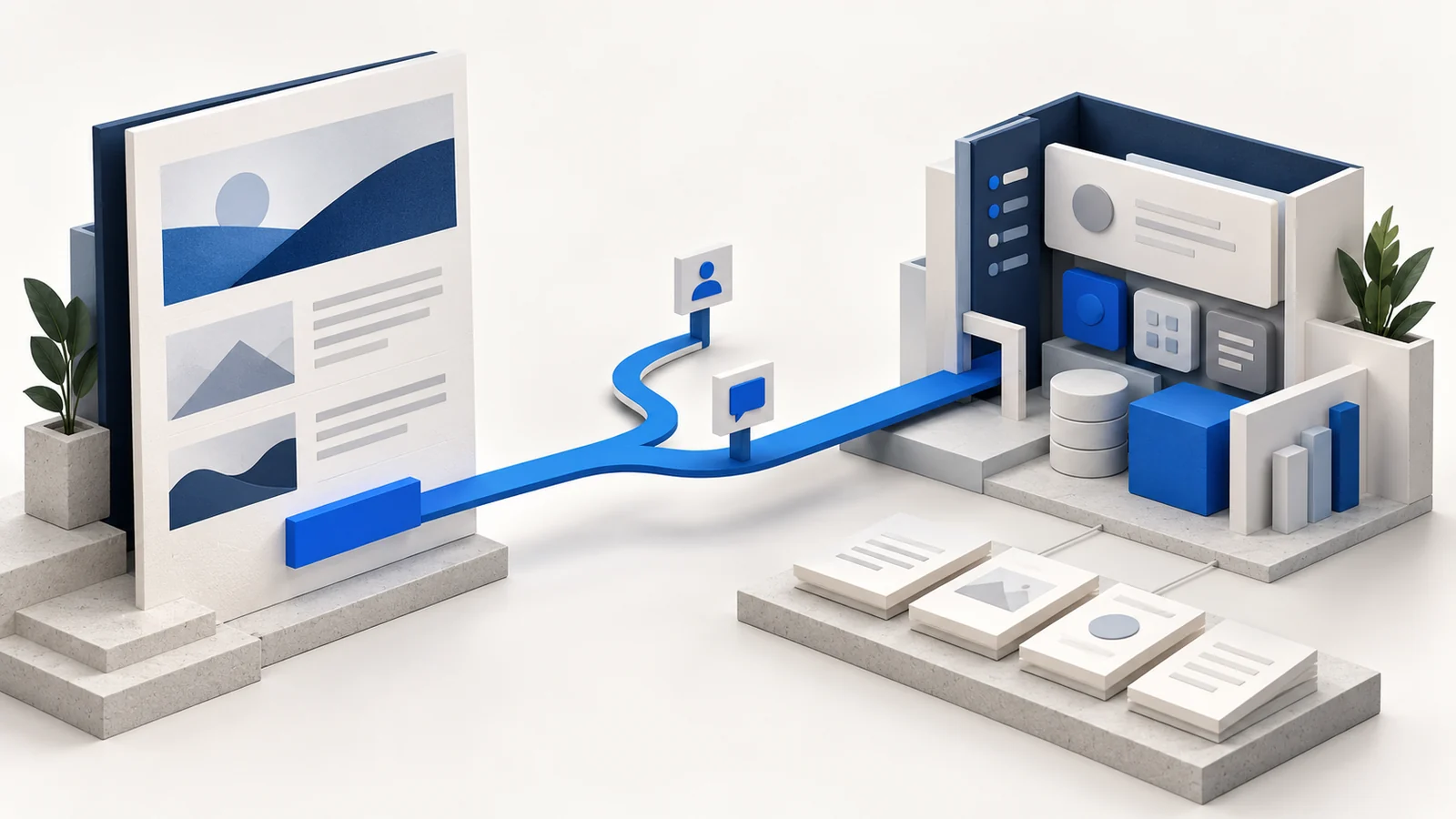
This topic originally followed Elegant Themes’ SaaS Starter Site announcement of March 12, 2025. That dated design introduction is not evidence of a current software feature, price, trial offer or customer result. The illustration here represents a conceptual website-to-application handoff.
Explain a real use case and its limits
Describe who uses the product, the task it helps them perform and what they need to begin. Show an actual permitted product workflow where available. Identify demonstrations, prototypes and planned features clearly rather than mixing them with released functionality.
For an illustrative team-scheduling product, a useful explanation might cover creating a schedule, inviting a colleague and handling a change. The product owner would need to verify every step against the current application. Generic claims about effortless productivity do not help a buyer evaluate those details.
Define each route into the product
- Demo request: specify whether the visitor is scheduling a meeting or asking for contact, and who receives the request.
- Trial: explain the approved duration, eligibility, payment requirements and what happens when it ends.
- Account entry: send existing users to the correct login or account process, with a separate route for access problems.
- Support: route product questions to the team or documentation responsible for existing customers.
Choose a primary action that matches how the business sells. Do not label a sales form “Start trial” if it cannot create or initiate the promised trial. Keep destination ownership explicit when another system handles the next step.
Give product facts a maintained source
Have the responsible team approve plan names, feature availability, usage limits, supported integrations and pricing. Record where those facts are maintained and who updates the public page after a product change.
Use security, privacy, uptime and certification statements only when current evidence supports the exact wording and scope. A badge graphic is not supporting evidence. Remove placeholder customer logos, invented quotes and sample dashboard figures.
If the website includes plan comparisons, explain meaningful differences and link to the relevant details. Avoid a comparison table that promises functions the application team has not confirmed.
Test the public-to-application handoff
Use an authorized test environment and approved test data. Follow a visitor from a relevant page through the primary action and its acknowledgment. Check the correct destination, required fields, failure states and the team notification or application record.
For a trial, inspect the actual state created by the workflow, including any verification step. For a demo, confirm that the scheduling confirmation reflects a real available appointment or clearly states that approval is pending. Also test returning-user login and support links.
Document which team owns a failure on either side of the handoff. A public-site release should not accidentally change an application’s authentication, payment or data-handling behavior.
Scope the website and integrations explicitly
A WordPress marketing website can be scoped around approved product content and entry journeys. Application functionality and integration work need their own requirements. Use ongoing development for defined changes and a website audit to identify gaps in existing public journeys.
Key Takeaways
- Explain verified product workflows and distinguish planned features.
- Make demo, trial, login and support actions accurate.
- Assign ownership of changing plan and product facts.
- Test the actual handoff and identify who resolves failures.
Frequently Asked Questions
Can a SaaS starter template build our application?
A marketing layout provides public-facing structure. Application development, authentication, billing and data workflows require separately specified and tested systems.
Should a SaaS website offer both a demo and a trial?
Offer the routes the business actually supports. Explain their purpose and conditions so visitors can choose without guessing what a button does.
Can a design concept show a future product feature?
It can be shown as an explicitly labeled concept or planned capability when the product owner approves it. Do not present it as released functionality or a customer result.