
Quick Answer
Adapt the Divi Sweets starter around what customers need to order: the product, quantity, available choices, lead time and fulfillment method. Replace sample products and claims with shop-approved information. Store templates are a starting design; they do not prove that pickup, payment or order notifications are configured.
Define one complete product record
The June 10, 2025 publisher introduction presents a sweets-shop design with optional WooCommerce templates. Start the content work with an actual product the shop is ready to offer.
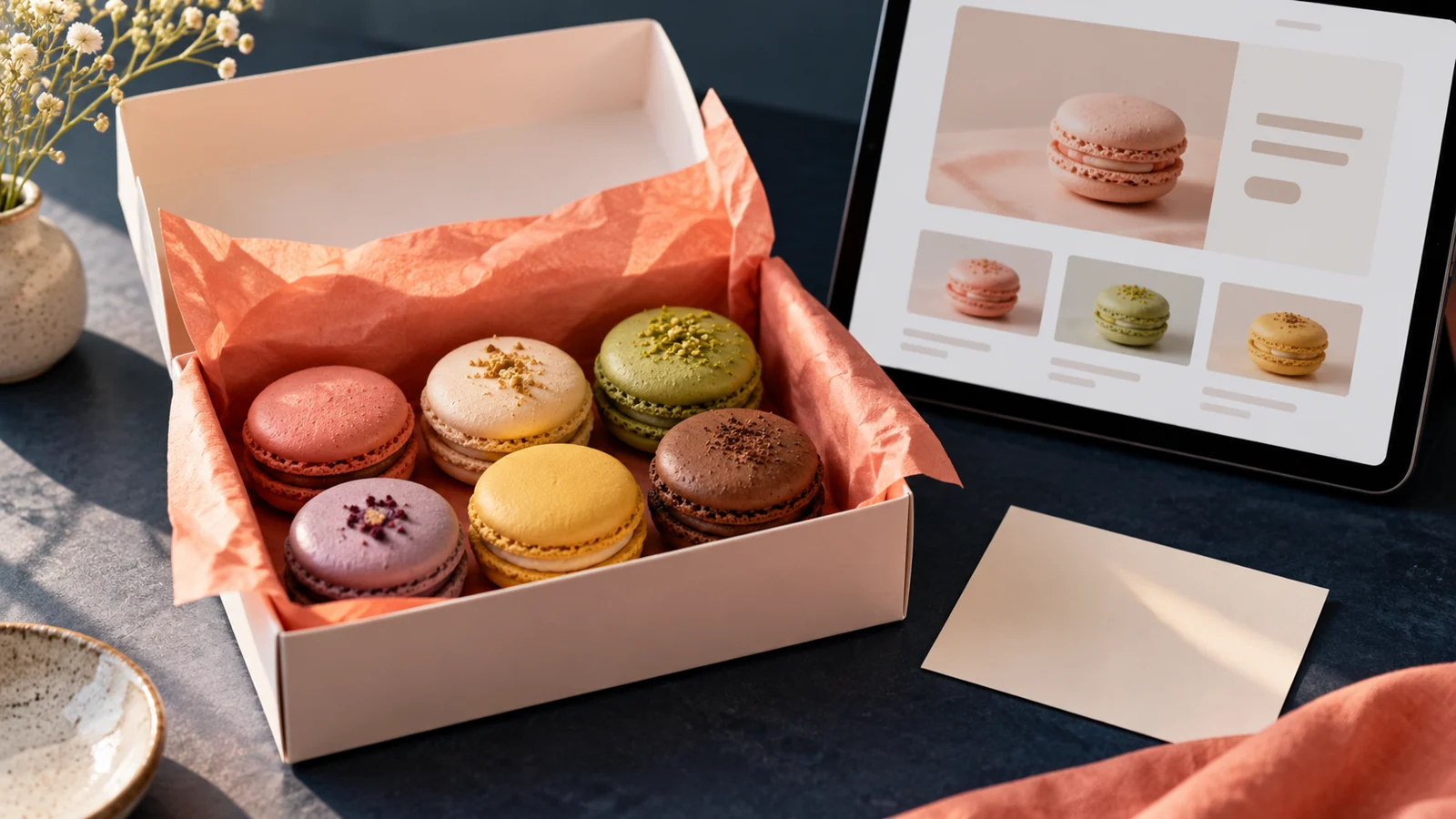
Specify whether a listing sells an individual item, a box or a larger order. Identify the count or size, selectable choices and what happens when a choice is unavailable. A photograph of several macarons should not leave customers guessing how many the displayed price includes.
Have the shop approve ingredient and dietary descriptions and explain how to ask a specific question. Use actual approved product photographs where possible. A conceptual cover or demonstration photo is not evidence of the contents of a customer’s order.
Explain when and how the order is fulfilled
Define the real pickup or delivery process, including any order cutoff, location and collection instructions. Publish only options the business can fulfill. If a custom cake or large order requires staff approval, route it through a clearly labeled inquiry rather than an unverified instant purchase.
Keep those details consistent on the product page, cart, checkout and confirmation message. Avoid offering a date picker unless the chosen ordering system and staff process actually honor its selection.
Replace the demonstration throughout the design
Use the current Quick Sites instructions in a separate build environment. Review products, sample articles, header and footer. Remove unsupported claims about baking frequency, experience, location or availability.
Decide whether the site needs a full store, a catalog with inquiries or both. The right choice follows how the shop accepts and confirms orders, not whether the starter has a cart graphic.
Check the order as a customer and as staff
Use an authorized working-copy test following the WooCommerce testing guidance. Test the item choices, quantity, fulfillment selection and intended notifications. Test activity can still affect email and connected services, so coordinate the environment and recipients first.
For larger event requests, see our catering inquiry guide. Our WordPress website design service can help plan the product pages and order route.
Key Takeaways
- Make box quantities and product choices explicit.
- Match pickup and delivery statements to actual operations.
- Verify the complete order path before accepting real purchases.
Frequently Asked Questions
Should a product photo define the box quantity?
No. State the quantity or size in the product information and make clear whether the photograph is representative.
Does optional WooCommerce setup configure pickup dates?
Do not assume that. Verify the actual date-selection capability and the staff process that fulfills it.
Can a custom-order request use the same purchase button?
Use wording that reflects the outcome. An inquiry awaiting approval should not look like a confirmed order.