
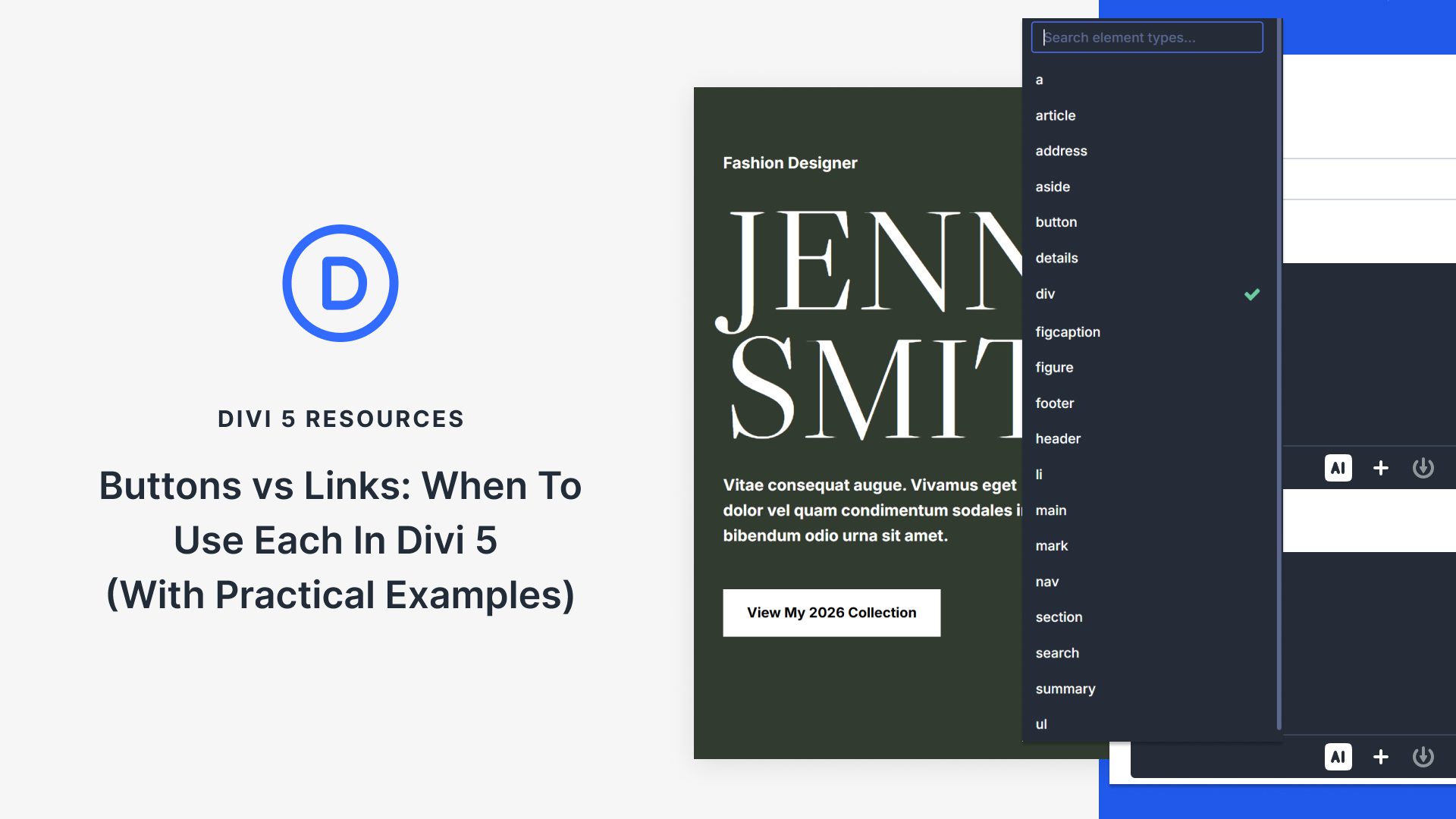
Understanding Buttons and Links in Web Design
In the realm of web design, the distinction between buttons and links is essential. While they may appear visually similar, their functions in code differ significantly. This guide explores how to effectively use these elements with Divi 5, a powerful tool that gives you control over HTML markup using Semantic Elements and Custom Attributes. Discover practical rules for utilizing buttons and links, along with examples you can apply to your designs.
Divi 5 empowers designers to enhance accessibility and functionality by providing tools directly in the builder. These tools enable precise control over the HTML structure without the need for custom code. Understanding the differences between links and buttons, and utilizing Divi’s features, ensures that your site remains accessible and search-engine friendly.
Links, using the <a> tag, direct users to new pages or sections, making them crucial for navigation. In contrast, buttons, created with the <button> tag, trigger actions within the same page, such as submitting forms or toggling content. Divi’s Semantic Elements allow you to assign the appropriate tags within the design interface.
Custom Attributes in Divi 5 add another layer of functionality. They allow the addition of ARIA roles and other attributes to provide additional context to assistive technologies and enhance the browsing experience.
You can explore more about WordPress Themes and start using Divi 5 for creating intuitive designs with enhanced semantics and accessibility.
Key Takeaways
- Links vs. Buttons: Understand the core functionalities they serve, navigating to new pages vs. triggering in-page actions.
- Semantic Elements in Divi 5: Gain control over HTML tags to ensure correct semantic structure without custom coding.
- Custom Attributes: Enhance accessibility by adding ARIA roles and other attributes using Divi’s builder.
- Improved Accessibility and SEO: Correct usage of these elements improves site accessibility and search engine indexing.
- Divi 5 Features: Utilize Divi 5 to create visually appealing and semantically accurate websites.
FAQs
What is the main difference between links and buttons in web design?
Links navigate users to a new page or section by using the <a> tag, while buttons perform actions on the current page with the <button> tag.
How does Divi 5 improve web design accessibility?
Divi 5 provides tools for assigning semantic elements and custom attributes directly in its builder, enhancing both accessibility and search engine indexing.
Why are Semantic Elements important in web design?
They ensure that HTML tags reflect the actual purpose of design components, improving both user experience and assistive technology support.
Can I use Divi 5 to customize attributes on a web page?
Yes, Divi 5 allows the addition of ARIA labels and other custom attributes to improve accessibility and user interaction directly within the builder interface.
Where can I learn more about enhancing my website using Divi 5?
Explore Elegant Themes for more insights on using Divi 5 and other WordPress themes.