
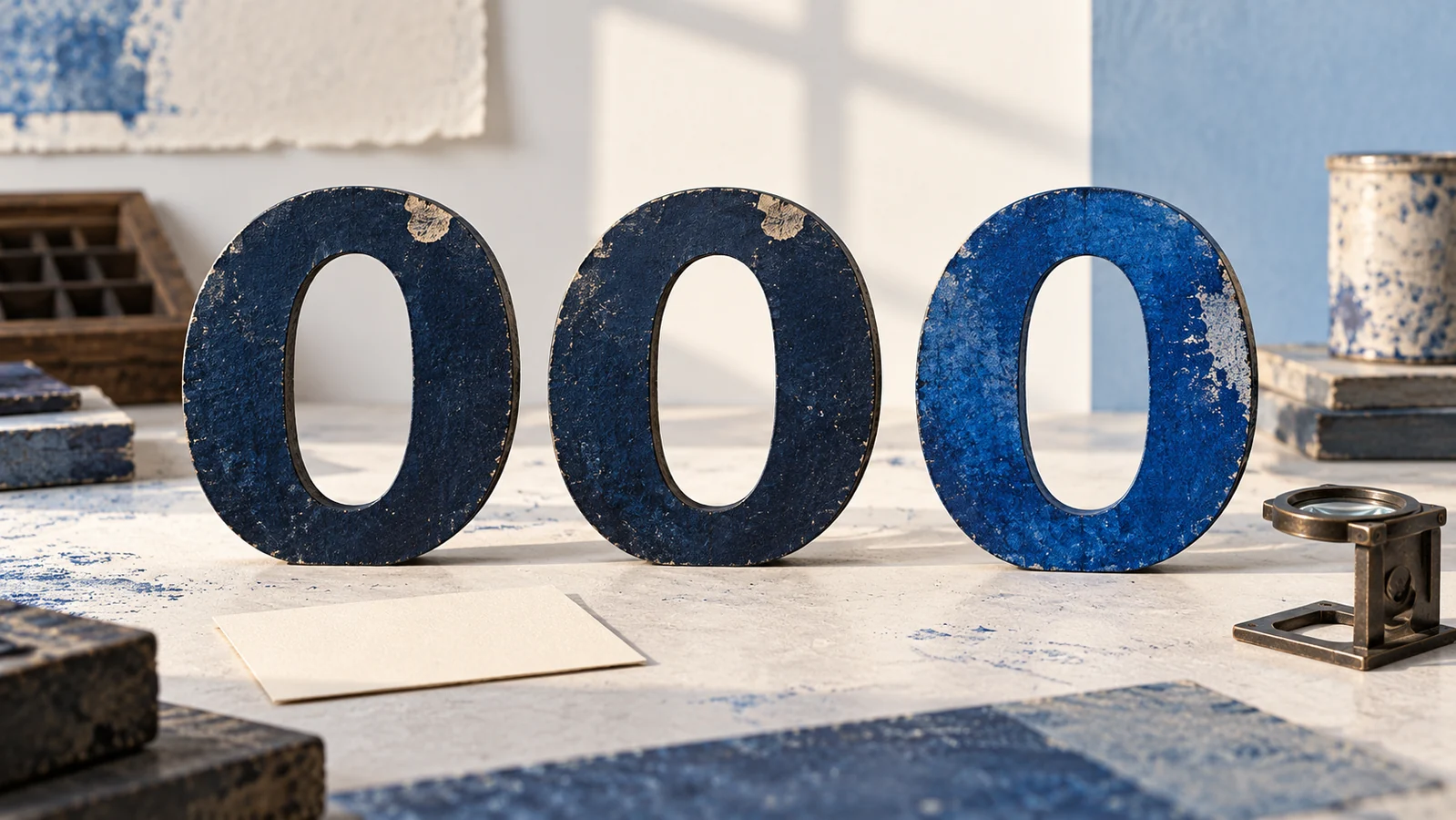
Quick Answer
Check a distressed font with words that repeat letters. The same chip or scratch can recur whenever the same glyph appears. If that repetition distracts from the intended lettering, inspect the actual font’s supported alternates rather than assuming an OpenType label creates random variation.
Look beyond the specimen’s first impression
The historical Design Shack distressed-font collection has changed since this archive entry was published. Treat it as publisher context, not a supplied download, a verified current free-font list or proof that a particular file includes every feature shown in a specimen.
A distressed face often looks convincing in one carefully composed word. The real headline can expose a different issue: identical wear marks in adjacent copies of a letter. That is a specific glyph-selection question, separate from whether the texture is attractive.
Identify the feature the actual font supports
Adobe’s OpenType panel overview distinguishes stylistic alternates, which provide alternative character designs, from contextual alternates, which respond to surrounding characters. OpenType fonts vary in the features they contain.
Its contextual-alternates guidance explains that an unavailable, grayed-out option indicates a feature the selected font does not support. A contextual feature is not a general promise to randomize distress marks.
Compare the repeated letters in one headline
Use the invented display word BALLOON as a proposed exercise. No named font was installed or tested for this article:
- Default rendering
- Compare the two L characters and the two O characters in the actual font file. Identify whether the same conspicuous cut or worn patch repeats.
- Available alternatives
- Inspect the font’s actual glyphs and supported features. If suitable stylistic alternatives exist, compare a deliberate alternate selection with the default word. Do not claim the specimen cover proves those alternatives are included.
- Contextual behavior
- If the font supports contextual alternates, compare the word with that feature enabled. Record what actually changes in this application and file rather than assuming every repeated letter will become unique.
- Selection decision
- If no suitable alternative exists, retain the repetition deliberately, choose another approved typeface or reconsider the lettering treatment. Do not describe an unsupported feature as a setting the next designer can simply turn on.
- Delivered result
- Record the selected file, glyph choices, supported settings and approved word. Compare the delivered artwork with that reference so a replacement file or different renderer does not quietly restore the unwanted pattern.
Preserve the choice without overstating the test
Keep an editable source through the project’s approved workflow and review the actual export or browser rendering used for delivery. A selection made in one design application does not establish that a different file, website implementation or renderer will reproduce it automatically.
Feature support and permission are separate questions. Confirm the actual license for the intended use before incorporating a font. This article supplies no font files and verifies no license.
The textured-font guide separates glyph texture from background treatment. The cracked-font guide covers letter and numeral recognition, while the artistic-font guide addresses display roles and required language coverage.
Key Takeaways
- Inspect repeated letters in the real wording.
- Verify the actual font’s alternate glyphs and features.
- Distinguish contextual substitution from random variation.
- Compare the delivered result with the approved glyph choices.
Frequently Asked Questions
Will a distressed font vary every repeated letter automatically?
Do not assume it will. Inspect the actual file and supported features with the intended wording.
Are stylistic and contextual alternates the same?
No. Stylistic alternates provide alternative character designs; contextual alternates respond to surrounding characters according to the font’s supported behavior.
Does this article include the specimen font?
No. This article does not include a font download. Obtain any needed file from an appropriate source and verify its license and features separately.