
Enhance Your Site with Divi 5’s Color System
Divi 5 introduces a redesigned Color Picker using HSL controls, enabling seamless color adjustments and site-wide updates. This advanced system allows users to easily create modern palettes for 2026 and beyond, with tools that simplify the design process.
Adjusting colors using HSL—hue, saturation, and lightness—offers greater precision than traditional hex codes. Designers can generate complete color ranges from a single base, ensuring consistency and integration across branding elements. This method makes achieving accessibility goals straightforward, with options to tweak lightness or saturation for optimal contrast.
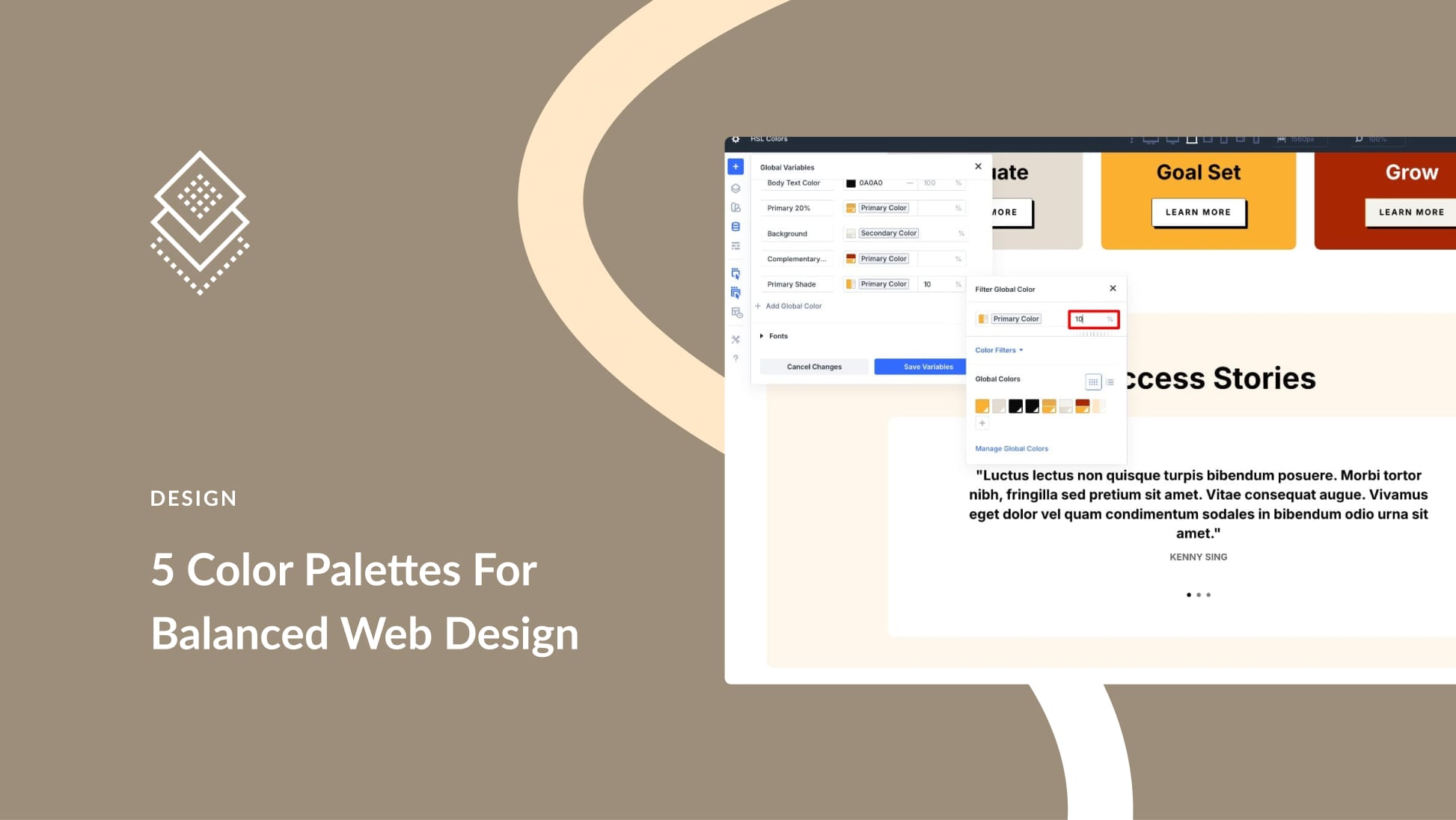
Divi 5 leverages this functionality through its Variable Manager. Designers can define a primary color and use HSL sliders to create variations like lighter backgrounds and darker text. This relational structure keeps all colors mathematically linked, so if a primary color changes, related colors adjust automatically.
For instance, making a button color 20% darker than the primary means even if the primary shifts from yellow to green, that button will adapt accordingly. This consistency extends to every design element, saving time and effort when updating styles.
Additionally, Divi 5’s tools like Inspector and Find & Replace allow for easy updates across multiple elements. Swapping an old hex code for a new variable is swift, and changes cascade through the entire site.
This approach to design ensures that color choices remain powerful yet flexible. It supports modern design principles by making it easy to maintain consistent, scalable UI patterns.
Key Takeaways:
- HSL controls offer precise color management.
- Colors stay unified across all site elements.
- Adjustments are made easily through Divi’s Variable Manager.
- Built to support accessibility and modern UI patterns.
- Efficiently update colors site-wide with tools like Inspector.
FAQs:
What is HSL, and why use it in design?
HSL stands for Hue, Saturation, and Lightness. It allows more precise control over colors, helping create a consistent design system.
How does Divi 5 simplify color changes?
Divi 5 keeps colors linked through HSL variables, meaning a single change updates the entire site instantly, maintaining consistency across elements.
How can I ensure my site is accessible using Divi 5?
Adjust the lightness or saturation in HSL to meet accessibility guidelines, such as WCAG AA standards for text contrast.
Can I apply seasonal themes easily in Divi 5?
Yes, by changing the primary color and related variables, seasonal themes can be applied throughout the site effortlessly.
How do I add a primary color in Divi 5?
Use the Variable Manager to define a primary color. Adjust using HSL sliders to create various connected color shades.
To explore how HSL controls in Divi 5 enhance your site design, learn more about the Divi Theme.