
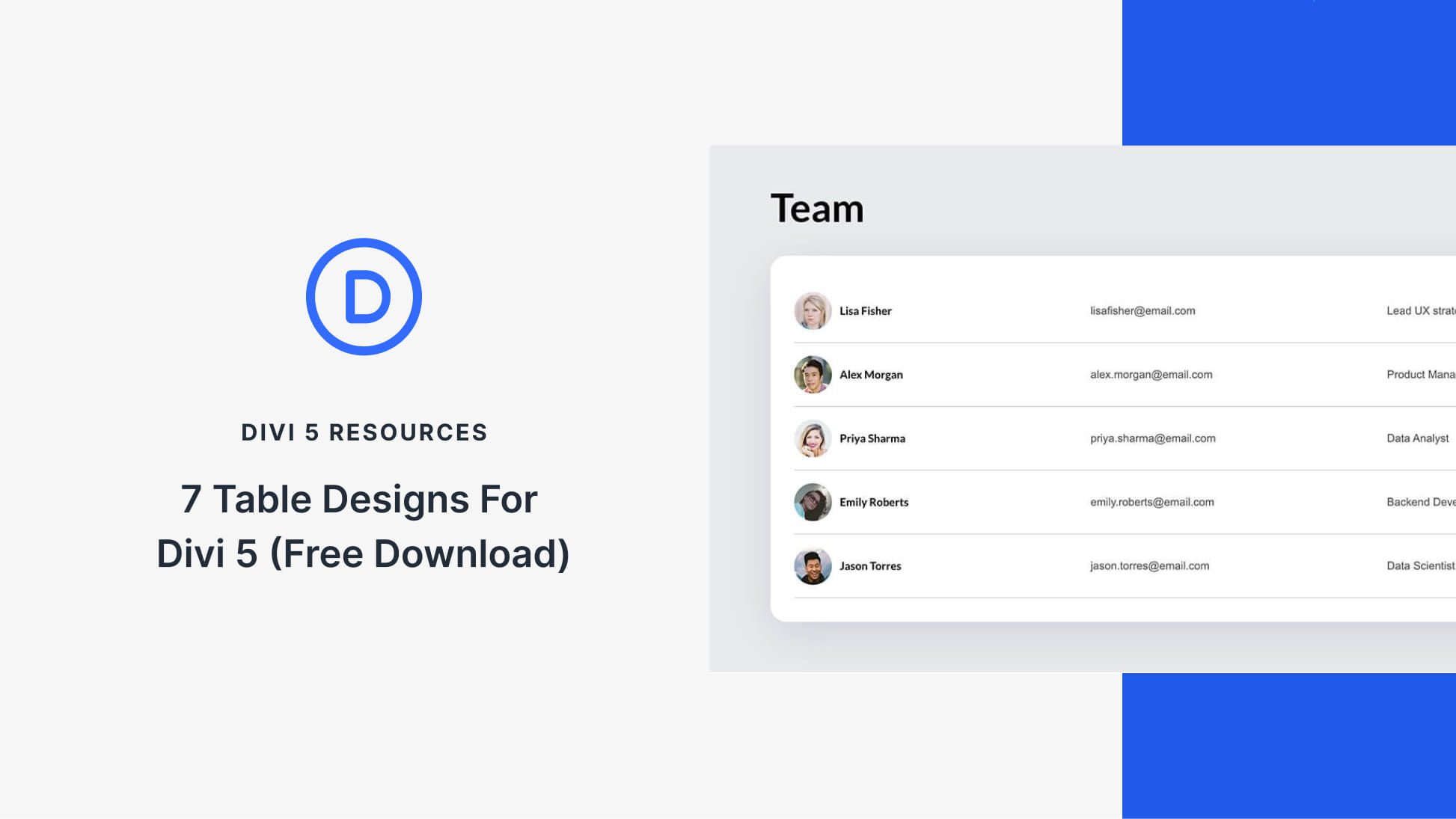
Discover Styled Tables for Easy Comparisons in Divi 5
Divi 5 introduces an efficient way to organize complex information through its free pack of 7 Styled Tables. These tables are perfect for pricing comparisons, feature lists, schedules, and other data-driven content. Easily customizable and ready to be added to any page, they offer a hassle-free solution for enhancing your site’s visual appeal and readability.
Each table is designed with modern typography, well-structured rows, and polished headers. To incorporate these tables, simply import them into your Divi Library and add to your site using the Visual Builder. With no additional setup required, updating the content is straightforward. You can swap text, adjust styles, and match the tables to your brand effortlessly.
Using Divi 5’s Visual Builder, you can also refine the table’s appearance, aligning the styles with your site’s aesthetics. Adjusting borders, typography, and color schemes ensures that the tables are not just functional, but also visually appealing.
For effective use, it’s crucial to maintain clear labels, visual hierarchy, and consistent column alignment. Planning for mobile responsiveness is also important, ensuring that tables remain readable on smaller screens. By following these practices, you can create tables that are both informative and easy to understand.
Using Divi 5, you can start building visually engaging tables today. This tool is a valuable asset for any web creator looking to present data cleanly and efficiently.
Key Takeaways
- Divi 5 offers 7 Styled Tables for displaying complex information.
- Tables are easy to import into the Divi Library and add via the Visual Builder.
- Customization options allow for brand-matching styles.
- Essential table design includes clear labels, visual hierarchy, and alignment.
- Mobile-friendly designs ensure readability across devices.
Frequently Asked Questions
How do I import Styled Tables into Divi?
Go to the Divi Library, click "Import & Export," and select your chosen JSON file.
Can I customize the table styles?
Yes, you can change fonts, colors, borders, and more to match your brand’s look.
What is the purpose of these Styled Tables?
They are designed for easy comparison and organization of data-heavy content like pricing and features.
Are these tables mobile-responsive?
Yes, they can be adjusted to maintain readability on smaller screens.
Is any additional setup required after importing the tables?
No additional setup is needed; simply replace the text and adjust styles as preferred.