
Discovering Semantic Elements and Custom HTML Wrappers in Divi 5
Divi 5 introduces exciting new features, including Semantic Elements and Custom HTML Wrappers, enhancing the way users can build and optimize their websites. These advancements allow developers to utilize semantic tags such as nav, section, header, and button, which are crucial for accessibility and SEO. By assigning meaning to different modules, screen readers and search bots can effectively interpret a page’s structure. Additionally, Divi 5 offers the capability to embed custom HTML before and after any element, extending the customization options beyond what was previously possible.
With the introduction of HTML5 tags, including section, article, header, and footer, creators can now provide inherent meaning within their HTML. This innovation means that content organized in these tags helps screen readers locate page beginnings and identify content blocks. The addition of elements like buttons makes interactive content accessible.
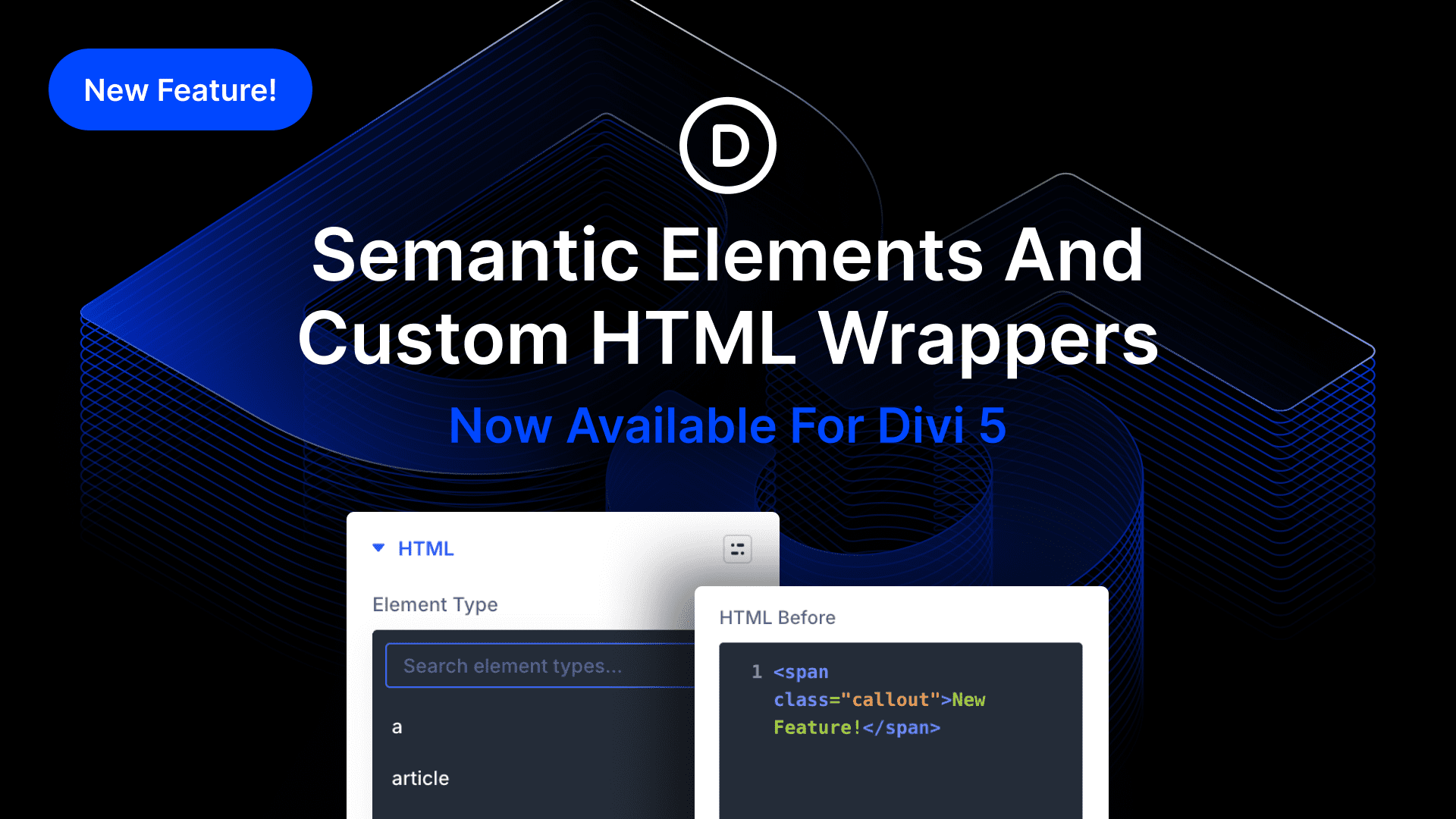
Divi 5 empowers users to innovate with unlimited nested elements, custom interactions, and more, turning icons into buttons and text modules into navigational elements effortlessly. This versatility allows for the creation of one-page sites structured with semantic sections like header, article, and footer. Advanced settings now include an HTML option group, where users can select their preferred tag from an Element Type menu, streamlining customization.
The new HTML settings also include two options for injecting code directly before and after any element. This feature operates similarly to built-in code modules, facilitating custom development in areas untouched by traditional code modules.
For those interested in exploring these features, Divi Theme is available for trial. Test out the possibilities of Semantic Elements and Custom HTML Wrappers in Divi 5 today.
Key Takeaways
- Semantic tags enhance accessibility and SEO.
- HTML5 tags provide structure and meaning to web content.
- Divi 5 enables infinite customization with nested elements.
- HTML option group in settings allows easy tag selection.
- Before and after code injection provides advanced customization.
Related FAQs
What are Semantic Elements in Divi 5?
Semantic Elements refer to HTML tags like nav, section, and header that provide meaning to web structures, improving accessibility and SEO.
How do Custom HTML Wrappers work in Divi 5?
They allow for the insertion of HTML code before and after elements, enabling advanced customization that traditional code modules cannot achieve.
Why are HTML5 tags important?
HTML5 tags like section and article help organize content meaningfully, improving screen reader navigation and SEO ranking.
Can I create custom navigational elements with Divi 5?
Yes, using text modules and semantic tags, you can design unique navigation menus.
What other features does Divi 5 offer?
Divi 5 includes unlimited element nesting, custom interactions, and more, supporting advanced web design possibilities.
Explore further with WordPress Site Design.