
Quick Answer
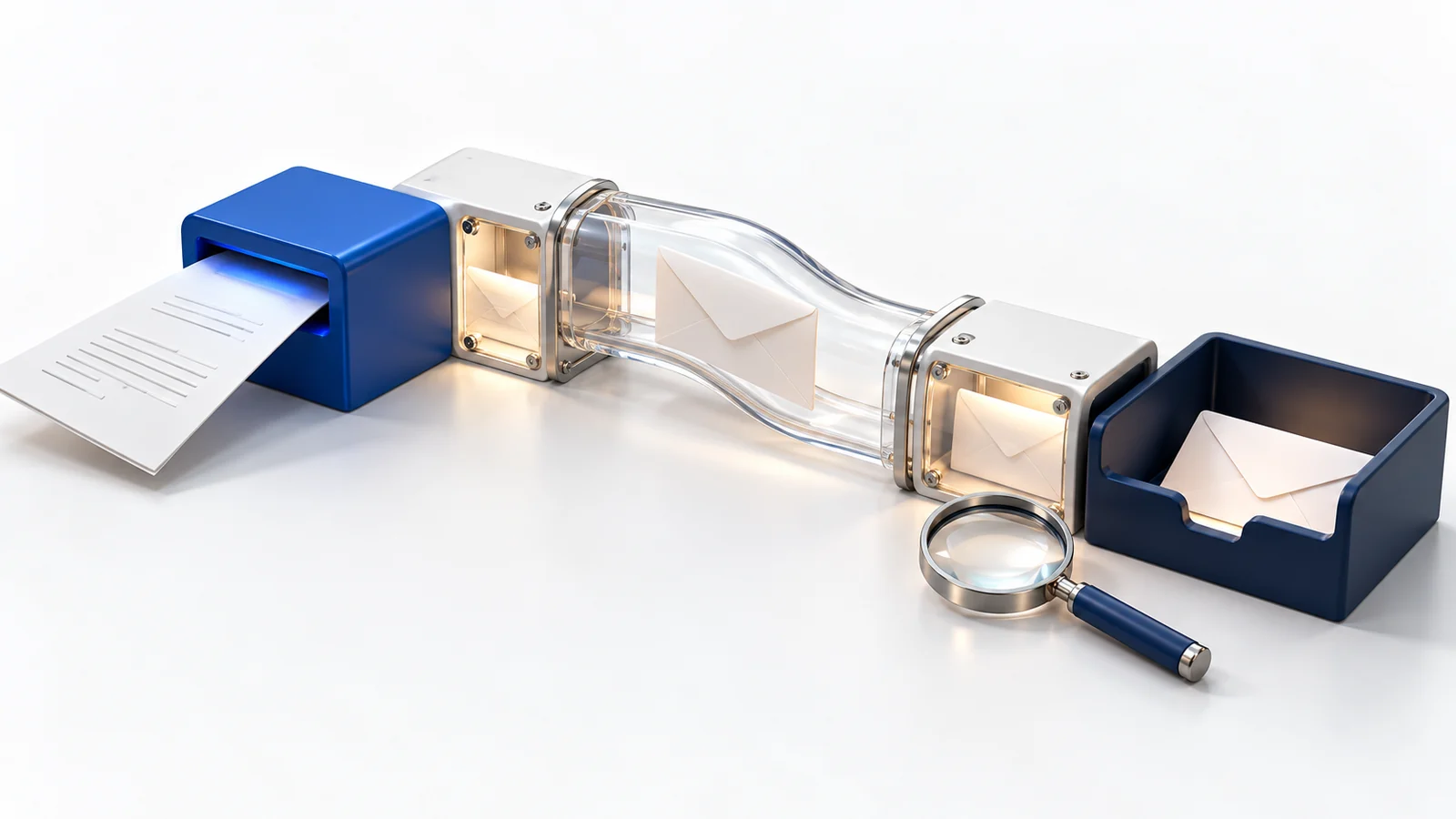
When a website inquiry does not arrive, trace each handoff: browser submission, form processing, saved entry if supported, mail transport and recipient handling. A success message or a successful mail-function result does not prove inbox delivery. Use an authorized test with a known recipient, record timestamps, and inspect the stage where evidence stops.
Start with one specific example: which form, when it was submitted and which destination should have received it. Avoid changing DNS or installing another mail plugin before identifying the failing handoff.
Check whether the form accepted the submission
Look for visible validation errors, a failed request or an application error. Check any spam-control decision. If the form stores entries, see whether the test appears there; not every form retains submissions.
Use non-sensitive sample content and a unique reference that the maintainer can locate in restricted records. Keep the time and time zone. A screenshot of the success message helps identify the visitor experience but does not establish what happened afterward.
Find the last verified handoff
| Stage | Question |
|---|---|
| Form application | Was the request accepted, and is an entry available where storage is enabled? |
| Notification rule | Did the intended rule select the correct recipient for this submission? |
| Mail transport | Did the configured service accept the message, queue it or reject it? |
| Receiving system | Did the destination accept, quarantine, reject or route the message? |
| Staff workflow | Can the responsible person locate and act on the inquiry? |
WordPress’s wp_mail() documentation explicitly distinguishes processing a mail request from successful receipt. A form plugin can report success before a later mail or recipient-stage failure becomes visible.
Ask the maintainer or provider for the relevant message identifier and status where available. Preserve a redacted diagnostic record instead of forwarding private inquiry contents broadly.
Review recipient rules and sender identity
Check spelling, conditional routing, disabled notifications and whether a recent change altered the destination. Multiple recipients may follow different rules or encounter different receiving filters.
Review the actual sending service and authenticated domain. A form should not pretend to send as the visitor’s unrelated email account. Use the provider’s documented sender configuration and a suitable reply-to arrangement for responding to the visitor.
Gmail’s sender guidelines explain authentication requirements for personal Gmail recipients, with additional requirements for bulk senders. Requirements differ by receiver and sending pattern. Our SPF, DKIM and DMARC guide explains the domain-authentication concepts.
Have the responsible administrator verify provider-specific DNS and message evidence. Do not add guessed records or overwrite an existing sender policy, since the domain may serve several legitimate systems. The SPF record guide explains multiple-sender and lookup constraints; the DKIM guide explains how to check the signing domain and selector.
Inspect the receiving side
Check junk, quarantine, forwarding rules, mailbox limits and any help-desk or CRM routing. A provider marking a message “delivered” may describe acceptance by a receiving server rather than placement in the inbox a staff member expects.
Compare an authorized test to the intended recipient with a test to another controlled destination when appropriate. A difference can narrow the investigation without proving the cause. Check acknowledgment messages separately from staff notifications.
Verify the repair from both ends
Repeat the original path after the fix. Confirm the visitor receives accurate feedback, the expected record exists where configured, the destination receives the notification and staff can reply appropriately.
Record the test date, form URL, route and result. Assign someone to check the flow after changes to forms, mail credentials, DNS or receiving systems. Our ongoing development service can help diagnose the path, and website care plans can support recurring checks.
Key Takeaways
- Separate submission success from delivery and staff receipt.
- Trace one timestamped test through each handoff.
- Verify recipient rules and the real sending service.
- Retest the complete path after the repair.
Frequently Asked Questions
Why does the form say success when no email arrives?
The form may have accepted the submission while a later notification, transport or receiving stage failed. Trace the separate stages.
Will an SMTP plugin always fix it?
No. It can change the sending path, but incorrect routing, credentials, authentication or receiving rules still need diagnosis.
Should a form keep every inquiry forever?
Choose storage, access and retention according to the business’s approved privacy and operational requirements. Retained entries can aid investigation, but they also require responsible handling.