
Practical advice for
better websites.
Guides to website design, WordPress, Shopify, SEO and keeping your site working well.


Main, Section and Aside in Divi 5: Choose the Content Role
Choose main, section and aside from the content purpose, inspect Divi templates first and verify the complete document structure and reading order.

Responsive Flexbox Layouts in Divi 5: Flow, Space and Order
Plan Divi 5 Flexbox containers, wrapping and gaps using real content, then check source order, intermediate widths, zoom and keyboard navigation.

Figure and Figcaption in Divi 5: Context, Captions and Alt Text
Use figure and figcaption in Divi 5 when content benefits from a self-contained reference, then verify caption structure, alt text and image context.
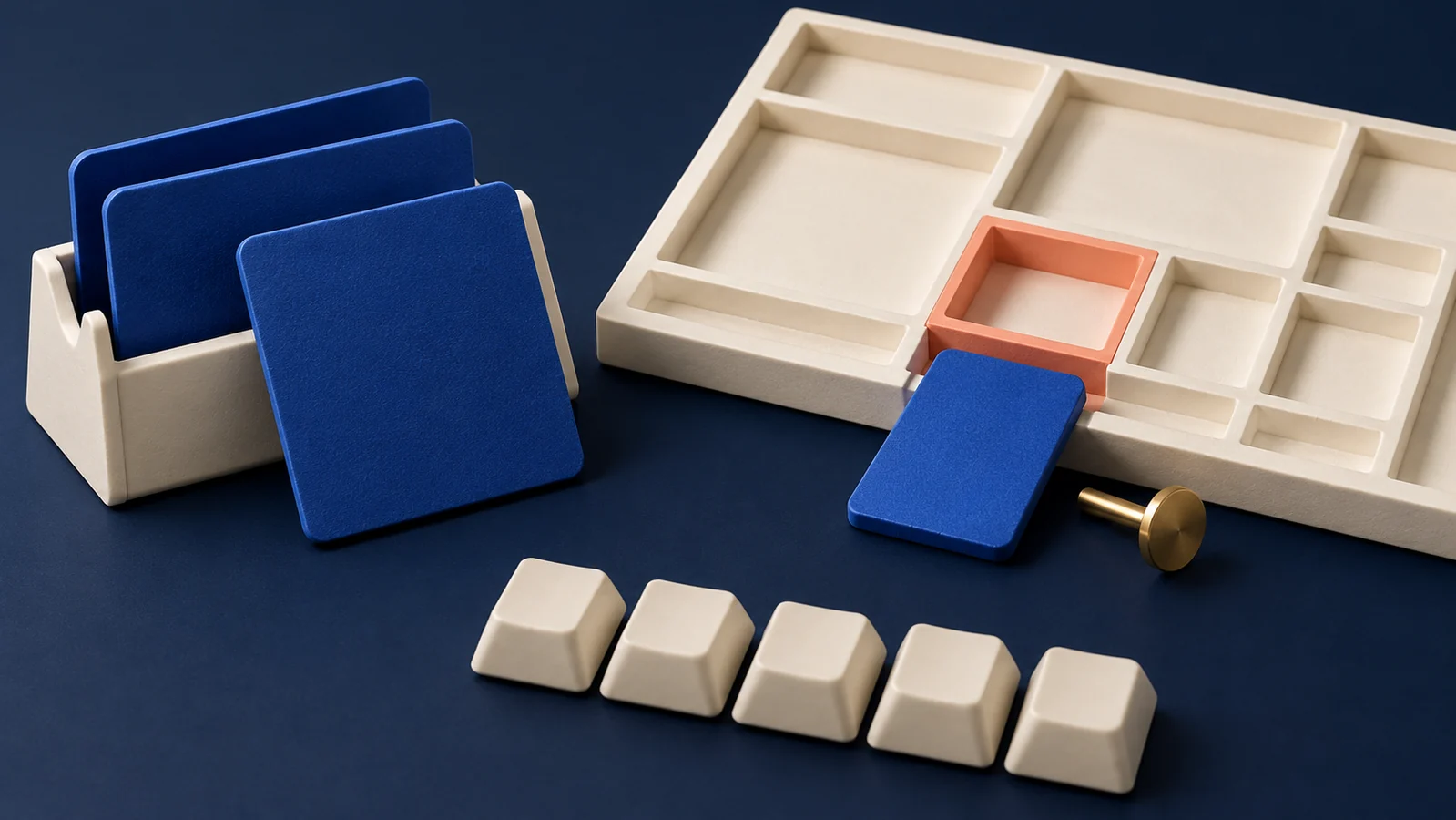
Using the Divi 5 Command Center With Clear Editing Scope
Open the Divi 5 Command Center, identify commands, check insertion context and review small queues before applying shared presets or page changes.
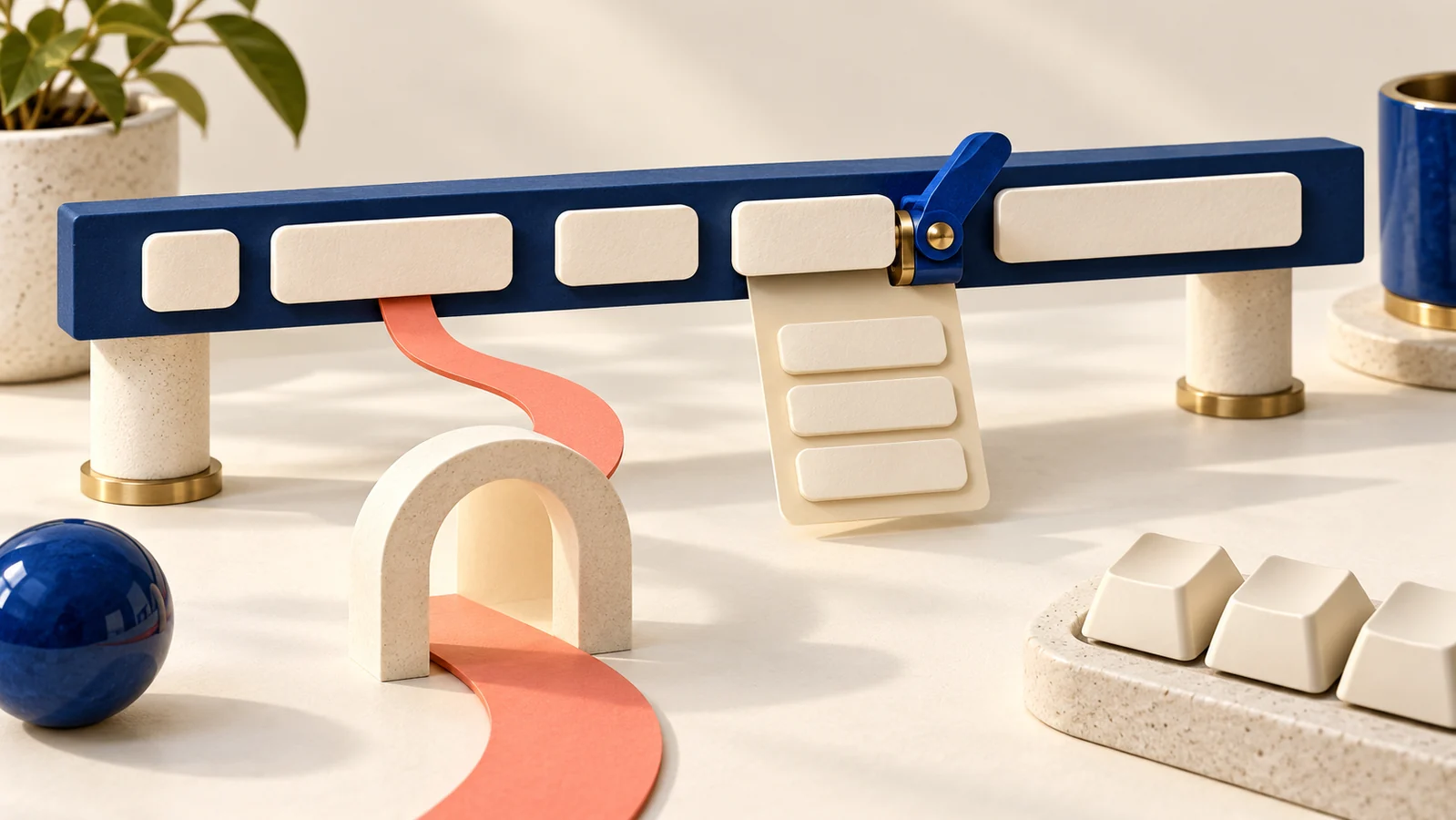
Planning and Testing Custom Menus in Divi 5
Plan Divi 5 menu sources, dropdown actions and reusable interactions, then test destinations, keyboard access, touch, focus and layout changes.

Header and Footer Elements in Divi 5: Check Their Scope
Choose header and footer elements in Divi 5 by content relationship, inspect shared templates and distinguish local groups from page-level landmarks.

Planning a Dark Palette With Divi 5 Relative Colors
Build a Divi 5 dark palette around color roles, review relative-color dependencies and contrast, and separate a design preview from mode switching.

Building a Divi 5 Grid Gallery for Real Content
Plan a Divi 5 grid gallery with real images, useful crops, captions and order, then test narrow layouts and any link or lightbox behavior separately.

Managing Shared Styles With the Divi 5 Preset Manager
Find and organize Divi 5 presets, choose shared edits or variants, review preview limits and document defaults before changing a reusable style library.

Responsive Content Wraps With clamp() in Divi 5
Use clamp() for Divi 5 content limits while checking width, max-width, parent padding, unit mode and real content at narrow and intermediate sizes.

Evaluating Blend-Mode Layouts for a Divi 5 Website
Review Divi blend-mode resources with your own images, inspect the layer structure, check readable text and confirm the publisher’s download terms.

Creating a Useful Divi 5 Preset Playground
Use a Divi Canvas as a practical component reference, test realistic content, distinguish local overrides from shared presets and document editing rules.

Editing Pages With Divi 5 Page Manager and Preview
Use Divi Page Manager, preview and content drill-down with page-identity checks, precise selection and a separate review of the saved public page.

Building a Practical Fluid Spacing Ramp in Divi 5
Plan reusable Divi spacing values with clamp(), check the formula’s bounds and container context, and keep layout breakpoints where content needs them.

Choosing Image Masks for a Divi 5 Website
Evaluate Divi image masks using production photos, responsive crops, useful alternatives and link behavior, with clear publisher resource attribution.

Using Divi 5 Canvases to Prepare Website Changes
Prepare alternate layouts in Divi Canvases, understand shared settings and display connections, and choose separate staging when a change needs isolation.

Using Divi 5 Custom HTML Wrappers Carefully
Choose Divi HTML Before and After fields for a specific structure, pair tags, inspect the rendered output and avoid duplicate IDs or nested controls.

Choosing Semantic HTML Elements in Divi 5
Choose Divi semantic tags from content purpose, inspect shared templates and rendered landmarks, and review headings and interaction behavior separately.

Choosing Option Group, Element and Combined Presets in Divi 5
Choose preset scope in Divi 5, understand stacking and nesting, trace local overrides and document shared dependencies before changing reusable styles.

Planning Readable Comparison Tables in Divi 5
Evaluate Divi table resources for clear labels, header relationships, readable mobile layouts and maintainable data, with publisher download attribution.

Divi 5 Preset Manager: Shared Editing and Imports
Plan how editors select and change shared presets, verify previews on real pages, and transfer a library between Divi 5 sites.

Using the Divi 5 Canvas Portal Module for Reusable Content
Place content with Divi Canvas Portal, identify its source and local or global scope, and review shared edits and interactive behavior separately.

Divi 5’s Official Release Date and Website Migration Readiness
Confirm Divi 5’s February 26, 2026 release and distinguish the historical launch announcement from current compatibility, support and migration decisions.

Planning a Divi 5 Contact Section That Supports Real Inquiries
Evaluate Divi contact layouts around useful inquiries, persistent labels, error and success states, accurate contact details and verified form delivery.

Adding Semantic Roles and Attributes in Divi 5
Use Divi Custom Attributes on the correct target, prefer suitable native HTML and verify keyboard behavior, names and synchronized states after saving.

Building Reusable Card Module Groups in Divi 5
Build Divi card groups with clear content rules, verify independent or shared reuse, and configure loop queries and dynamic destinations explicitly.

Divi 5’s Semantic Elements and HTML Wrapper Update
Review Divi’s semantic element and wrapper feature history, inventory current markup and choose focused changes with rendered structure and behavior checks.
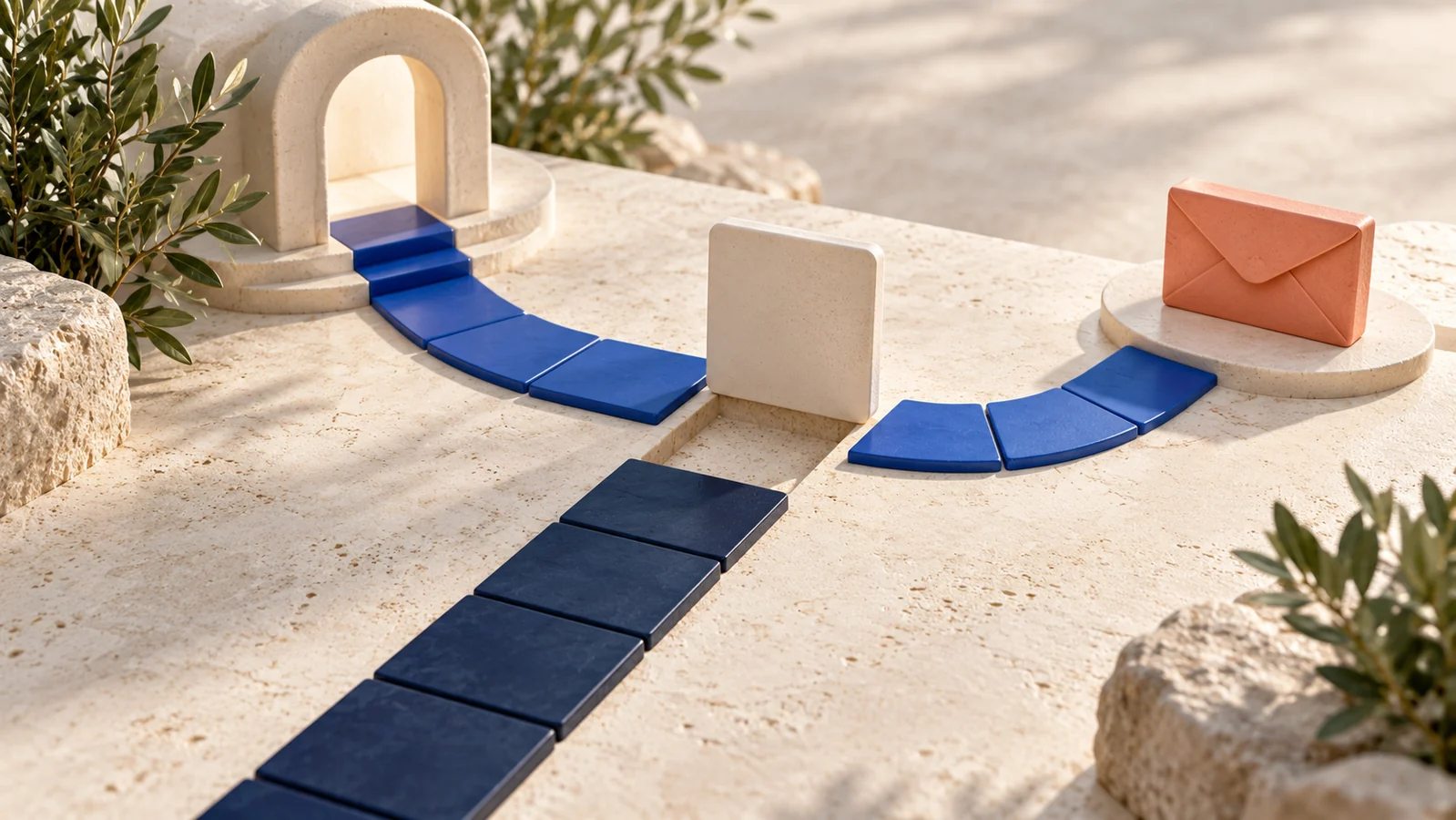
Creating a Helpful Divi 5 404 Page
Plan a helpful Divi 404 template, verify the missing URL’s HTTP status and provide useful recovery links while repairing known broken routes.

Divi 5 Grid Offset: Start Lines, Spans and Responsive Placement
Understand grid lines and spans, target Divi offset rules deliberately, and review responsive placement alongside reading and keyboard order.
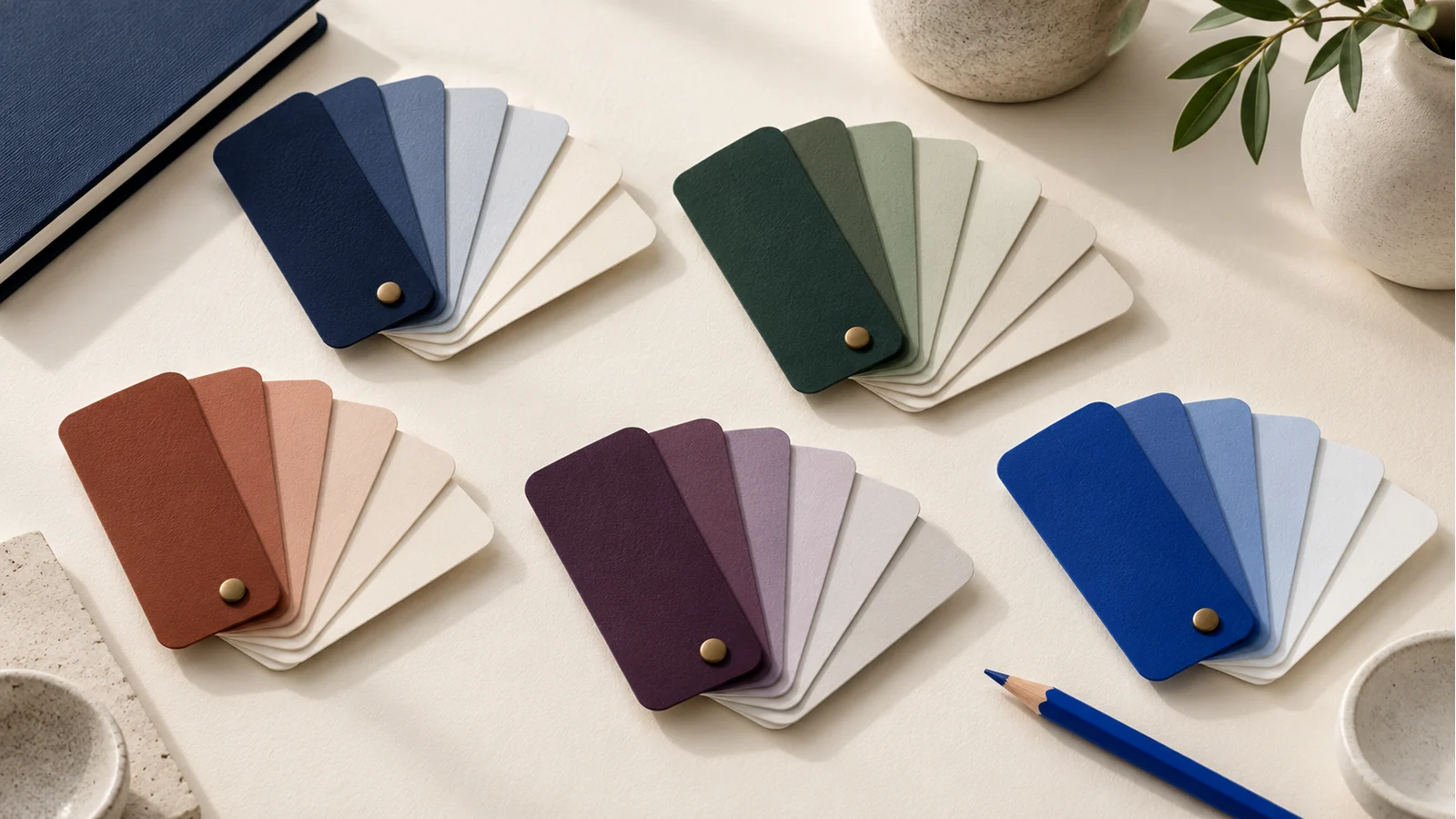
Five Web Color Palette Directions and How to Test Them
Compare five palette directions, assign colors to interface roles, and test actual contrast pairs and states before applying shared styles in Divi.