
Creating Light and Dark Layouts with Divi 5
Divi 5 introduces a seamless method for managing both light and dark layouts using its advanced Color System and Design Variables. This method enables designers to create cohesive color schemes that adapt effortlessly without having to manually adjust each module. The approach is centered around defining a shared color system that can be applied and adjusted globally.
Initially, a light mode layout is created using a balanced color structure. This layout utilizes a primary and secondary color scheme where all other elements, such as headings and body texts, are derived from these base colors. This creates a visually connected design that can easily transition into a dark mode.
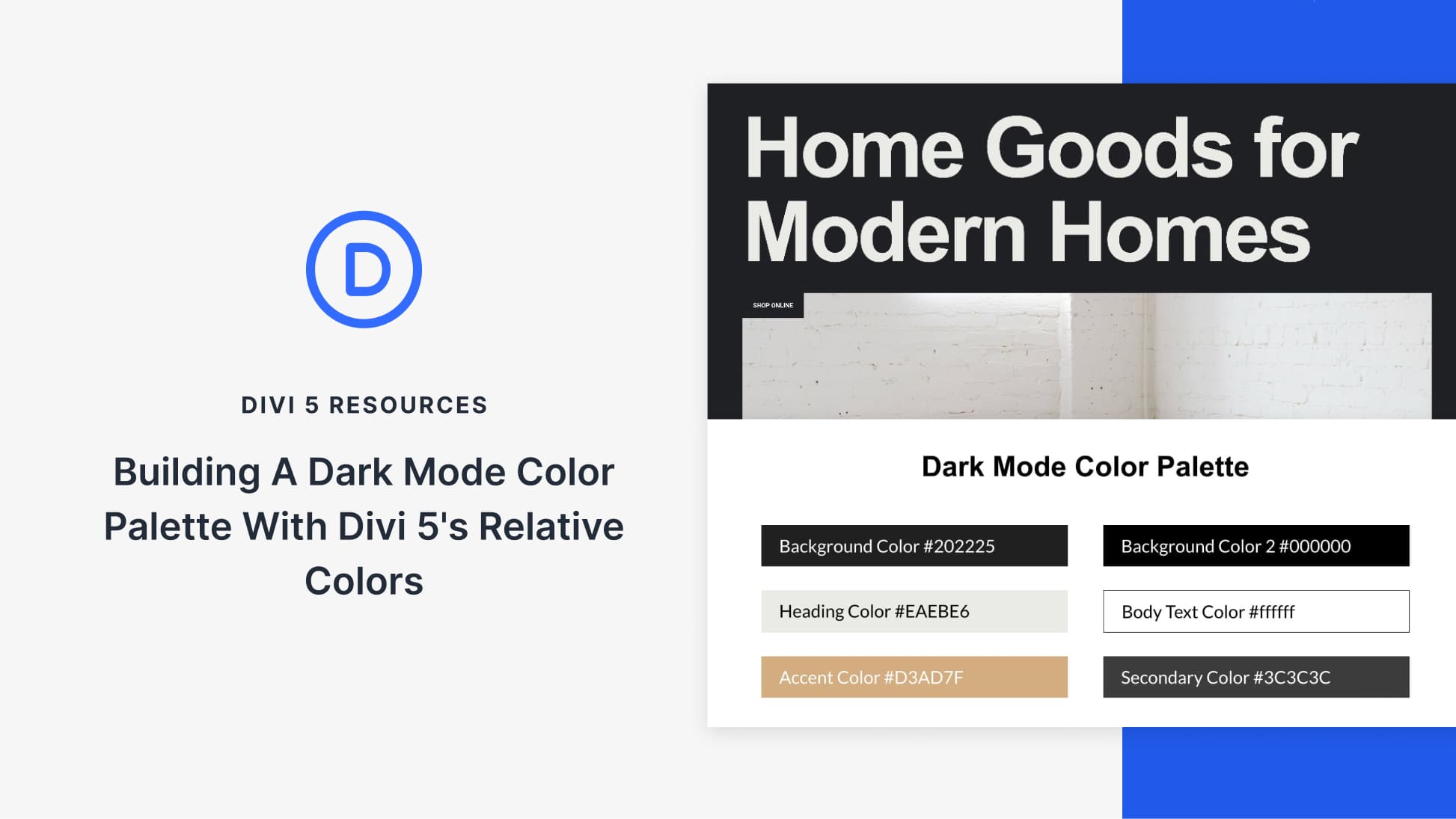
To convert the light layout into dark mode, a new Canvas is created. This feature allows designers to test and apply the dark palette without altering the original layout. The dark mode is built around the same primary and secondary colors but with adjusted HSL values to ensure strong contrast and readability.
Design Variables in Divi 5 store these global colors, making them available across the site. This ensures that changes to a base color automatically update all related colors, maintaining consistency and simplifying adjustments. Moreover, Canvases enable alternate layouts to be designed without content duplication, allowing for easy side-by-side comparison and adjustments.
By utilizing the Inspector tool, designers can quickly apply the dark mode variables to the layout elements, ensuring the entire design remains in sync with the color system. This method makes it simple to test changes; for example, altering the primary color will immediately update the entire dark layout, demonstrating the efficiency of using a flexible, centralized color structure.
Explore Divi 5’s features like the Color System and Divi Theme and elevate your design capabilities with a robust, visually connected approach to theme management.
Key Takeaways
- Divi 5 supports creating light and dark layouts using a unified color system.
- The Color System and Design Variables allow for consistent and easy color management.
- Canvases enable alternate layouts without duplicating content.
- Changes to one base color update the entire design automatically.
- Divi 5’s method is ideal for long-term design maintenance and brand updates.
Frequently Asked Questions
What is Divi 5’s Color System?
Divi 5’s Color System lets you define color roles globally, making it easy to apply and adjust design elements consistently.
How do Design Variables enhance color management?
Design Variables store global color values, allowing for effortless updates across the site by modifying a single base color.
What are Canvases used for in Divi 5?
Canvases allow for creating alternate layouts, such as dark mode, without duplicating existing content layouts.
How does the Inspector tool work in Divi 5?
The Inspector lets you quickly apply color variables to elements, ensuring they remain in sync with the central color system.
Why use Divi 5 for theme management?
Divi 5 provides innovative tools for streamlined color management, making theme updates and maintenance straightforward.
For further resources on WordPress themes, visit Elegant Themes.