
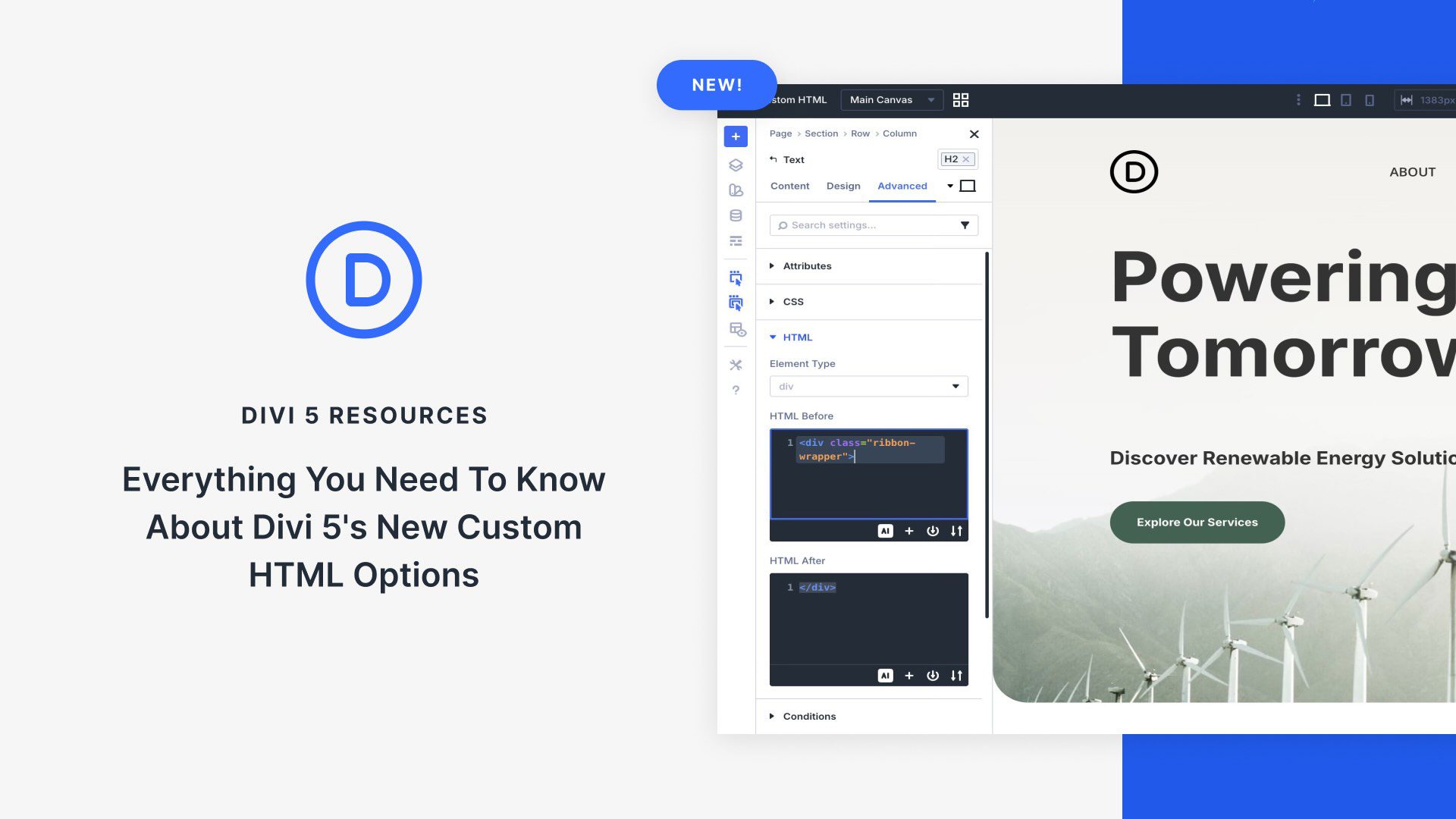
Innovative Custom HTML Wrappers in Divi 5
Divi 5 introduces Custom HTML Wrappers that offer advanced customization without leaving the Visual Builder. These Semantic Elements and Custom HTML Wrappers allow users to add semantic tags for enhanced SEO and accessibility. Additionally, new HTML Before and HTML After fields enable precise HTML insertion around Divi elements, similar to built-in Code Modules.
These new fields provide advanced customization options by functioning as precise code areas that attach directly to Divi elements. This allows users to create unique parent wrappers and insert custom code where standalone Code Modules cannot.
Users can find these Custom HTML Wrappers in the new HTML Option Group in the Advanced tab of any Divi element. This feature empowers Divi users to add custom tags, attributes, and valid HTML around content, enhancing design capabilities. Explore Elegant Themes to see how Divi 5 transforms web design with these innovative tools. You can also enhance your site’s performance with managed hosting.
By understanding the differences between Custom HTML Wrappers and Code Modules, users can choose the right tool for integrating customizations within Divi’s layout. Overall, these features promise cleaner code, improved performance, and creative design possibilities.
Key Takeaways
- Semantic Tags: Enhance SEO and accessibility with new semantic tagging options.
- HTML Before/After Fields: Precise HTML insertion for advanced design options.
- Custom HTML Wrappers: Create wrappers and inject code around Divi elements.
- Enhanced Design Capabilities: More creative possibilities with CSS and HTML pairing.
- Improved Performance: Cleaner output and simpler layout management.
FAQs
What are Custom HTML Wrappers in Divi 5?
Custom HTML Wrappers let you insert HTML before and after Divi elements to enhance customization.
How do Custom HTML Wrappers differ from the Code Module?
While the Code Module is for standalone content, Custom HTML Wrappers integrate with existing Divi elements for precision edits.
Where can I find the Custom HTML Wrappers in Divi?
They are located in the HTML Option Group under the Advanced tab in any element’s settings.
Why use semantic tags in Divi 5?
Semantic tags improve accessibility and SEO by providing meaningful context to content.
How do I access the new HTML Option Group?
Open the Visual Builder, select an element, go to the Advanced tab, and expand the HTML Option Group.
By using Custom HTML Wrappers, Divi 5 users can push design boundaries and enhance their websites with precision and ease.