
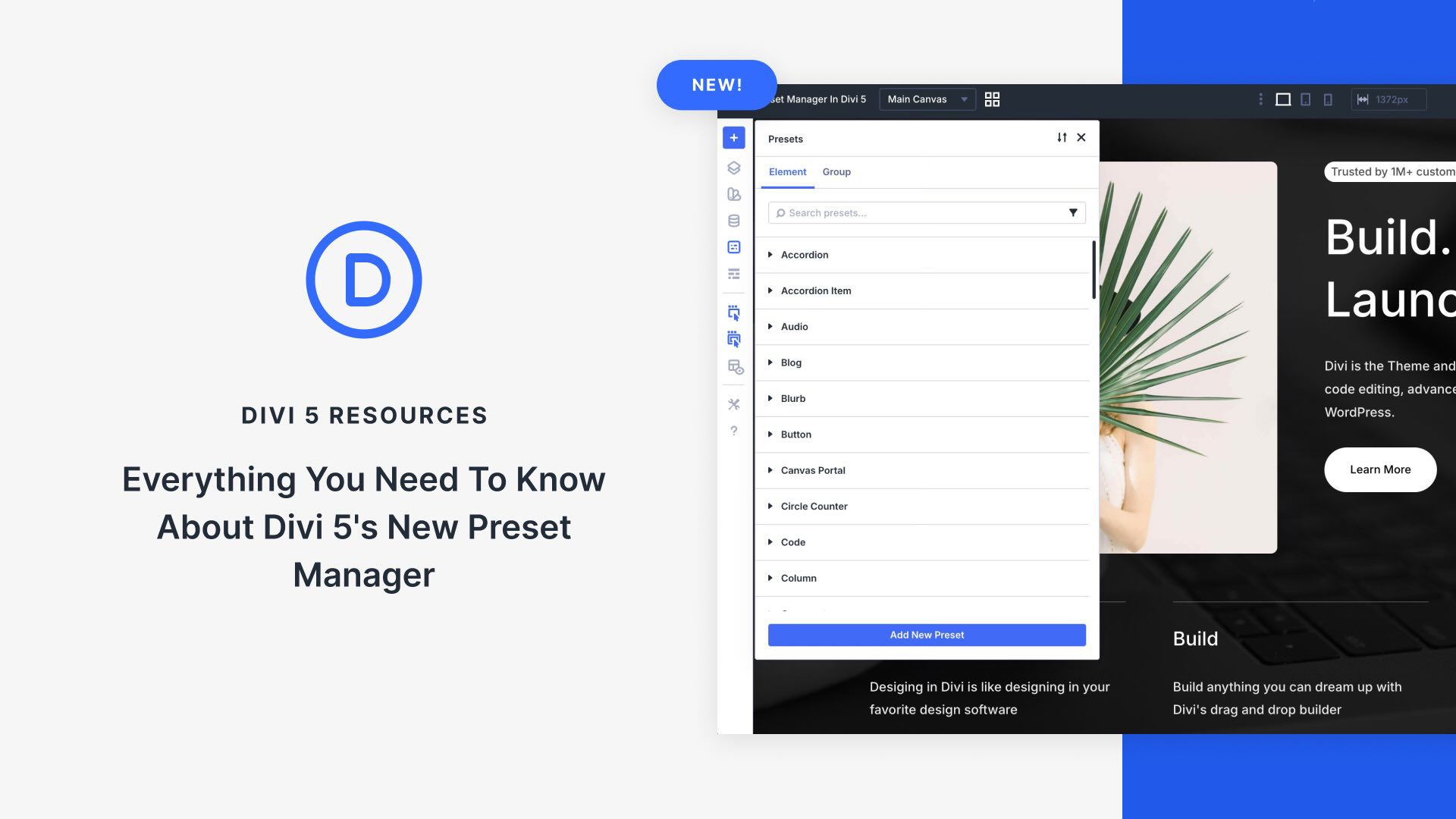
Discover the Preset Manager Features in Divi 5
The Preset Manager in Divi 5 is a powerful feature that centralizes and streamlines your design workflow. Presets allow you to maintain consistency and efficiency by applying predefined styles across your entire site. The Preset Manager enhances this capability, offering a single interface where you can manage, create, and organize these presets effortlessly.
The core function of the Preset Manager is to provide an organized view of all your presets, whether they are Element Presets or Option Group Presets. With features such as search and filtering, it becomes easy to locate specific presets, saving time and boosting productivity. You can also perform various actions like editing, duplicating, and setting a favorite preset as default, enabling quick style updates throughout your site.
An exciting aspect is the ability to create new presets directly within the Preset Manager. This encourages innovation and quick adjustments, allowing designers to expand their preset library without leaving the interface. Additionally, improved organization with sorting and reordering makes managing presets seamless.
The Preset Manager also supports importing and exporting presets as JSON files, facilitating design reuse across different projects. This feature immensely aids in team collaborations and standardized client projects.
A standout feature is the built-in Preset Preview Panel. It provides a live sandbox environment where you can test preset changes safely without affecting live content. This encourages experimentation and ensures your design decisions harmonize with the site’s overall style.
In summary, the Preset Manager in Divi 5 revolutionizes design management, making it a must-try tool for anyone using the Divi Theme. If you’re interested in exploring further, you can learn more about Divi here.
Key Takeaways
- Organized Interface: Centralizes all presets for easy management.
- Enhanced Efficiency: Features like search, filtering, and actions streamline the workflow.
- Experiment Freely: The Preset Preview allows risk-free style testing.
- Seamless Import/Export: Share and reuse design systems across projects.
- Scalability: Suitable for complex projects and growing teams.
FAQs
What is the Preset Manager?
The Preset Manager in Divi 5 organizes your design presets in a single interface, simplifying management and application across your site.
How do I access the Preset Manager?
Open any page in the Visual Builder and click the Preset Manager icon in the left sidebar.
Can I create new presets?
Yes, you can create and organize presets directly from the Preset Manager, supporting both Element and Option Group presets.
What is the Preset Preview Panel?
It’s a sandbox environment that lets you test preset changes live, ensuring design consistency without affecting live content.
Is it possible to import and export presets?
Yes, you can import or export presets as JSON files, promoting easy sharing and reuse of design systems.
Explore the Divi Quick Sites to discover more design solutions.