
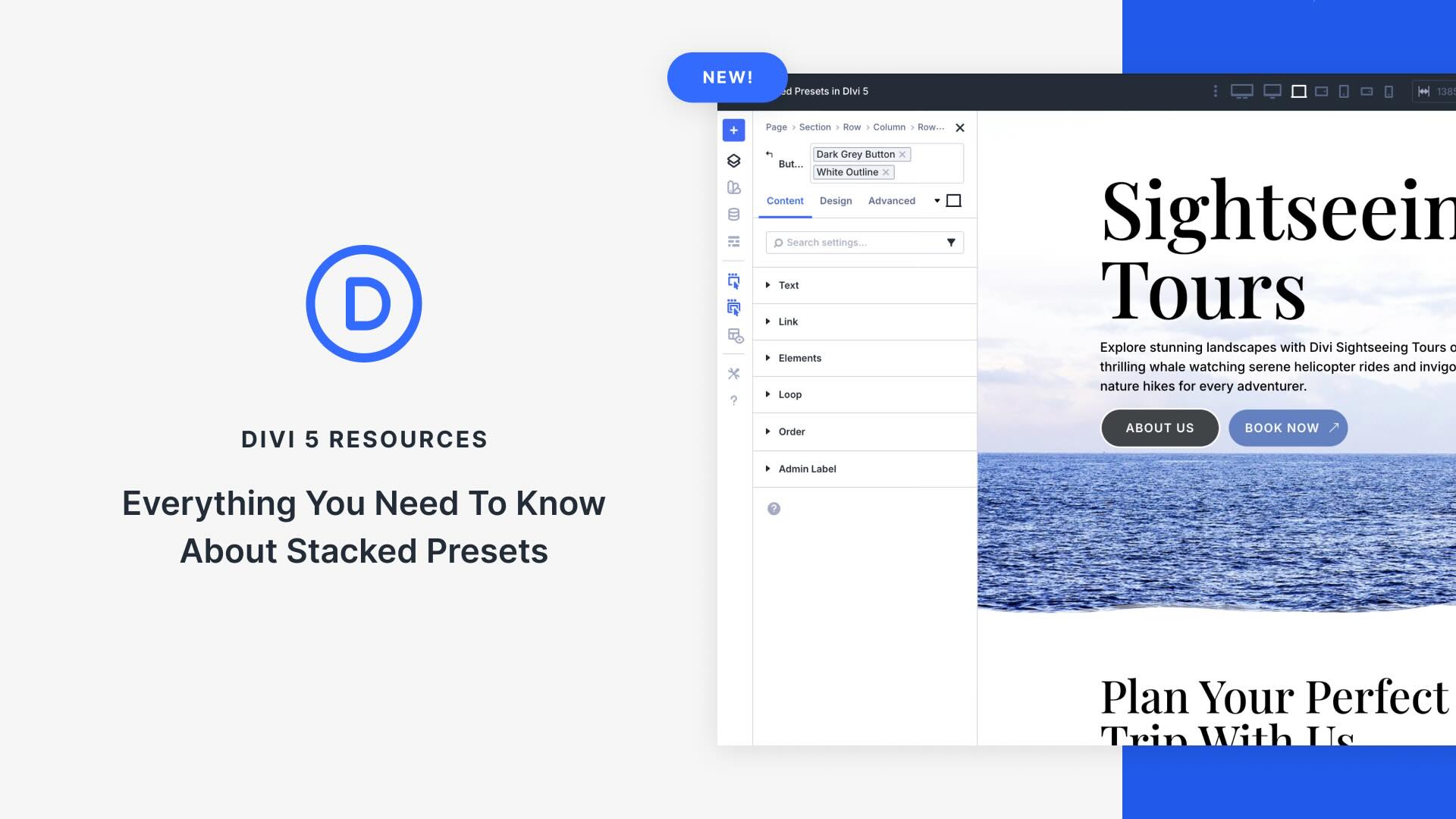
Unlocking New Design Potential with Divi 5’s Stacked Presets
Divi 5 introduces a transformative feature called Stacked Presets, enhancing the flexibility and efficiency of website design. By allowing users to layer multiple presets on a single element, this feature creates a seamless design process across entire websites. It combines styles from different presets like background gradients and text alignment, facilitating creative control and consistency.
Stacked Presets enable faster workflows, allowing designers to reuse styles effortlessly. By stacking, you can apply established presets to various elements, ensuring site-wide uniformity without individual tweaks or custom CSS. This method shifts away from traditional presets by enabling modular design blocks akin to LEGO bricks, leading to easier updates and maintenance across websites.
For example, combining a light preset with an "Image Left" alignment becomes simple and repeatable. Divi 5 intelligently merges styles, so overlaps are strategically applied, with the latter preset taking precedence. This system respects global variables like primary colors, offering consistent and immediate updates when one element changes.
By embracing Stacked Presets, designers experience reduced repetitive tasks through one-click actions, the capability to blend countless design variations, and simplified site maintenance. This revolutionizes the Divi preset system into a modular powerhouse, ensuring faster, scalable, and creative design solutions for all teams.
Dive into Divi 5’s beta to explore this evolutionary design approach and witness how Stacked Presets can redefine your website construction process.
Key Takeaways
- Layered Designs: Combine multiple presets for cohesive styling.
- Seamless Integration: Automates style merging and application.
- Global Updates: Modify once, apply site-wide with ease.
- Efficient Workflows: Transforms repetitive tasks into efficient processes.
- Creative Flexibility: Supports endless design combos without scripting.
Frequently Asked Questions
What are Stacked Presets in Divi 5?
Stacked Presets allow designers to layer multiple style presets on a single element, combining effects for flexible design solutions.
How do Stacked Presets improve design efficiency?
They turn repetitive design tasks into one-click actions, reducing the need to create new presets for every design variation.
Can Stacked Presets be used across all Divi 5 modules?
Yes, you can apply and layer presets on any module where the preset system is supported, ensuring creative flexibility.
Do Stacked Presets respect global design variables?
Absolutely. Global variables like colors and fonts update instantly across all Stacked Presets when modified.
How do these presets enhance site maintenance?
By applying styles through reusable presets, updates become centralized, eliminating the need for individual element changes.