
Enhance Your Site with Divi 5 Custom Attributes
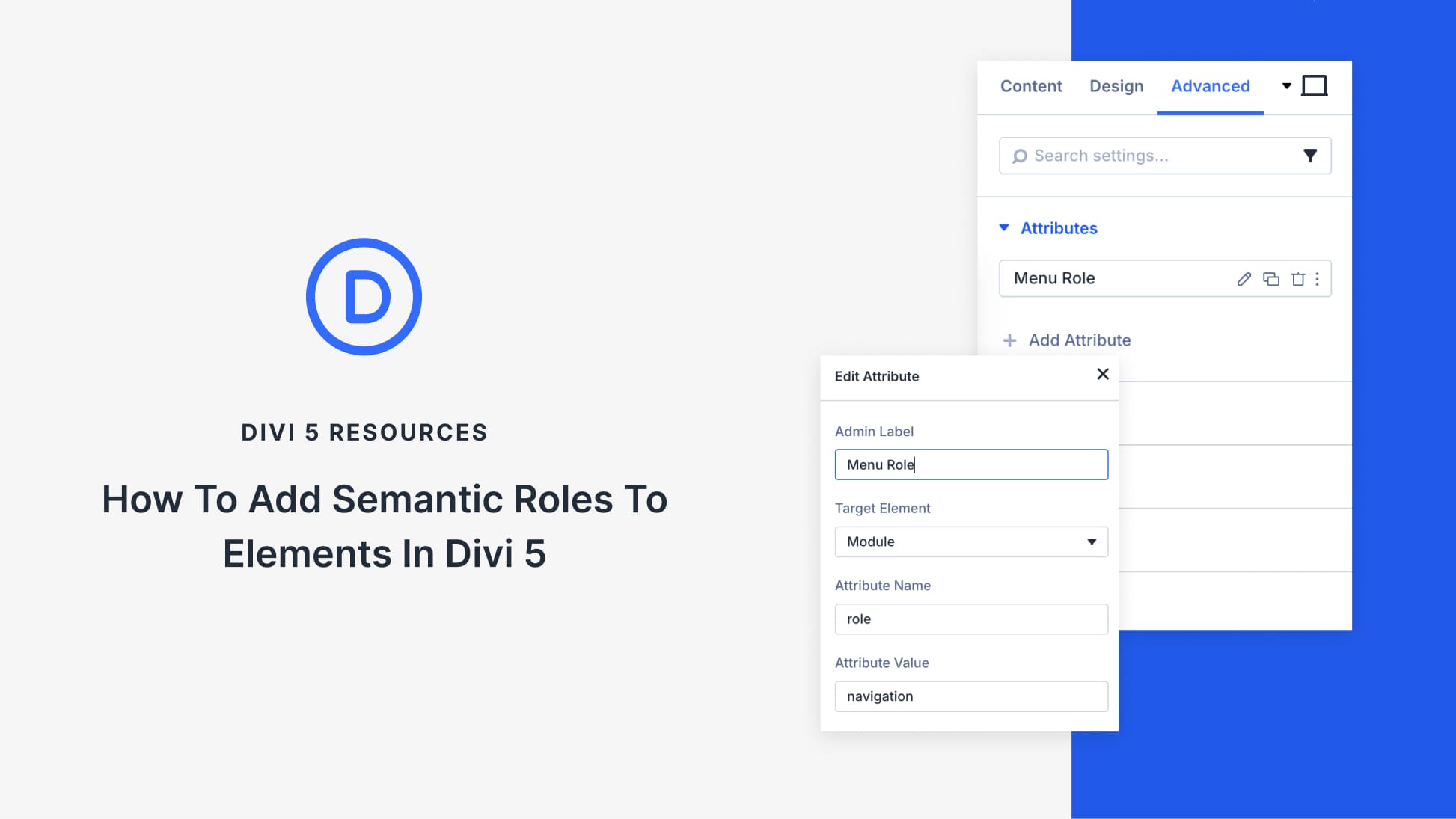
Divi 5 introduces Custom Attributes, allowing users to integrate semantic roles directly within the builder. This feature facilitates improved design compatibility with assistive technology, eliminating the need for third-party plugins or custom code. Semantic roles, like role=”navigation,” inform browsers and assistive tools about an element’s purpose, enabling screen readers to guide users more effectively. This is crucial as accessibility is a fundamental requirement for modern web design.
The use of semantic HTML enhances user experience by helping assistive tools understand page structure. It allows users to skip unnecessary content and enhances site navigation. While it aids accessibility, it does not directly improve search engine rankings.
To implement semantic roles in Divi 5, navigate to the Advanced tab in the Settings panel. Here, select Attributes and add the required role. For example, to make elements keyboard accessible, use tabindex="0" to ensure they are included in the natural tab order. This guide demonstrates various roles, like marking an element as a dialog or using role=”presentation” for decorative icons to keep the user experience clean.
The custom attributes in Divi 5 offer granular control, allowing users to target elements within modules without custom code, enhancing accessibility and usability. The Attributes panel offers flexibility in applying multiple attributes to a single element, profoundly impacting site interaction and accessibility.
Explore the potential of Divi 5 and transform your site into a more accessible and user-friendly environment.
Key Takeaways
- Divi 5 introduces Custom Attributes for better accessibility.
- Semantic roles improve navigation for assistive technologies.
- Attributes like tabindex make elements keyboard accessible.
- Use role=”presentation” for decorative icons to enhance clarity.
- Divi 5 offers detailed control over module elements with semantic roles.
Related FAQs
What are semantic roles in web design?
Semantic roles clarify the purpose of page elements, aiding assistive technology in navigation and understanding.
How do semantic roles aid accessibility?
They allow screen readers to better guide users by identifying functional landmarks on a webpage.
What is the role of tabindex in Divi 5?
Tabindex enables elements to be focusable using a keyboard, improving navigation for users relying on keyboards.
Can I add multiple attributes to a single element in Divi 5?
Yes, Divi 5 allows multiple attributes to be managed for a single element, enhancing control and customization.
How do semantic roles affect SEO?
While they improve accessibility, semantic roles do not directly impact search engine rankings but contribute to a better user experience.