
Quick Answer
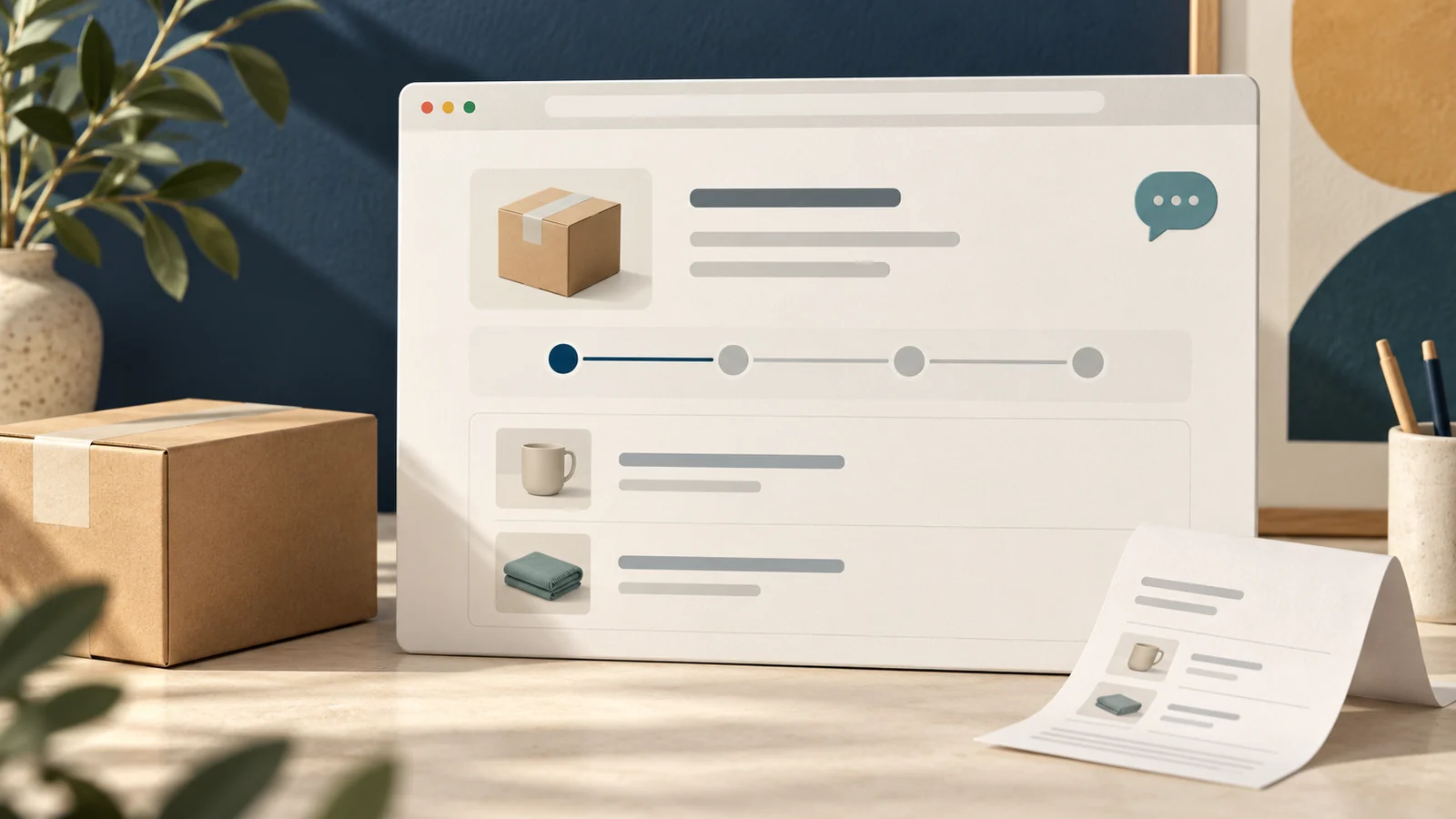
Customize a WooCommerce thank-you page around accurate order information and the customer’s next step. First identify whether the store uses the block Order Confirmation template or a classic template or extension. Preserve dynamic order details and status, and test the supported payment and product scenarios before adding promotional content.
The post-checkout page should help a customer understand what happened and what remains to be done. A generic “payment complete” message can be wrong for an order awaiting payment confirmation. Keep the language connected to the actual order and payment method.
Identify the confirmation template in use
For a supported block-theme setup, WooCommerce’s Order Confirmation documentation describes the route through Appearance, Editor, Templates and WooCommerce to Order Confirmation. The template contains dynamic order-related blocks, with documented limits on their settings.
A classic template, a legacy placeholder or an extension can use a different customization route. Identify that implementation and any existing custom code before changing it. Do not assume that instructions for one builder, template or checkout system apply to every store. Make changes on a separate test store with a recovery copy.
Match the message to the real order status
WooCommerce’s order status reference distinguishes received orders awaiting payment from paid orders awaiting fulfillment and other states. Review the gateway’s behavior and the actual order record before promising payment success or dispatch.
Keep the order reference, items, totals and applicable billing, shipping or download information available. Use dynamic data for each order. A static screenshot or text label cannot substitute for the customer’s real record.
Explain the next useful action
Use the business’s approved process to explain what happens next and how to ask for help. If a supported payment method requires further instructions, preserve them. Show collection or delivery information only when it accurately applies to that order.
For eligible digital products, verify the configured access behavior rather than promising every customer an immediate download. Link to relevant support information without burying the order summary beneath unrelated content.
Keep optional content secondary
A helpful setup guide or care instruction may be more relevant than another sales message. If the store adds product recommendations, discounts or a newsletter invitation, make their purpose clear and keep them separate from the completed order.
Do not imply a new item is included, a discount is automatically applied or marketing enrollment is required to receive the existing purchase unless the actual approved arrangement supports that statement. A design change alone is not evidence of increased loyalty or sales.
Test the actual post-checkout experience
Use authorized test orders and the payment provider’s supported testing method. Check a physical product, a relevant digital product and each supported payment behavior, including a delayed or unsuccessful outcome where the system supports testing it.
Compare the displayed details with the order record and customer email. Check phone layout and the authorized access behavior for order information. Avoid publishing real customer details in screenshots. Review the preceding checkout process as part of the same journey, with ongoing checks included in the agreed website care scope.
Key Takeaways
- Identify the block, classic or extension-based implementation first.
- Preserve dynamic order details and truthful status information.
- Put the customer’s next step ahead of optional promotions.
- Compare the page, order record and email in authorized test scenarios.
Frequently Asked Questions
Does a thank-you page mean payment has cleared?
Do not infer that from the page title. Check the actual order status, payment gateway and any remaining instructions. Received, paid and fulfilled are different stages.
Can every store edit this page in the Site Editor?
The documented block template route depends on the store’s theme and implementation. A classic template or extension may need a different supported method.
Should an upsell replace the order summary?
Keep the existing order understandable. Optional offers should remain secondary and should not obscure payment instructions, product access or the support route.