
Effortless QA with Divi 5’s New Inspector Tool
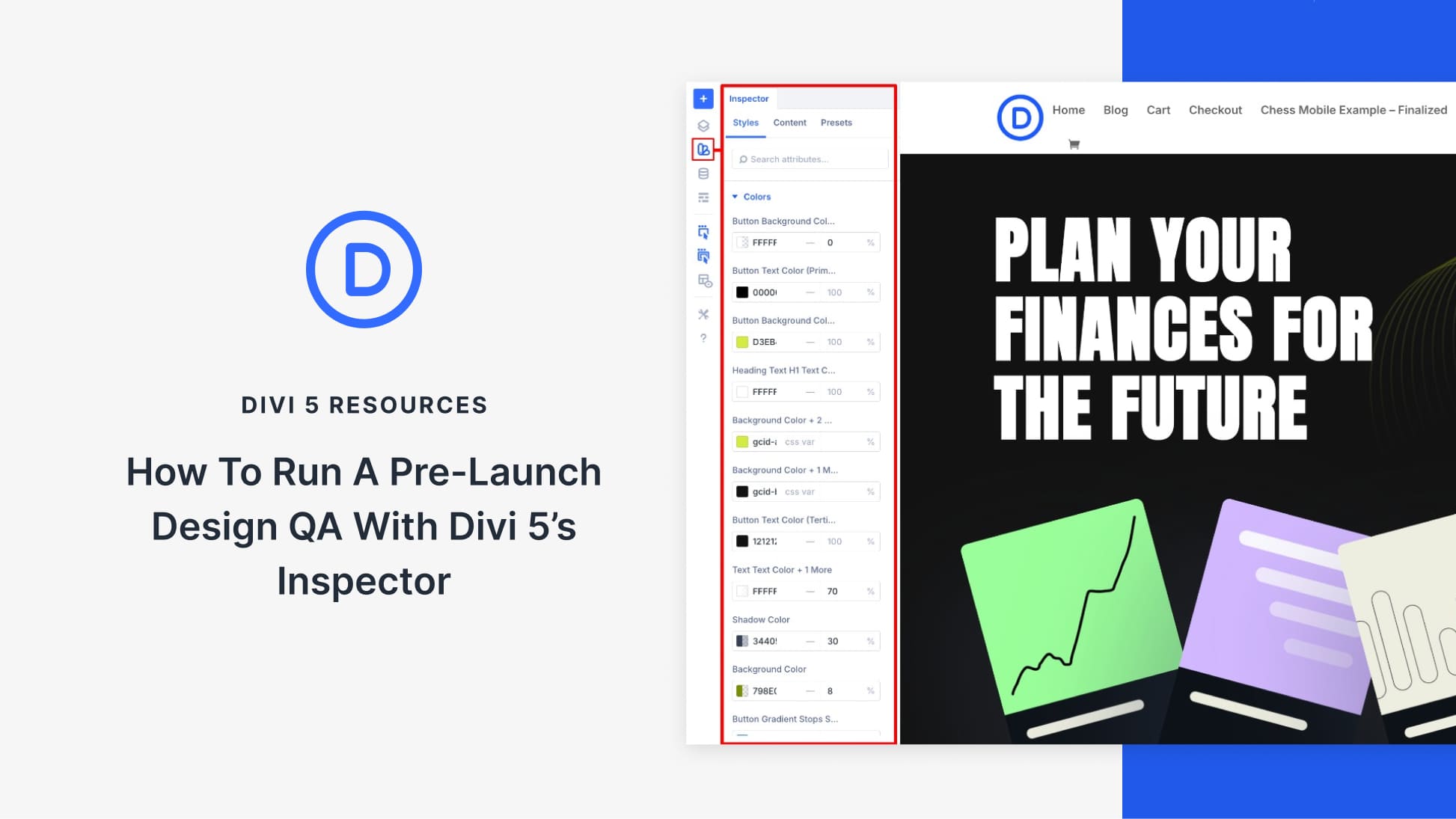
Divi 5 introduces a powerful feature that makes design quality checks a breeze. The Inspector tool, a visual sidebar, displays all modifications in your design, ensuring your landing page remains professional and consistent. By showing all applied settings, the Inspector takes the guesswork out of the design review process. This tool efficiently aggregates changes in typography, colors, fonts, and spacing, which helps create visually cohesive pages. The focus on altered fields means you’re not overwhelmed with unmodified settings, providing clear insight into changes made during the design process.
Divi 5’s Inspector allows users to directly tweak values within the panel, updating the layout instantly. This enables a smooth workflow as the sidebar refreshes automatically per section, ensuring you only see relevant settings.
Organized into three tabs—Styles, Content, and Presets—the Inspector aids in reviewing and adjusting typography, color themes, and spacing. This process helps confirm the use of global presets, ensuring the design’s consistency throughout a project. Once all changes are visible in one sidebar, the process of maintaining visual consistency is streamlined. This results in a polished and ready-to-launch page.
Key processes outlined in the usage of the Inspector include performing a high-level scan first, reviewing sections such as the hero section thoroughly, and performing detailed checks section-by-section to uphold consistency. By integrating the use of design variables, any hardcoded anomaly can be quickly resolved by applying the correct presets.
The final stages of design QA involve ensuring the footer’s consistency. This means verifications like aligning copyrights and maintaining uniformity in button presets.
The Inspector drastically reduces time spent on QA, allowing users to confirm the adherence to a design system. Discover Divi Theme to experience these powerful design tools. Enhance your website creation journey with tools like AI Website Builder that integrate smoothly with Divi 5.
Key Takeaways
- Divi 5’s Inspector tool displays all design changes in a single sidebar.
- The tool enables real-time layout updates.
- Organized into Styles, Content, and Presets tabs for efficient review.
- Supports global presets, ensuring visual consistency.
- Reduces QA time, resulting in polished, consistent pages.
Frequently Asked Questions
What does the Divi 5 Inspector tool do?
The Inspector tool aggregates all design changes into one sidebar, making it easier to spot inconsistencies and ensure visual cohesion.
How does the Inspector improve design QA?
By focusing only on modified fields and allowing real-time updates, the Inspector streamlines the quality check process.
How is the Inspector organized?
It features three main tabs: Styles for typography and spacing, Content for text and images, and Presets for global styles.
Can I change settings directly from the Inspector?
Yes, you can adjust values within the Inspector, seeing updates take place instantly on your layout.
Why is consistent design important?
Consistency enhances user experience by ensuring that all parts of the page adhere to the same design standards, creating a professional and unified appearance.