
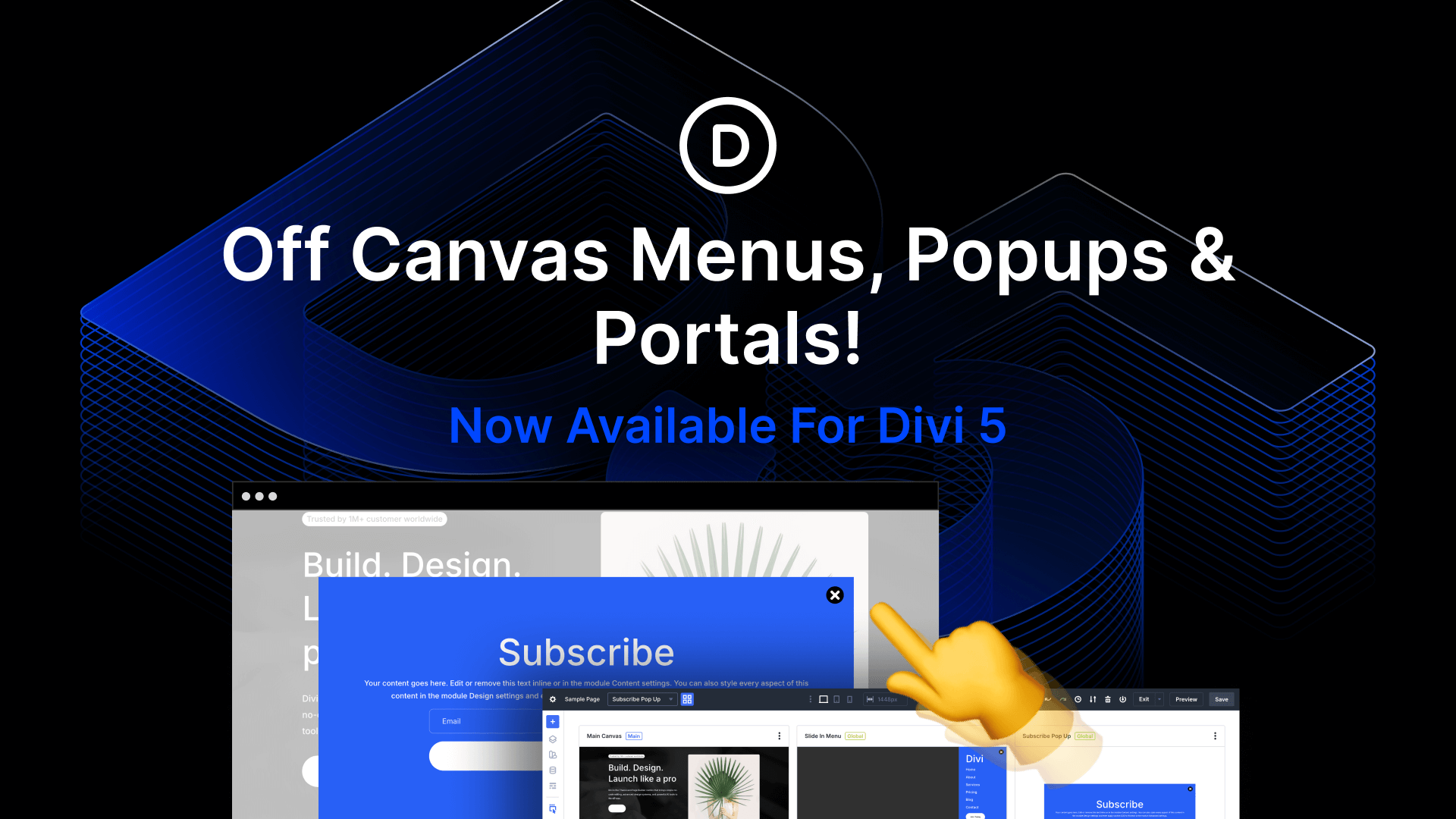
Discover the New Features of Divi Canvases for Version 5
Divi 5 has introduced exciting changes with the addition of Divi Canvases. These are flexible workspaces separated from your main content, allowing content creators to build and experiment without affecting their primary content. They facilitate design updates, off-canvas components, and innovative ideas. Users can create both global and local canvases for different purposes, such as building menus and popups.
The integration of a Canvas Portal module adds more functionality, providing a way to insert canvas content into specific page areas. This feature is especially useful for crafting interactive elements, like mega menus, that respond to user actions such as clicks and hovers.
Managing canvases is simplified with a dropdown in the builder interface. This allows creators to switch canvases, make them global, or append them to posts. The detached setup offers an organized approach to design, enabling experimentation with new ideas safely.
The updated Interaction Builder enhances off-canvas component management, enabling seamless integration with the main canvas. By using animations and interactions, users can create dynamic and engaging site elements.
Key Takeaways
- Canvases offer separate workspaces: Experiment without altering primary content.
- Global and local canvases: Suitable for menus and popups at different levels.
- Canvas Portal module: Insert canvas content into specific page areas.
- Easy management: Switch between canvases effortlessly.
- Enhanced interaction integration: Create interactive site components with animations.
Frequently Asked Questions
What are Divi Canvases?
Divi Canvases are workspaces separate from the main content, allowing users to build and trial designs without affecting existing content.
How can you manage multiple canvases?
A dropdown in the builder helps switch between canvases, make them global, or append them to posts.
What is the Canvas Portal module?
This module enables users to insert canvas content into specified parts of a page, enhancing versatility in design.
How are off-canvas components managed?
The Interaction Builder works with off-canvas elements to integrate animations and interactions seamlessly on the main canvas.
What are the benefits of using Divi Canvases?
They provide a safe space to experiment and offer flexibility in creating interactive elements like menus and popups.
For more on building websites with advanced features, check out Divi Theme. Additionally, explore WordPress Hosting to support your site development.