
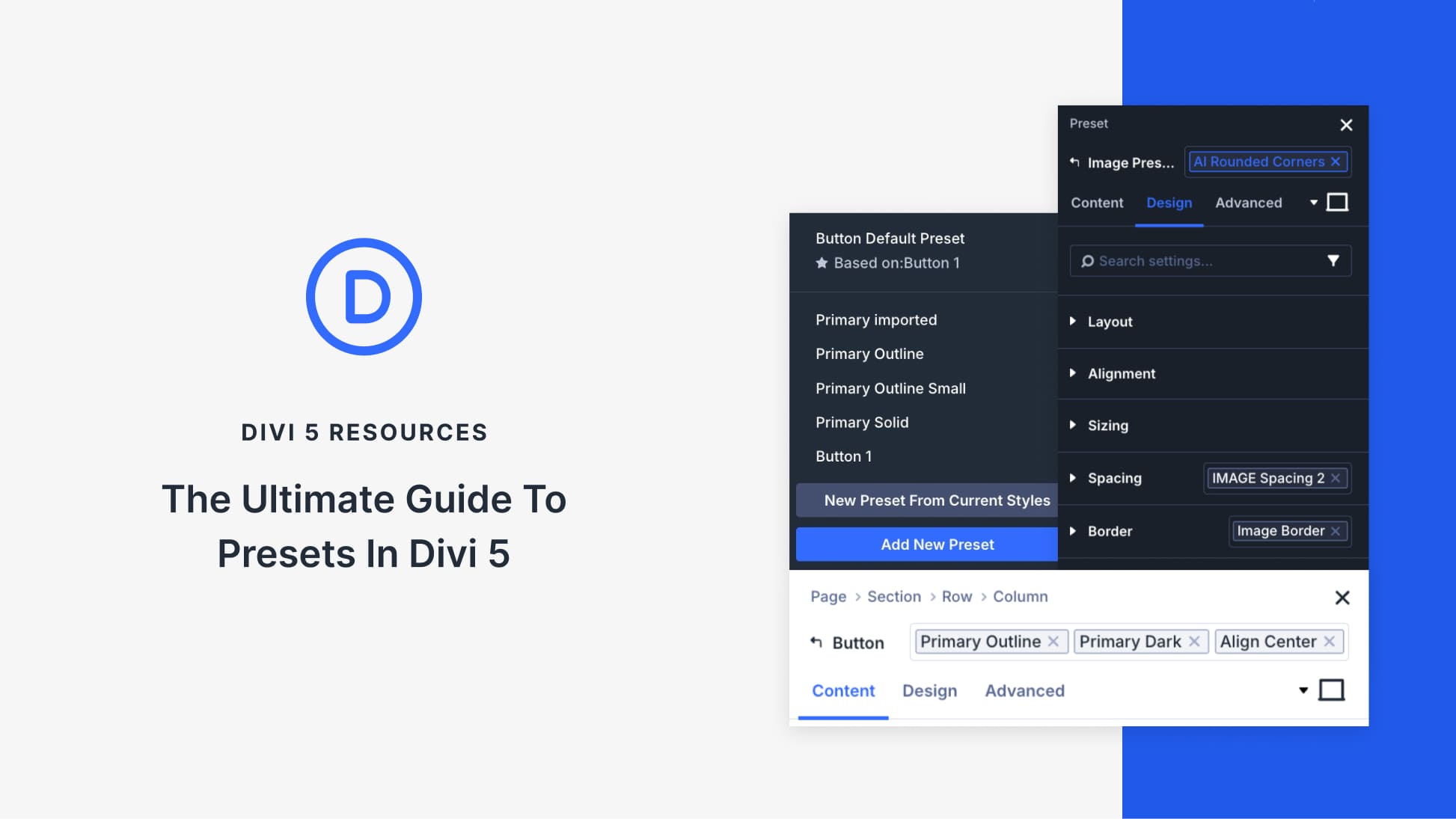
Enhancing Your Site with Divi’s Design System
Divi 5 presents an innovative way to keep your website design cohesive through its advanced preset-based design system. This system simplifies your process by allowing you to set and reuse styling rules with ease. Whether you need consistent colors or responsive layout designs, these presets ensure your website maintains a uniform look across elements.
Divi’s design system consists of three types of presets: Element Presets, Default Presets, and Option Group Presets. Element Presets cater to specific items like buttons, encapsulating every detail from color to spacing. Default Presets set the initial look of elements when added to a site, while Option Group Presets apply to broader design categories and work across multiple elements, offering versatility in maintaining your brand’s style.
The real advantage of Divi 5 lies in its Stacked and Nested Presets. Stacked Presets let you layer multiple styles on an element, catering to various design needs without creating numerous presets. Nested Presets allow Option Group Presets to be included within Element Presets, ensuring consistency in design logic across different site areas.
To kickstart your Divi site, begin by defining Default Presets to establish a strong visual foundation. Then, create Option Group Presets for reusable design settings, ensuring seamless styling across elements. By nesting these to form cohesive components, you achieve a structured, scalable design system. Applying Stacked Presets adapts these components to various contexts, seamlessly introducing design variations without altering the core structure.
For more advanced website design, consider exploring the Divi Theme, a powerhouse for WordPress users wanting to enhance their site’s aesthetics and functionality.
Key Takeaways
- Element Presets streamline styling for specific items like buttons.
- Default Presets define the initial look of new page elements.
- Option Group Presets apply broad styles across different elements.
- Stacked and Nested Presets offer flexibility and consistency.
- Ensure your website evolves with a well-defined preset system.
FAQs
What are Element Presets in Divi?
Element Presets are style settings saved for specific elements, like buttons or images, allowing for consistent design across similar items.
How do Default Presets benefit my website?
Default Presets standardize the initial appearance of elements, ensuring each new addition aligns with your site’s overall theme.
Can Option Group Presets work across various elements?
Yes, they apply to specific design options, such as spacing or borders, and can be used across different element types for uniformity.
What do Stacked Presets accomplish?
Stacked Presets allow you to apply multiple style layers to one element, enabling dynamic design variations without duplicating efforts.
How do I implement Nested Presets in my design?
By embedding Option Group Presets into Element Presets, you maintain consistent design logic while adapting to various variables across your site.