
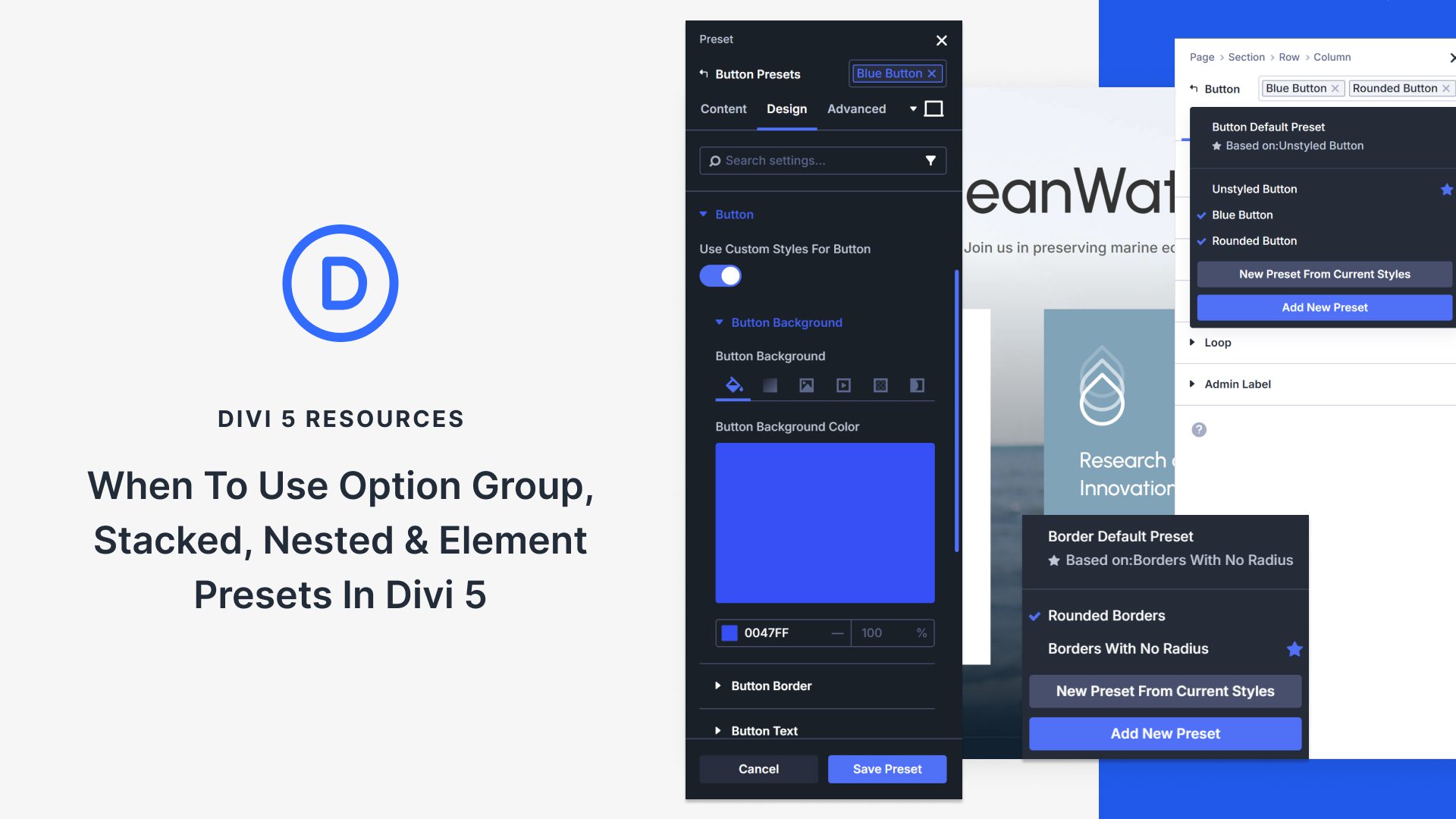
Exploring the Four Types of Presets in Divi 5
Divi 5 offers four powerful preset types to enhance your design workflow: Option Group Presets, Element Presets, Stacked Presets, and Nested Presets. Each serves a unique purpose, allowing for streamlined design and consistent styling across your website. Using the right preset type can significantly speed up your build process while ensuring cohesive aesthetics.
Option Group Presets focus on individual design properties rather than complete elements. These settings are reusable, applying to various aspects like typography, box shadows, and borders. The flexibility allows you to use one preset across different components such as sections, rows, and modules. This approach minimizes repetitive styling and maintains design consistency.
Element Presets offer a bundle of settings for entire elements. From sections to modules, these presets capture all configurations, making them ideal for deploying fully styled elements across your site. Set any Element Preset as default, and new instances will adopt the preset’s styles automatically. Global updates ensure that changes to one preset reflect everywhere it is applied.
Stacked Presets allow the layering of multiple presets on a single element, ensuring harmonious collaboration without conflicts. This is useful for applying base styles with additional contextual adjustments, ideal for pages with alternating sections.
Nested Presets, however, encapsulate Option Group Presets within Element Presets. This enables you to swap individual components without altering the entire preset. For instance, changing the nested typography in a CTA Element Preset will update all instances without affecting borders or spacing.
To begin using these presets, start by creating Option Group Presets for fundamental styles and Element Presets for complete designs. Use nesting for replaceable parts and stacking for variations. Incorporating these strategies can dramatically cut down on project time by reducing redundant styling tasks.
Learn more about Divi Quick Sites to further enhance your website building experience.
Key Takeaways
- Option Group Presets: Reusable style settings for individual properties applicable across different elements.
- Element Presets: Full configuration bundles for entire elements, ideal for repetitive element styling.
- Stacked Presets: Allow multiple presets on one element, offering layered styling solutions.
- Nested Presets: Contain replaceable components within Element Presets for flexible updates.
FAQs
What are Option Group Presets in Divi 5?
Option Group Presets allow you to reuse settings like typography and borders across different elements, reducing repetitive work.
How do Element Presets differ from Option Group Presets?
Element Presets capture all the settings for an entire element, while Option Group Presets focus on specific properties.
What is the benefit of using Stacked Presets?
Stacked Presets enable you to apply multiple styles to a single element, allowing for diverse design possibilities without conflicts.
How do Nested Presets enhance flexibility in Divi 5?
Nested Presets embed Option Group Presets within Element Presets, allowing for component swaps without redesigning the whole preset.
Can presets be updated globally in Divi 5?
Yes, updating a preset ensures that all elements using it reflect the changes site-wide, improving efficiency and consistency.