
Quick Answer
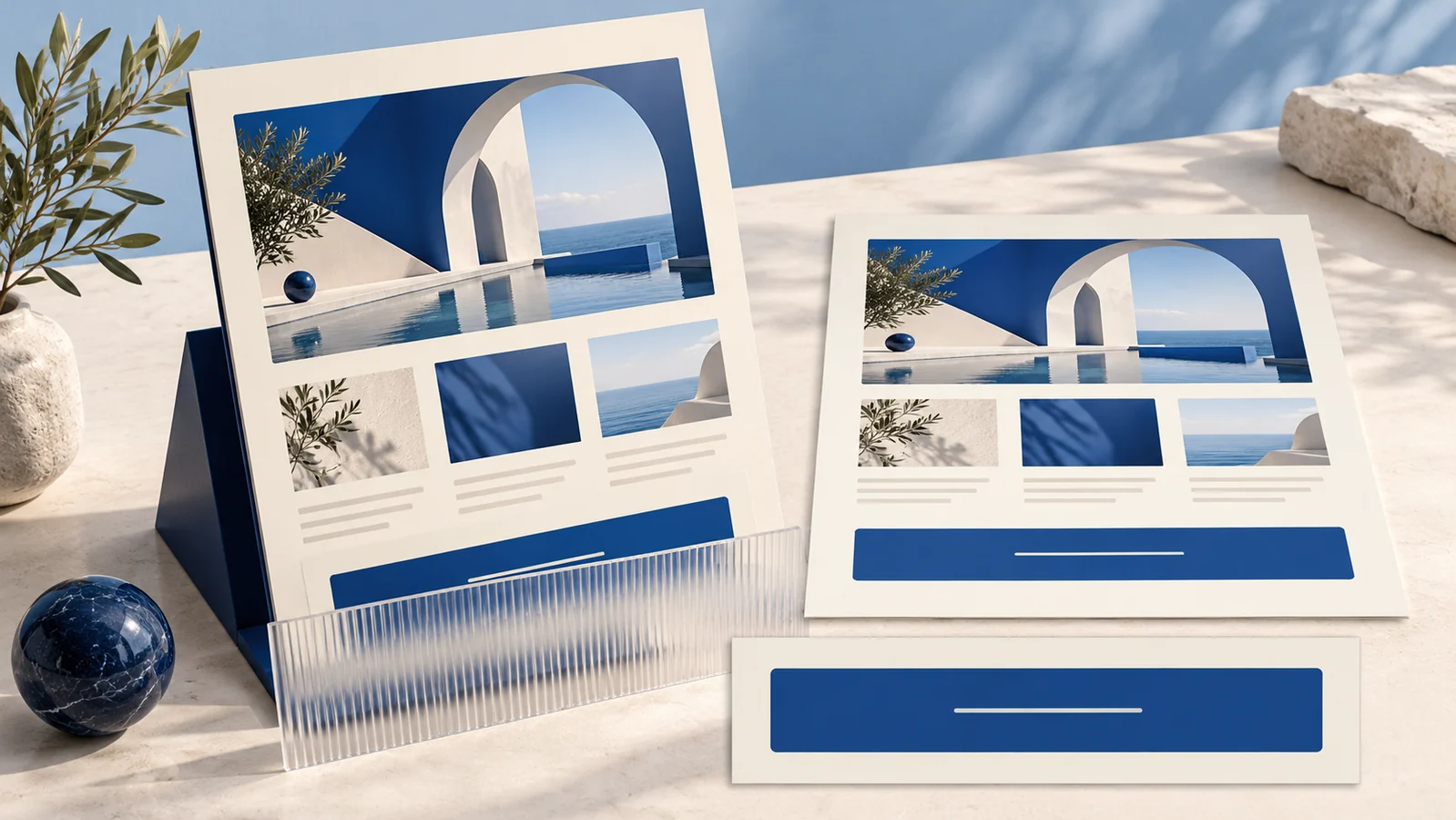
Use a website PSD mockup to present appearance, and include a flat reference view for decisions about content and layout. Match both views to the same design version. Perspective, shadows and device frames can help communicate a concept while making small text, spacing and page edges harder to inspect.
A tilted page montage can make a proposal attractive in a portfolio or presentation. The reviewer still needs a clear way to see what is being approved. Choose the presentation around that decision before selecting a dramatic scene.
Name the decision the preview supports
Ask whether the review concerns a visual direction, the order of page sections, a particular call to action or an image treatment. A full-page thumbnail may show overall composition while concealing the wording of the button under discussion.
Keep the original design available at an appropriate inspection size. If a reviewer must zoom into a rendered scene until it becomes blurred, supply a clearer reference instead of asking them to infer the detail.
Deliver a matched pair of views
| View | Purpose and limit |
|---|---|
| Flat design reference | Shows the source composition without a perspective transformation. Record its design version and intended viewport or artboard dimensions. |
| Perspective presentation | Shows the design in the proposed scene. Identify any crops, hidden edges or decorative framing. |
| Detail view | Exposes the specific text, control or spacing being reviewed when the larger presentation makes it too small. |
| Browser evidence | When implementation exists, documents the actual tested page and viewport. Keep it separate from the conceptual PSD presentation. |
Adobe’s Perspective Warp instructions describe reshaping defined image planes. Such transformations change how a flat design is pictured. They do not show how a website wraps text, handles an error or responds to a keyboard.
Use a simple approval example
Suppose a hypothetical service-page proposal includes a large heading, three service sections and an inquiry button. In the perspective preview, the lower edge disappears behind another panel. The reviewer can approve the general visual direction, but the inquiry area remains hidden.
Supply a flat view of the same version and a readable detail of that area. Record which decision was accepted and which text or behavior still needs review. Do not silently replace the source design between the two exports.
A phone-shaped frame around a reduced desktop image does not establish a mobile layout. If the proposal includes a separate mobile composition, identify it as that specific design. Verify responsive behavior later in the actual implementation.
Check the template without turning the preview into proof
Before using an outside PSD, verify the specific file format, editable areas, dependencies and permitted use. Keep its source and permission record with the presentation. An attractive provider preview alone does not establish what the delivered file lets you change.
Our logo mockup guide covers choosing a suitable application and checking the underlying mark. The box mockup review addresses a different task: mapping artwork onto individual faces.
Hand off the design and its review limits
Include the flat reference, scene export, design version, required detail views and a short approval note. State whether the image is a concept or evidence from an implemented page.
For a website redesign, carry the unresolved content, responsive and interaction questions into the development handoff. Preserve the editable design so the next person can trace an approved choice to its source.
Key Takeaways
- Choose a view that exposes the decision being reviewed.
- Match perspective and flat exports to one source version.
- Identify hidden content and conceptual device framing.
- Keep browser behavior checks separate from PSD approval.
Frequently Asked Questions
Does a PSD mockup prove the website is responsive?
No. It can present separate proposed compositions. The implemented page needs testing at relevant widths and with real content.
Should I remove all perspective views from a presentation?
Use them when they help explain the concept, while supplying flat or detailed references for decisions the scene obscures.