
Quick Answer
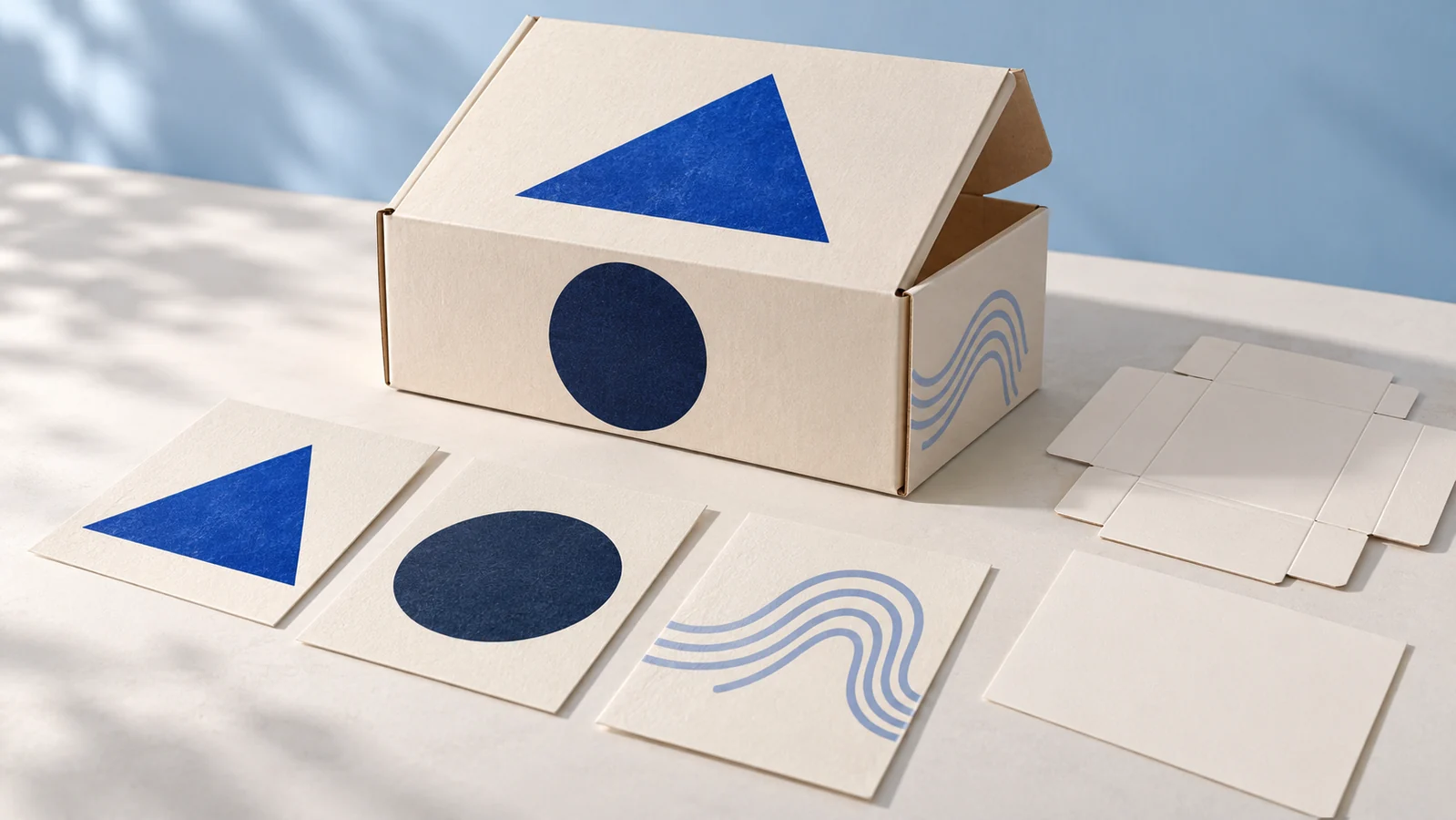
Choose a cardboard-box mockup that lets you identify the correct artwork for each face and inspect its orientation around folds and seams. Keep the visual preview separate from the printer’s approved dieline and production proof. A realistic rendered box does not establish fit, material, color accuracy or a scannable barcode.
Define what the preview should answer
The January 17, 2024 mockup roundup presented several box forms and editable scenes. Use those examples to identify a suitable presentation, then verify the actual template and its permission. A listed resolution or free label does not grant commercial rights.
Decide whether the review concerns a lid, front panel, side label or opened-box view. Select views that expose those areas. A beautiful top-down image may hide the face carrying the information the reviewer needs to approve.
Map each visible face to its source
Record the template layer or Smart Object used for each face. Keep the approved artwork’s version and intended orientation attached to that mapping. Verify any shared or linked content before replacing a placeholder.
Adobe’s Replace Contents guidance explains that Smart Object transformations are retained when the source is replaced. Retaining a transform does not establish that the new artwork uses the correct proportions, face or reading direction. Inspect the resulting scene.
Use an illustrative face-mapping check
Suppose a hypothetical mailer has a wordmark on its lid and a short product label on the front face. The following record keeps a presentation decision traceable:
- Lid face
- Identify the lid’s editable source and the intended reading direction when the closed box faces the viewer. Check that the mark is not unintentionally rotated or mirrored.
- Front face
- Use the approved front-label artwork, not a second copy of the lid source. Confirm the label remains on that face in every required view.
- Fold and seam review
- Inspect whether meaningful lettering crosses a crease or disappears behind a flap. Compare the presentation with the actual approved panel plan.
- Open item
- Leave any missing view or uncertain source mapping unresolved. Do not approve a hidden panel from an attractive lid preview.
This is an invented mockup-review exercise, not an edited template or a verified physical package.
Use the printer’s actual production requirements
A mockup scene can help communicate appearance, while the packaging supplier must verify the actual dimensions, dieline, print specifications and required proof. Keep those sources separate so a perspective image is not mistaken for manufacturing artwork.
Replace sample barcodes and shipping marks only with approved production information. A barcode pictured in a mockup is not evidence that a finished code scans or contains correct data. Likewise, simulated shadows and material texture do not establish the properties of the produced box.
Hand off the preview with its limits
Deliver the approved preview, editable sources, artwork version, face mapping and permission record. Identify what the review covered and which printer or physical checks remain. Keep the original template available so another designer can trace the placements.
Our logo-template guide distinguishes editable text and outlined lettering. The website rebranding guide covers asset rollout, while the texture guide addresses a separate visual treatment.
Key Takeaways
- Choose views around the faces being reviewed.
- Map each face to its exact editable source.
- Inspect orientation, folds and seams.
- Separate a visual mockup from production proof.
Frequently Asked Questions
Does a realistic mockup prove the box will fit the product?
No. The actual dimensions, materials and physical packaging need appropriate supplier verification.
Can I reuse the top artwork on every face?
Use the approved panel plan. Each face can need a distinct source, orientation or message.
Does a free template label grant commercial permission?
Read the specific supplier’s current license for the intended use and handoff.