
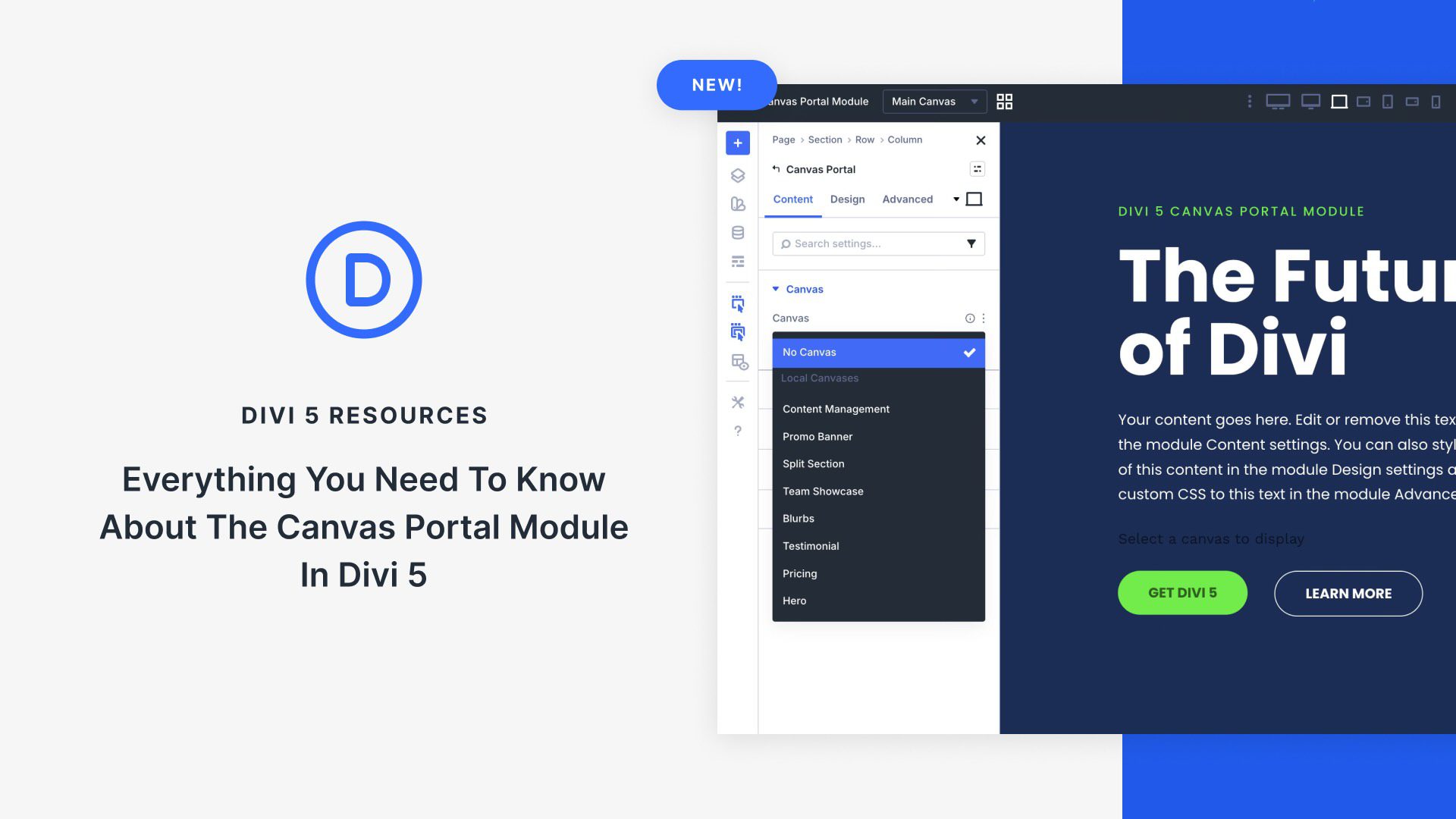
Exploring Divi 5’s New Canvas Portal Features
Divi 5 introduces an innovative way to manage off-canvas design through its Canvas Portal Module. This feature allows seamless creation of sidebars, menus, and other elements, combining versatile design with a user-friendly system. By utilizing both Local and Global Canvases, users can manage content efficiently, enhancing site design without cluttering the main layout. The Canvas Portal Module integrates these elements directly into the main pages, enabling dynamic content in exact locations to improve user engagement. To explore this functionality further, download the latest Divi 5 Public Beta.
Key Takeaways
- Off-Canvas Design: Divi 5 allows for slide-in sidebars, mega menus, and pop-ups to create engaging sites.
- Canvas Management: Users can employ Local and Global Canvases for flexible, reusable design elements.
- Canvas Portal Module: This tool integrates off-canvas content directly into site layouts.
- Enhanced User Experience: Interaction triggers control how and when menus and pop-ups appear.
- Flexible Design: Advanced layout options are available, including dynamic content placement and reusable site components.
FAQs
What are Divi 5 Canvases?
They are separate workspaces in Divi 5 for organizing off-canvas elements, ensuring the main layout remains clean.
How does the Canvas Portal Module work?
It allows the placement of off-canvas content like menus and pop-ups into specific locations on your main page.
What are the types of Canvases in Divi 5?
Divi 5 features Local Canvases for specific pages and Global Canvases for site-wide elements.
How does the interaction trigger function?
Interaction triggers allow for dynamic showing or hiding of elements based on user actions like clicks or mouse movements.
What is the advantage of using the Canvas Portal Module?
It provides precise control over the positioning of detached canvas content, enhancing design flexibility and user interaction.
For further details on Divi 5 and the Canvas Portal Module, explore Divi Quick Sites and begin integrating these innovative design features into your projects.