
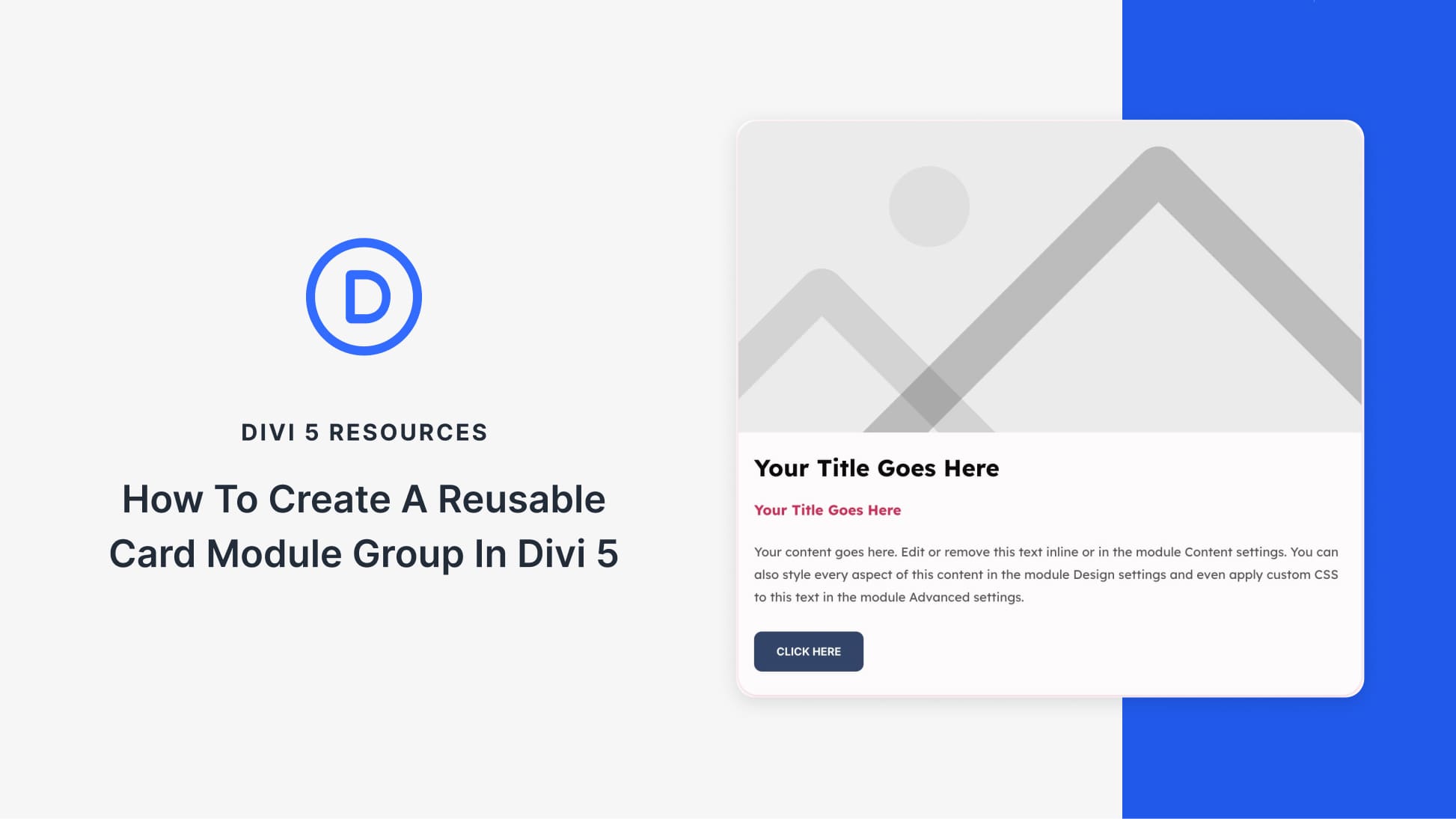
Create Dynamic Card Designs Using Divi 5 Module Groups
In the ever-evolving landscape of web design, efficiency is key. Divi 5 revolutionizes layout creation with its Module Groups feature, allowing seamless integration of multiple elements into a single, reusable card design. This innovation streamlines the creation process, making it accessible to web designers of all levels.
A Module Group is essentially a container that consolidates several modules, such as images, text, and buttons, into one cohesive unit. This approach eliminates the tedium of manually copying elements across different site sections. By saving a Module Group to the Divi Library, users can effortlessly deploy consistent card designs on any page.
The integration with the Loop Builder further enhances the functionality by auto-generating layouts for posts or products based on the saved templates. Whether creating team pages or product grids, the process becomes a matter of dragging and dropping, significantly reducing the time and effort typically involved in design tasks.
A prime example would be constructing an employee directory or a product showcase. Once the card design is finalized, it can be saved to Divi Cloud. This ensures accessibility across different projects, promoting design consistency throughout a network of sites.
For users interested in expanding their design capabilities with Divi 5, consider exploring Elegant Themes.
Key Takeaways
- Module Groups: Bundle multiple elements into one unit for easy reuse.
- Loop Builder Compatibility: Auto-generate grids for posts and products.
- Efficiency: Save designs for future use, promoting consistency across pages.
- Dynamic Content: Fill card templates with real-time data from your site.
- Design Variables: Update styling across all instances with ease.
Related FAQs
How do Module Groups improve design workflow in Divi 5?
Module Groups allow designers to bundle multiple elements into one cohesive unit, streamlining the reuse of complex layouts across different site sections.
Can I customize Module Groups after saving them to the Divi Library?
Yes, once a Module Group is saved, you can adjust its styling and structure as needed on any page it’s used.
What is the benefit of using the Loop Builder with Module Groups?
The Loop Builder automates the population of layouts with dynamic content, reducing the need for manual updates across multiple pages.
How are Design Variables useful in Divi 5?
Design Variables allow you to globally change styles like colors and borders, ensuring consistent updates across all instances of a design.
Can Module Groups support different types of modules within a single design?
Yes, you can include images, text, buttons, and more within a Module Group, creating a versatile and unified design component.
For hosting your Divi-driven website, explore options like Managed WordPress Hosting.