
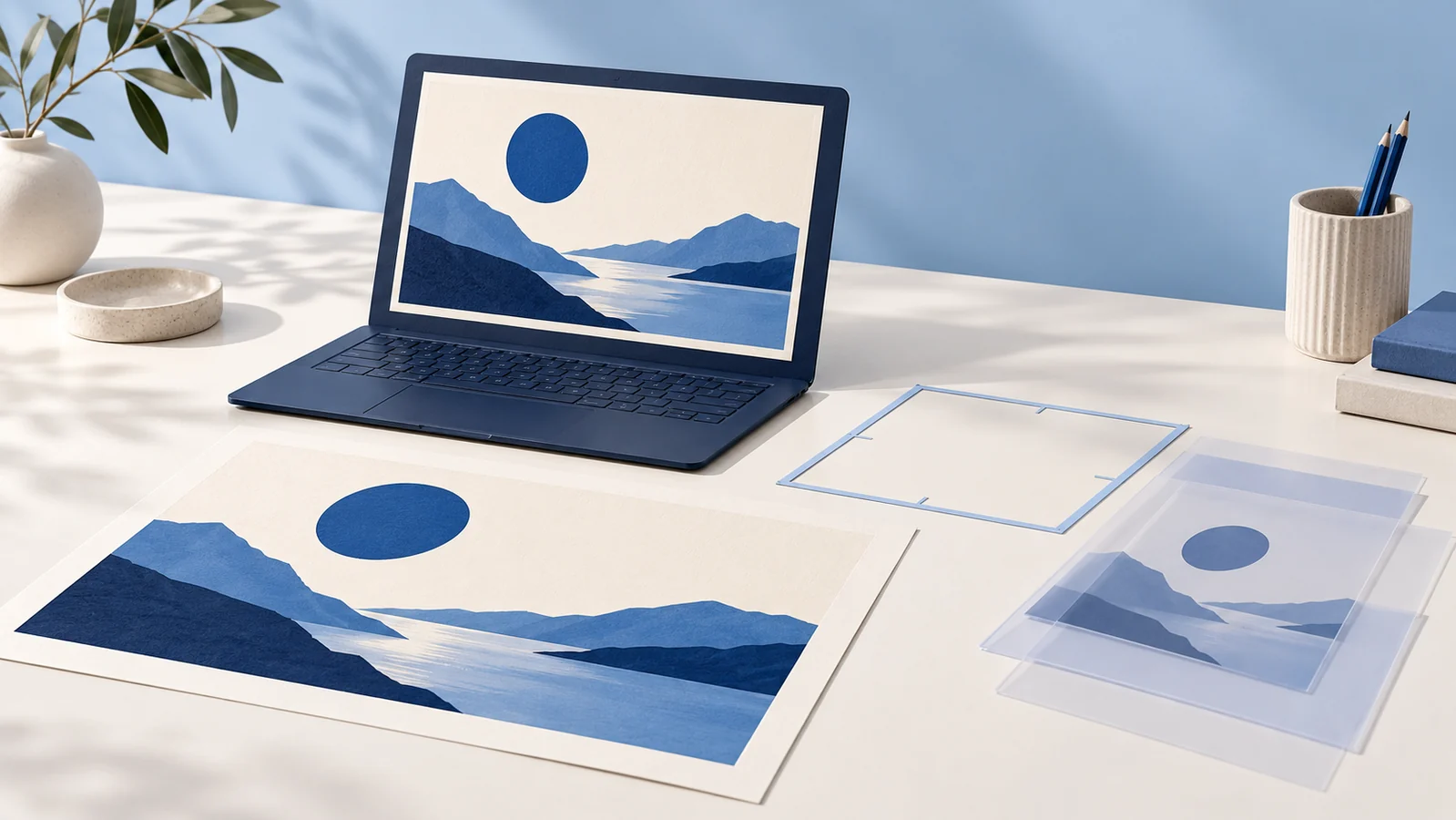
Customize a Website Mockup: Check the Smart Object Replacement
Replace a website mockup’s Smart Object content deliberately, then inspect the correct design version, cropping and saved presentation without treating it as a working site.
Evaluate fonts, layouts, templates, textures, and other design resources against the content, file handoff, and final display you need.
Replace a website mockup’s Smart Object content deliberately, then inspect the correct design version, cropping and saved presentation without treating it as a working site.
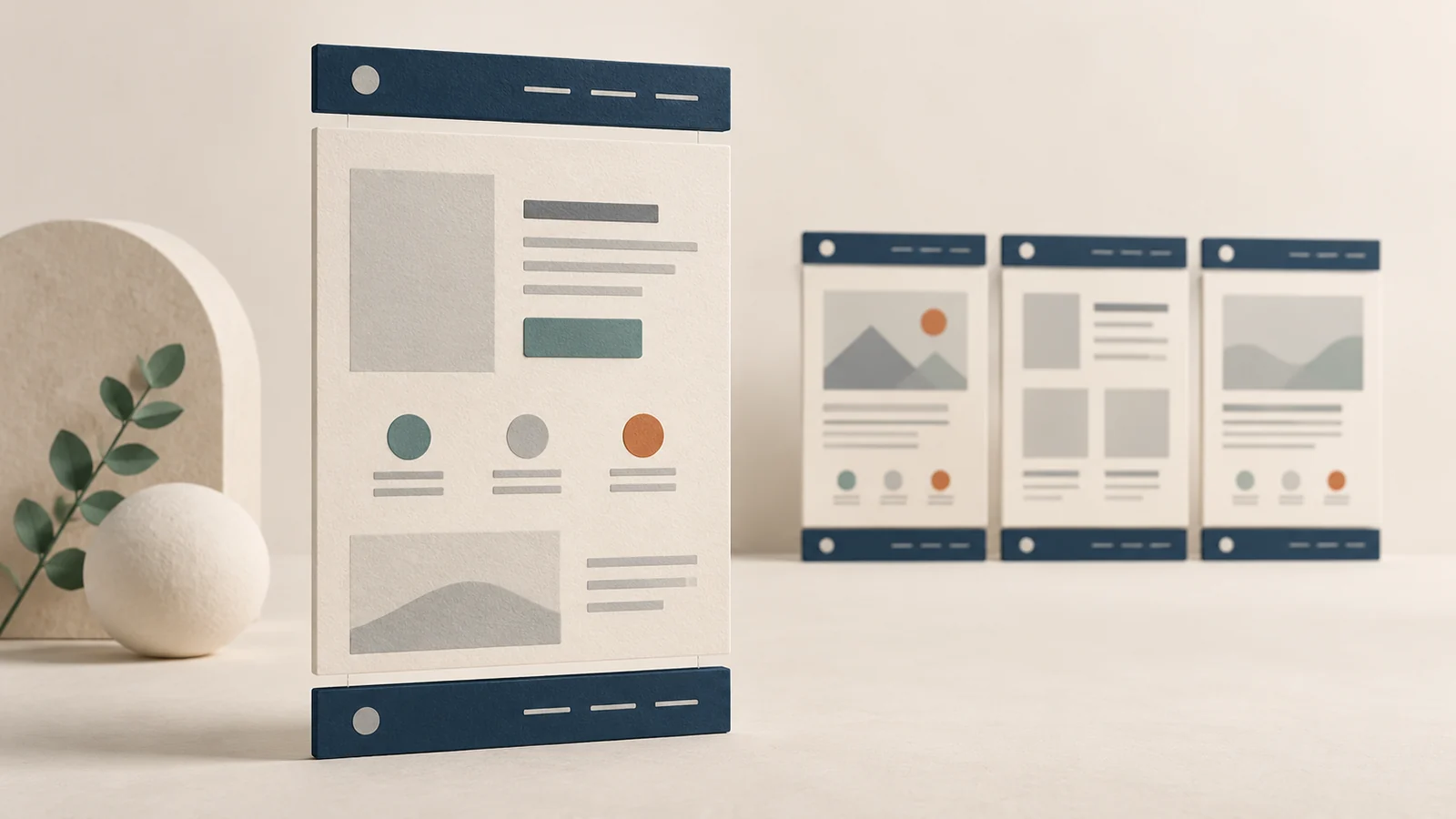
Choose a Divi Blank Page template or a scoped Theme Builder exception deliberately. Check shared header and footer relationships before accepting the landing page.
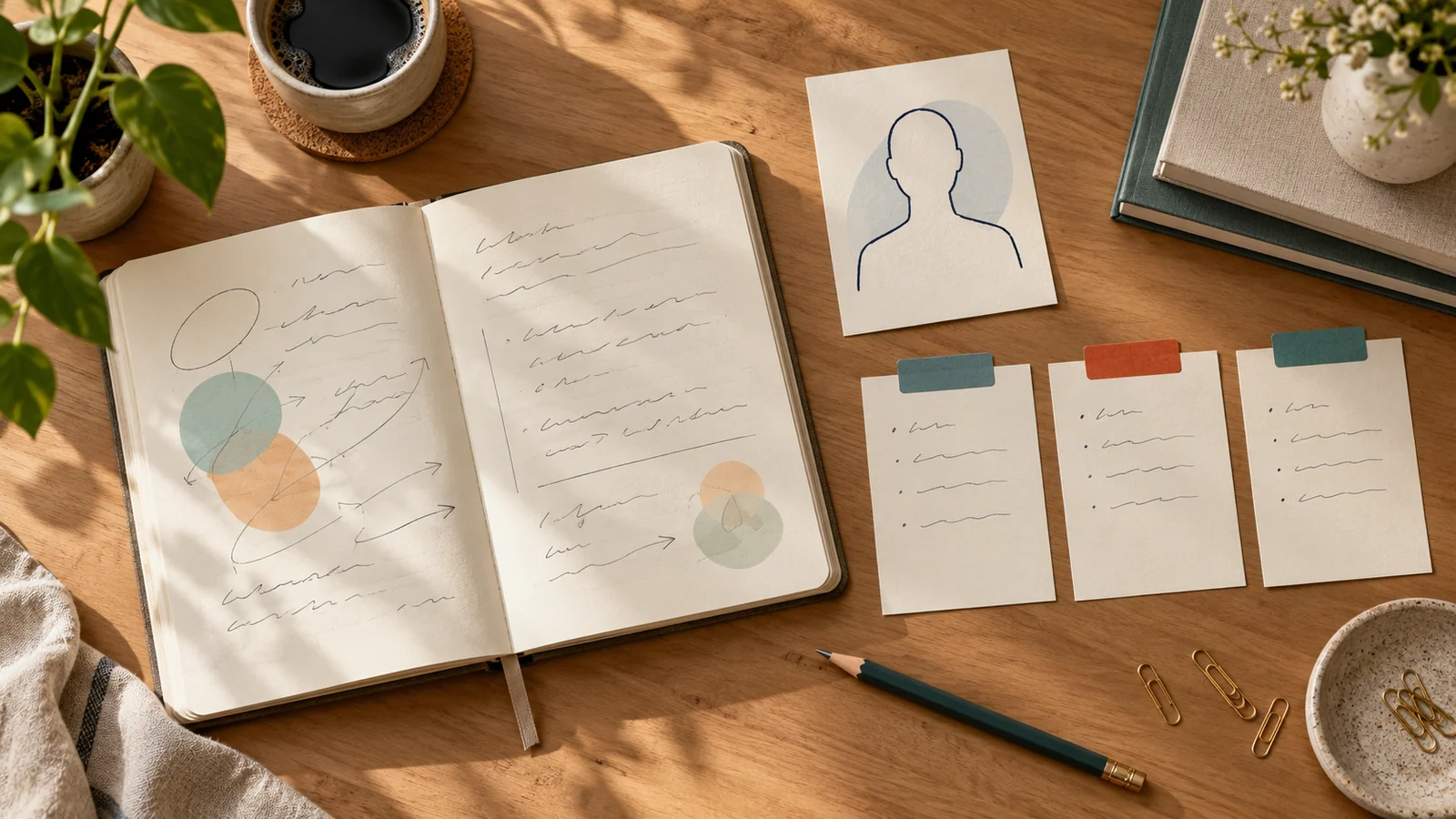
Build a useful website persona card by distinguishing observed research from interpretations and untested assumptions. Avoid invented quotes and decorative demographics.
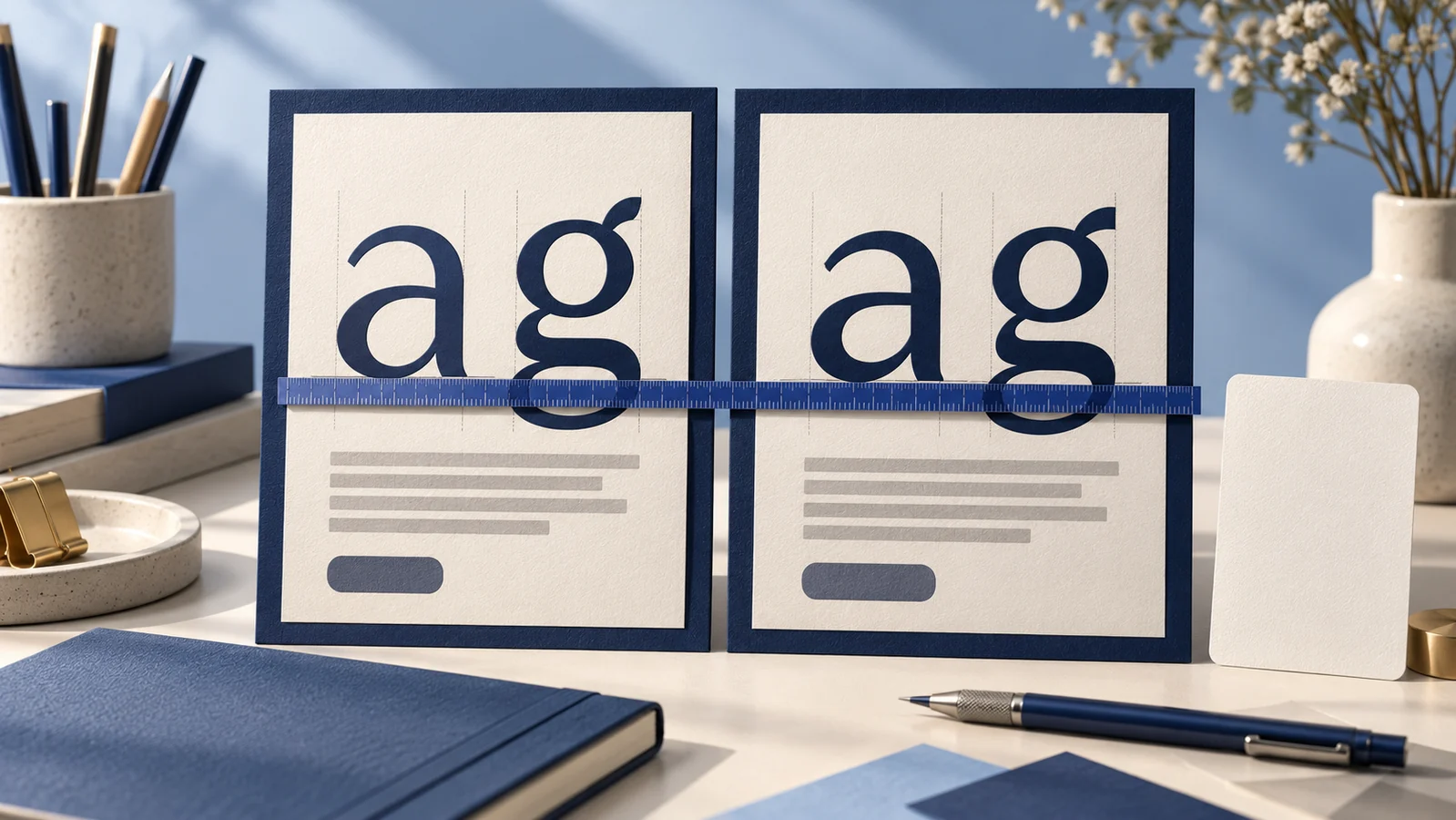
Compare a Century Gothic alternative using real headings, paragraphs, required styles, character coverage and the actual font package's website-use permissions.
Review a brand manual template for editable assets, approved color and type rules, unresolved placeholders and a usable handoff to website editors.
Accept or reject optional tracking here, or use the C icon to choose Analytics and Marketing separately.