
Create a New WordPress Page: Draft, Preview and Connect It
Create one page in the existing editor, review its URL, template and visibility, verify the rendered result and connect the published destination through useful links.
Evaluate fonts, layouts, templates, textures, and other design resources against the content, file handoff, and final display you need.
Create one page in the existing editor, review its URL, template and visibility, verify the rendered result and connect the published destination through useful links.
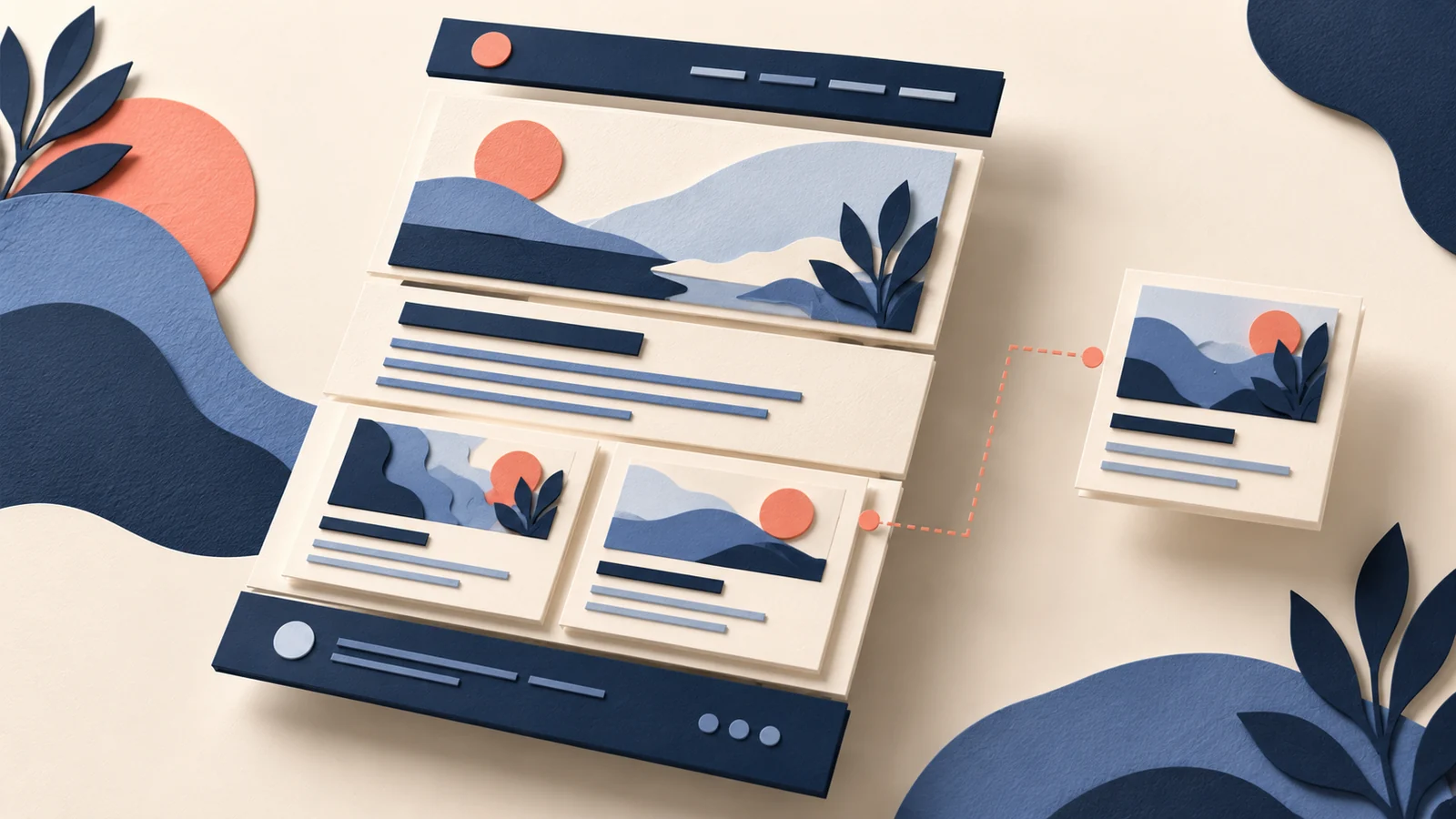
Understand how page builders arrange content, how they differ from the block editor and theme templates, and what to check before adopting one.
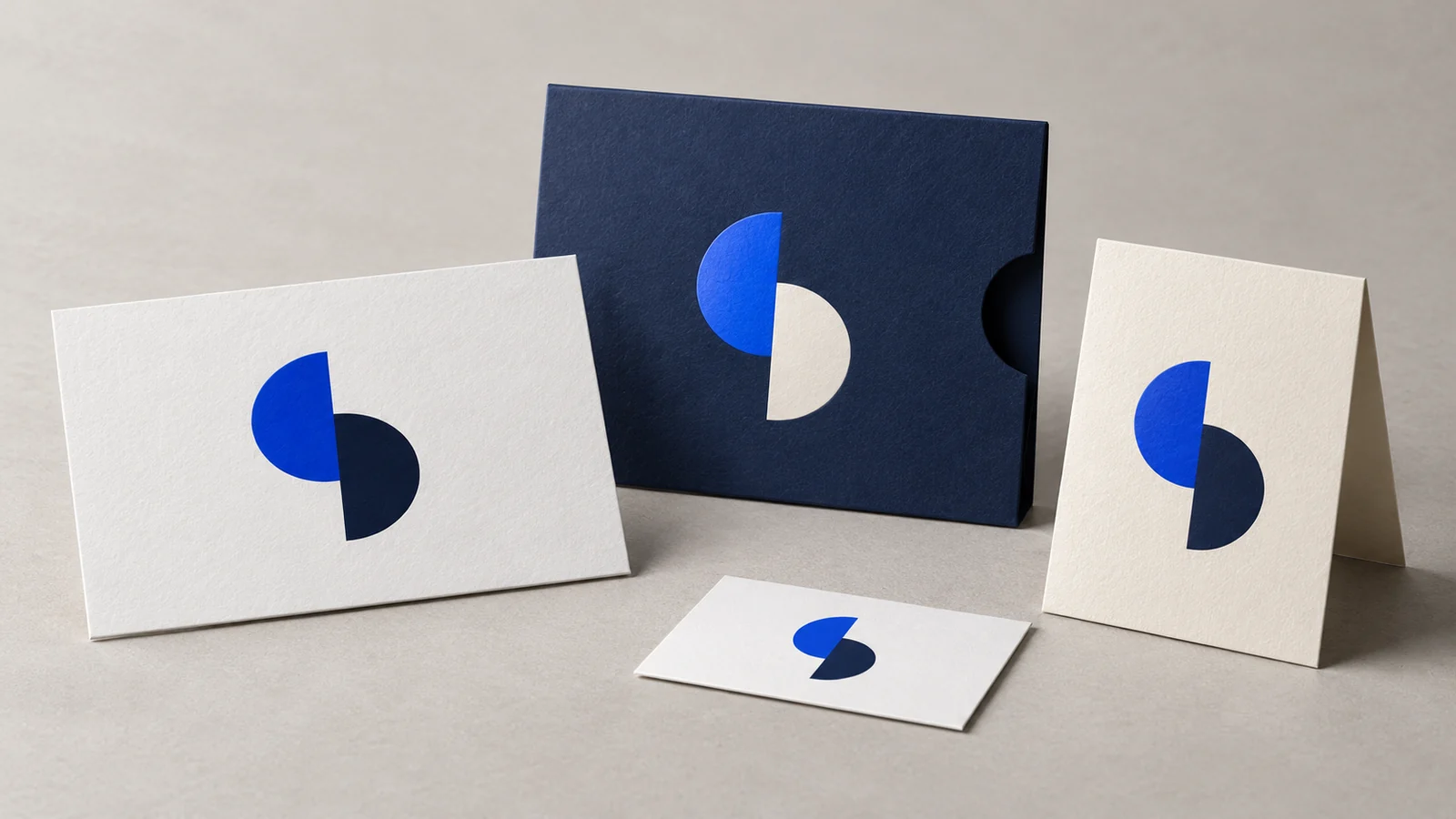
Evaluate logo mockups by purpose, editable format, software dependencies and permitted use. Check the plain logo and actual website layout alongside the scene.
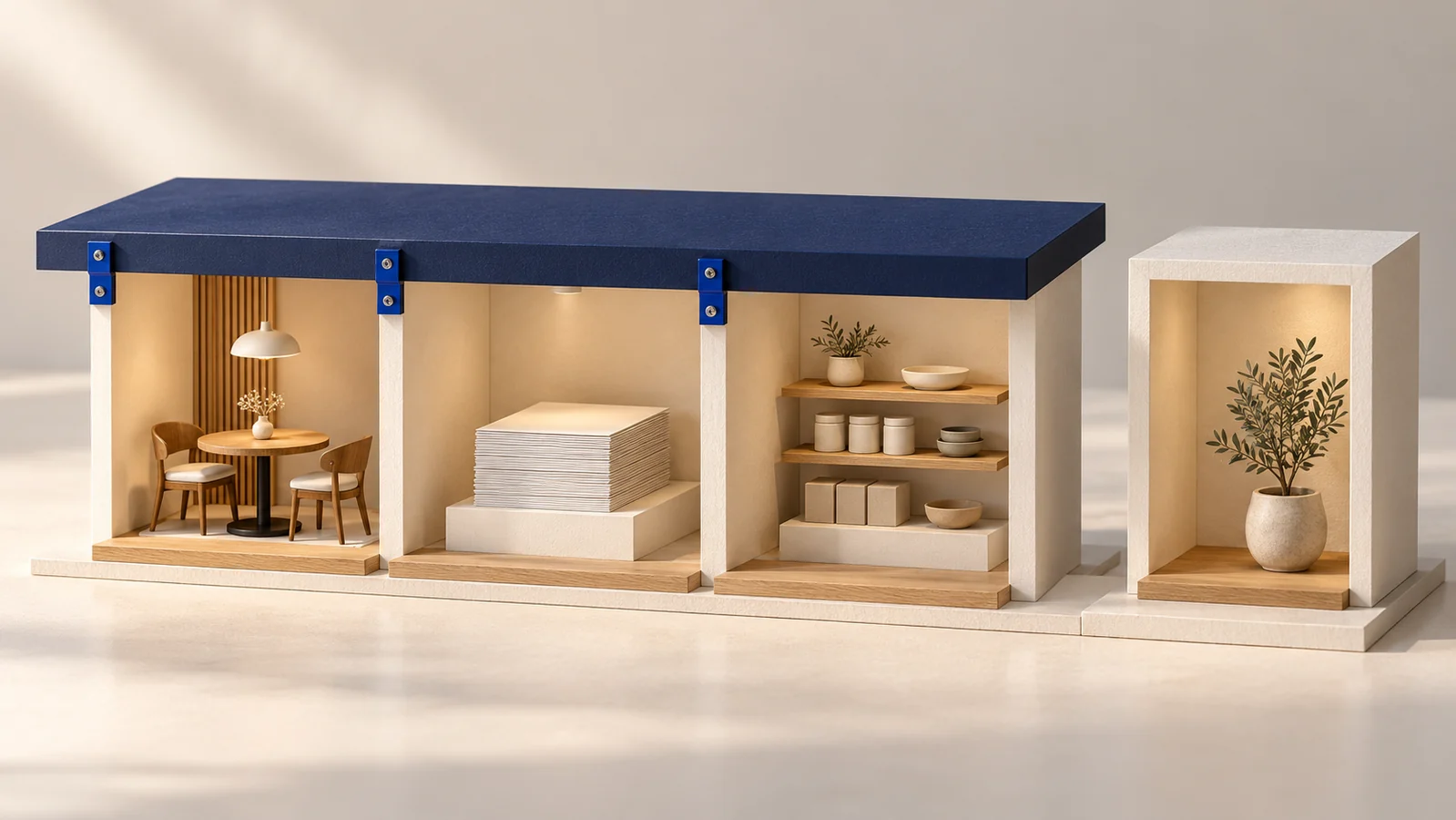
Review the Bistro pack as a template set. Record intended assignments, shared parts and unaffected pages before evaluating an import on a working copy.
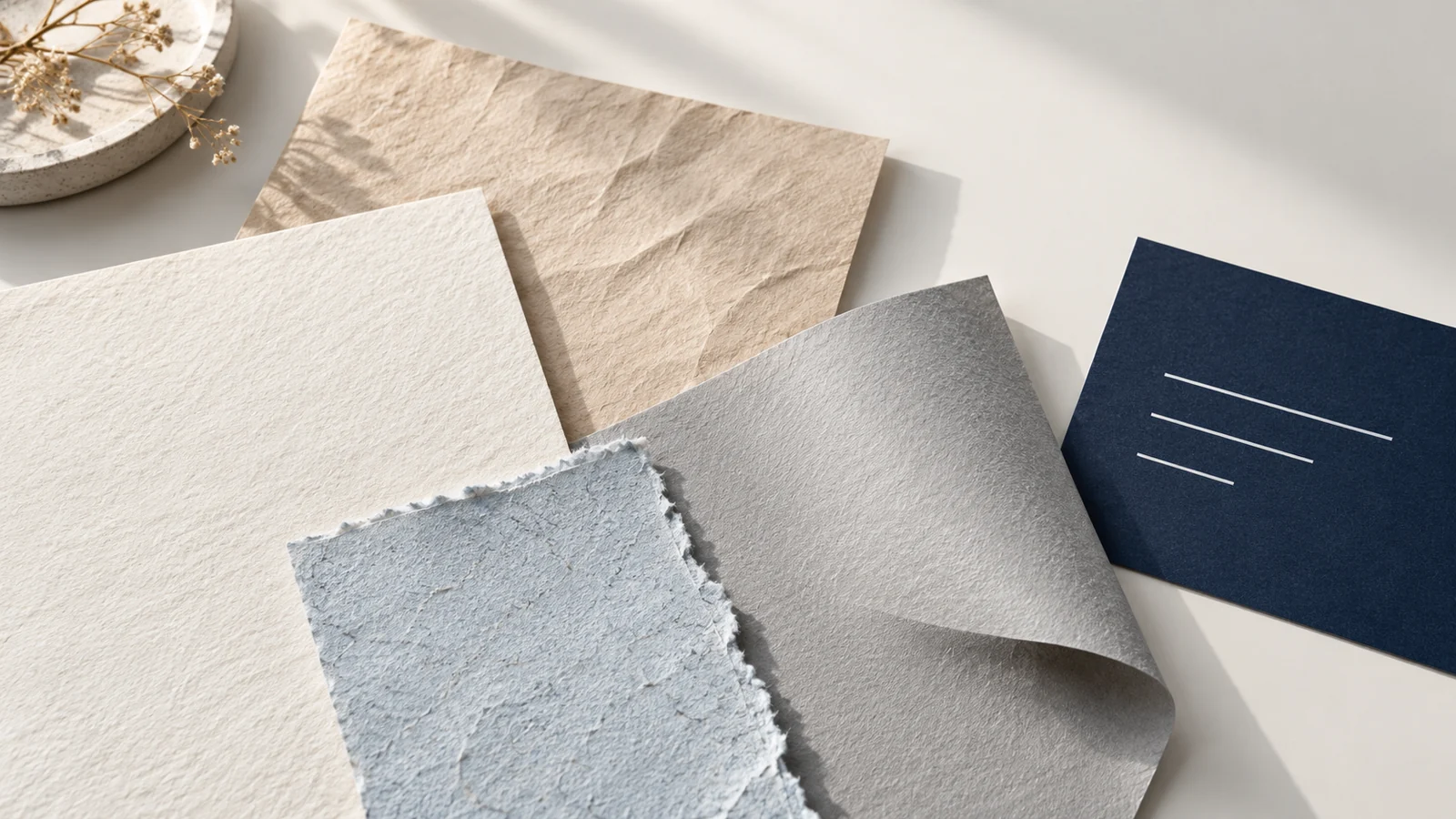
Choose paper textures for a specific page role, verify file permissions, protect text readability and optimize the asset for the real layout.
Accept or reject optional tracking here, or use the C icon to choose Analytics and Marketing separately.