
Quick Answer
A useful Shopify blog needs an article layout that is comfortable to read and an index that helps people find relevant content. Test headings, images, mobile reading, navigation, and contextual product links with real articles. Improve the existing blog and article templates before assuming the whole store needs a different theme.
An ecommerce blog has two related jobs: helping readers answer a question and helping them find the next useful page. A grid of attractive thumbnails can support discovery, but the article itself still needs clear content, accurate information, and a readable layout.
Understand the blog and article templates
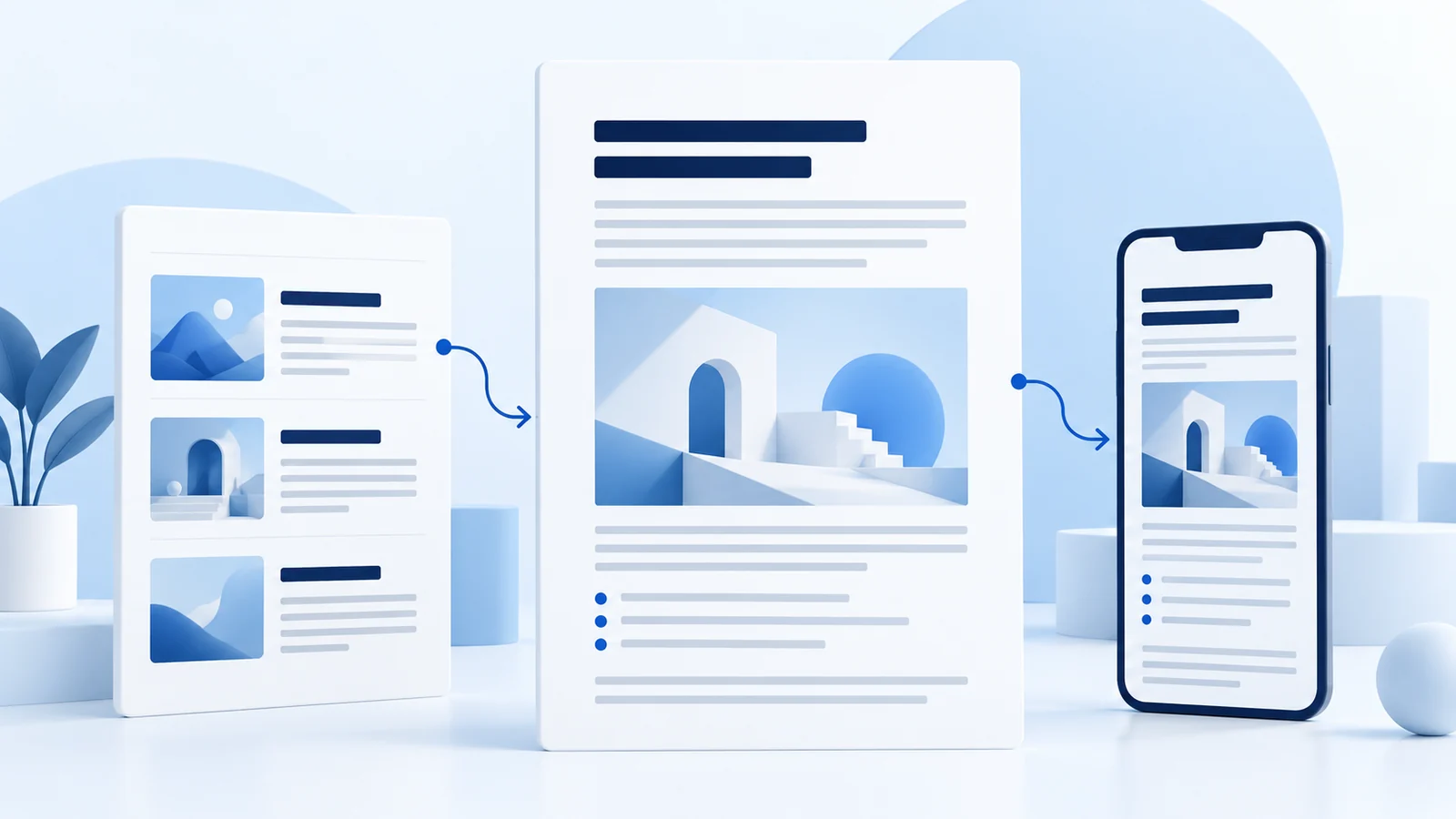
Shopify’s theme architecture includes a blog template for a blog’s listing page and an article template for an individual post. The official template documentation describes templates as controlling the content rendered for a page type.
A better listing grid will not automatically fix cramped paragraphs in an article. A useful article layout will not ensure that older posts can be found through navigation.
The sections and settings available in the editor depend on the theme. Shopify’s merchant template guide explains template editing and resource assignment. Confirm which posts share a template before changing it.
Review a complete article with realistic content
Choose a long guide, a short update, and an image-heavy post. Use the content you actually intend to publish. Check how the template handles:
- A specific article title and an opening answer that explains the page’s purpose.
- H2 and H3 headings, lists, comparisons, and other structures the article needs.
- Readable paragraph width, text size, line spacing, and link visibility.
- Images with useful alternatives and captions where context is needed.
- Accurate author, date, and category or tag information where it is displayed.
- A useful next step after the reader has answered the original question.
On a phone, enlarge the text and follow several links. Check whether a sticky header, consent banner, or promotional panel covers the content. Review keyboard navigation and focus visibility as part of the template work.
Help readers discover the right article
Use article titles and summaries that explain what the reader will learn. A thumbnail should support that meaning without being the only place the topic is written. Keep important headings and descriptions in page text.
Review how a new visitor reaches the blog from store navigation and how someone moves from one useful article to another. If you use tags or multiple blogs, give them a clear editorial purpose. Avoid creating categories that contain one post and provide little help.
Shopify’s blog management documentation covers managing blogs and their search listings. The editorial task is to choose an understandable structure and keep it current as content grows.
For a hypothetical ceramics store, “Choosing dinnerware sizes” and “Caring for glazed ceramics” answer different questions. Linking between them where the reader needs that context is more useful than placing the same promotional product grid after every paragraph.
Connect articles to products when the connection helps
A buying guide can link to a relevant collection or product at the point where it supports a decision. Explain why the destination is useful. A care article may need instructions or replacement parts instead of a broad shop link.
Use accurate anchor text and check the destination. If a product is unavailable or a collection changes, the article still needs to make sense. Assign someone to review those connections as part of content maintenance.
Separate factual help from promotions that need qualification. Do not invent customer experience, product benefits, or results to make an article sound persuasive. If an illustration is generated, use it to explain a concept rather than presenting it as an actual product or project photograph.
Decide whether the problem needs a template change
| Problem | Useful starting point |
|---|---|
| Articles are hard to scan | Review the content hierarchy and article typography before adding more widgets. |
| Useful older posts are difficult to find | Review the index, navigation, tags, and contextual links. |
| The layout cannot handle required content | Review the article template and editable sections or components. |
| The entire store has unsuitable layouts | Compare the wider requirements using the Shopify theme selection guide. |
The theme selection and customization guide covers the wider catalog and store decision. Our custom development guide helps scope functionality that goes beyond the theme’s available controls.
Verify the result and maintain the content
After a template change, check representative existing posts and the blog index. Confirm titles, headings, links, images, mobile behavior, and the reading order. Preserve established article URLs unless a documented change requires a redirect plan.
Measure what the content is meant to support: useful search visits, readers finding related information, or a relevant inquiry or product visit. A template by itself cannot guarantee search rankings or citations in AI answers. Keep content quality and the complete reading experience in the review.
Key Takeaways
- Review the blog listing and individual article layout separately.
- Use real content to test headings, images, mobile reading, and navigation.
- Link to relevant products and related articles when they help the reader.
- Check existing posts after template changes and maintain their information.
Frequently Asked Questions
Do I need a separate blogging platform for Shopify?
Shopify includes blogging features. First define the content, editing, discovery, and integration requirements. Compare those with the current store’s capabilities before adding another platform and the maintenance it brings.
Can I change the article layout without replacing the whole theme?
Often, the existing theme’s settings or a scoped template change can address the problem. Available options depend on the theme and requirements. Confirm how a shared change affects existing posts.
Should every blog post include a product promotion?
Use a product link when it supports the question the article answers. Some articles need a care instruction, a related guide, or another kind of next step. Keep the page useful for the reader’s original task.
Will a new blog template improve SEO?
A clear, accessible layout and working navigation can support a useful reading experience and content discovery. Results also depend on the content, technical setup, demand, and other factors. Measure the complete change instead of promising a ranking from the template alone.
Want to improve how shoppers find and read your content? Contact Interactive Online about Shopify blog and theme development.