
Quick Answer
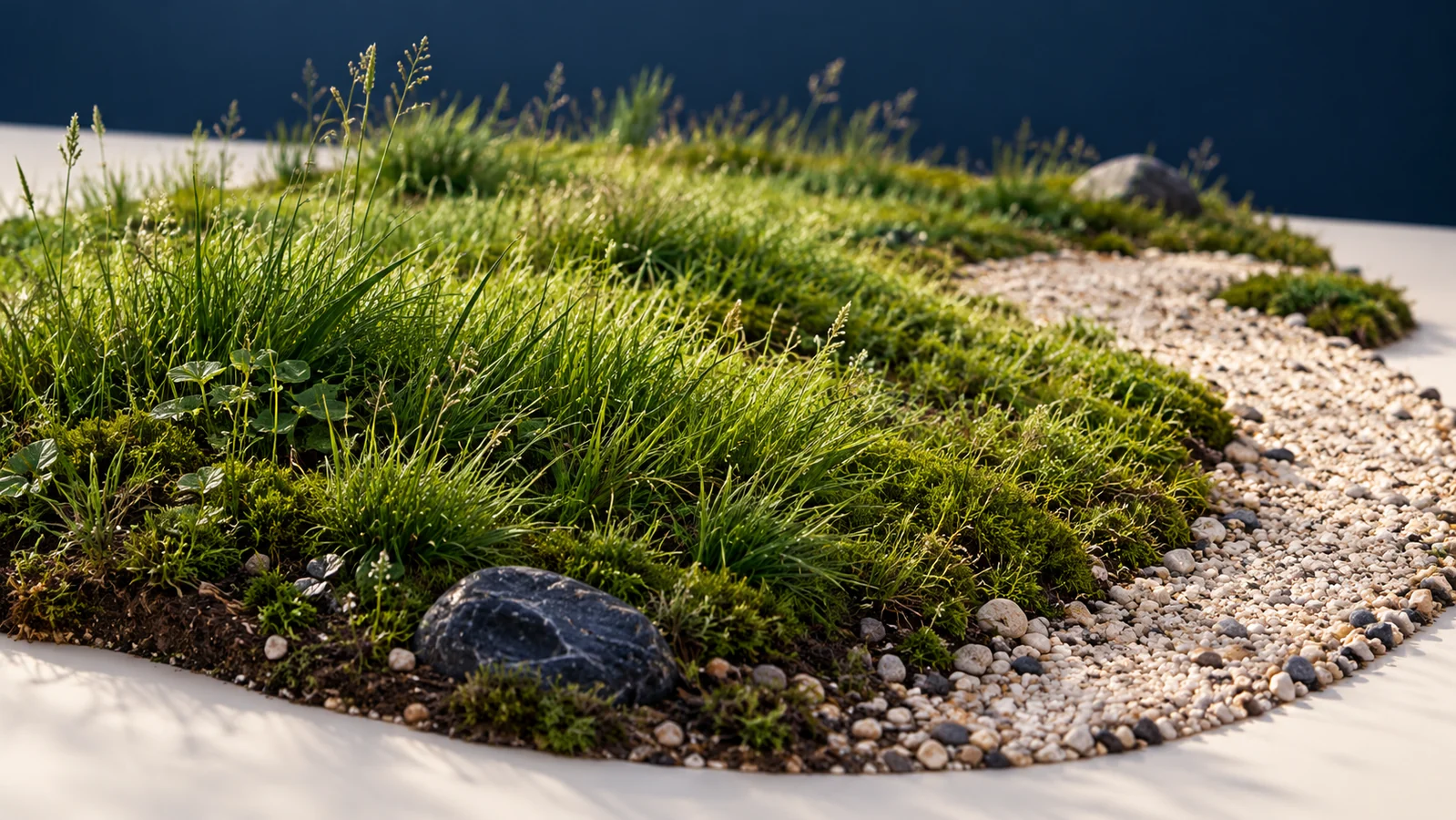
Choose grass brushes or textures by the ground surface the artwork needs. Match blade scale, growth direction, lighting and perspective to the surrounding scene. Use a brush for painted marks, a photograph for a particular surface and a repeating pattern for an extended treatment. Review the final crop and exported size before accepting the composition.
A close photograph of individual blades and a distant lawn describe different viewing distances. A resource can be sharp and still look wrong when its scale conflicts with the scene.
Define the ground plane before choosing the asset
Identify whether the artwork shows overhead ground, an eye-level landscape or a decorative grass edge. Note the horizon and where the viewer is meant to stand. Choose a source whose perspective can fit that arrangement without excessive distortion.
For a website banner, mark the area that must stay clear for the page’s text and controls. Keep the essential wording outside the decorative artwork so a responsive crop does not remove it.
Choose the method from the required detail
| Method | Suitable review task |
|---|---|
| Painted grass brush | Shape a local edge or patch, inspecting how the repeated marks grow from the surface. |
| Photographic texture | Match a real surface’s blade size, lighting, sharpness and viewing angle. |
| Repeating pattern | Extend a decorative ground area while inspecting joins and recognizable repetition. |
Check what a supplier actually provides. A preview of finished landscape art does not establish that the package contains a separate brush, transparent image and seamless tile. Verify the exact files and their permitted uses before obtaining them.
Compare scale and direction in the scene
Place a small test patch in the intended composition. Compare the near and distant areas with surrounding objects. A large blade repeated unchanged into the distance can make the ground appear vertical or miniature.
Follow the surface and the intended growth direction. Check the transition at a path, stone or other boundary, where mismatched edges are easy to notice. Review whether the new grass’s light and shadow agree with the scene instead of judging its green color alone.
Distinguish a grass-shaped tip from brush texture
Adobe’s current textured-brush guide describes applying a pattern through Brush Settings, including texture scale and depth. That surface effect is different from the outline of a grass-shaped brush tip.
Compare the selected tip with and without the additional texture where the tool supports it. Keep a record of the accepted configuration. More grain does not automatically produce a more convincing blade, especially after the artwork is reduced.
The splatter brush test covers stamp and stroke behavior in more detail. Use it for that separate tool check, while judging the grass against its ground plane.
Review the final crop and handoff
Export the intended website sizes and inspect the actual images. Look for merged blade detail, a visible repeated patch, hard masked edges and an awkward boundary around the subject. Compare the narrow crop with the wide composition.
Keep the editable source, asset origin, approved usage and accepted settings with the handoff. This article does not supply a downloadable texture pack or document completed landscaping work.
For a different fine-detail problem, the halftone export guide examines dot patterns after resizing. Use the website image sizing guide to prepare the accepted artwork for its page.
Key Takeaways
- Choose the viewing distance and ground plane first.
- Separate brush marks, photographs and repeating patterns.
- Match blade scale, direction, light and boundary edges.
- Inspect the final crop and preserve the editable source.
Frequently Asked Questions
Why can a sharp grass texture still look unrealistic?
Its scale, lighting or viewing angle may conflict with the surrounding scene. Compare it in the final composition.
Is brush texture the same as a grass-shaped tip?
No. The tip defines the mark’s shape, while an added texture changes its surface treatment. Review both where relevant.
Can I download grass-texture files here?
This article provides selection and composition guidance. It does not supply texture files or establish permission to extract a supplier’s assets.