
Quick Answer
Choose a Photoshop cloud brush by how its light, scale, edges and repetition fit the composition. Test the intended mark on a separate layer and inspect the finished small export. A recognizable cloud stamp can still look pasted in when its bright side faces the wrong direction or repeats at the same size.
Begin with the scene’s lighting and purpose. A stylized editorial sky allows different choices from an image intended to document a real place. Keep illustrative additions clear in the surrounding presentation and preserve the original when accuracy is required.
Set the light direction before placing clouds
Identify the scene’s main light source and the color of its shadows. Choose or paint cloud forms whose highlights and darker undersides agree with that direction. Flipping or rotating a stamp may improve its outline while putting its lighting at odds with the rest of the image.
For an imagined afternoon sky, a proposed test might use warm light on the upper-left cloud edges and cooler shadow below. This describes an illustrative design choice, not a weather observation or a claim about a real location.
Test the mark and its spacing
Adobe’s brush-settings guide documents brush tip shape controls including size, angle, roundness and spacing. Use the current desktop workflow and the actual brush requirements when setting up a test.
Place one mark first. Inspect the edge at working size and at the intended output size. Then try a short sequence to see whether overlapping marks create an obvious repeated silhouette. Record which settings suit this composition instead of treating one preset as universal.
| Visual check | Adjustment question |
|---|---|
| Light direction | Do the bright edges and shaded forms agree with the scene? |
| Depth and scale | Do distant forms feel smaller or less defined where that suits the illustration? |
| Edges | Is the cloud boundary too hard, uniformly soft or visibly clipped? |
| Repetition | Does a distinctive silhouette reveal the same stamp in several places? |
| Negative space | Can the page’s intended subject or nearby text remain clear? |
Distinguish a brush, overlay and action
A brush supplies a mark to paint with. An image overlay supplies existing visual content to place and blend. An action runs recorded operations and may depend on the source or setup. Verify which item the supplier provides, along with its actual license and requirements.
Keep added clouds and the base artwork separable where the chosen workflow permits. Save an editable working file and a clean source. Do not overwrite the only original while experimenting with a third-party effect.
The photo-to-illustration action guide covers evaluating a broader transformation. The grass brush guide addresses a ground plane, where scale and direction serve a different visual task.
Review the crop and delivery image
Export a trial at the dimensions required by the page and inspect it there. Fine wisps can disappear when reduced; a heavy cloud can dominate a narrow crop. Check that the composition still explains the intended idea after resizing.
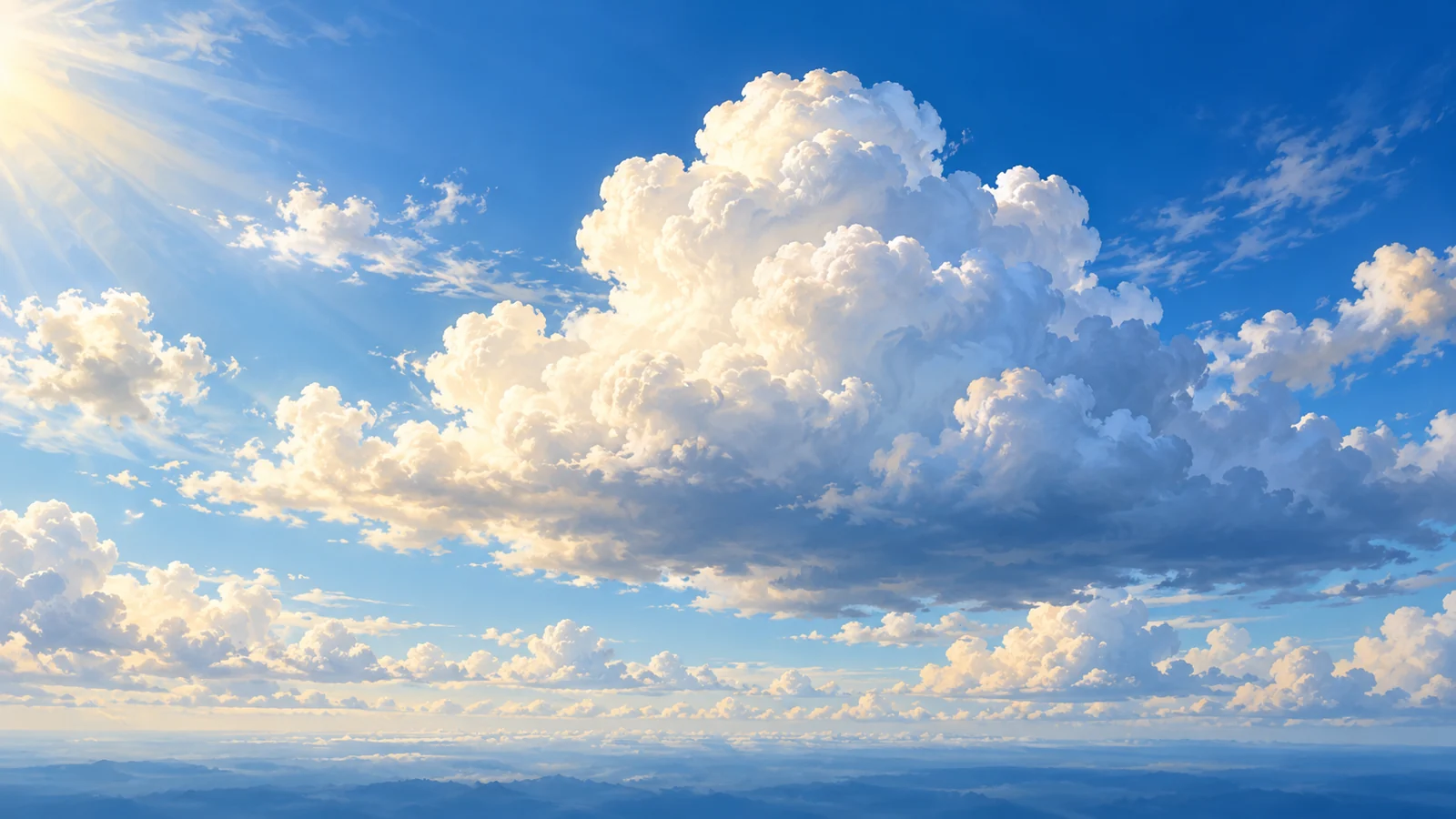
Preserve source, usage rights and editing context with the project record. This article does not supply a brush pack or establish rights to a third-party preview. Its featured image is original conceptual artwork, not output from a reviewed commercial brush or a photograph of an actual sky.
Include the intended image role and editable handoff in the website design brief.
Key Takeaways
- Match cloud lighting to the composition.
- Test scale, edges and repeated silhouettes.
- Verify whether the asset is a brush, overlay or action.
- Inspect the actual crop and small export.
Frequently Asked Questions
Why does a realistic cloud brush look pasted into my scene?
Compare its lighting, edge quality, scale and repetition with the surrounding artwork. A detailed stamp can still conflict with the composition.
Can I assume the old roundup’s free brushes are still available?
No. Check the current supplier, license and download before use. This article does not include a brush pack.
Is the featured sky a tested commercial brush result?
No. It is original conceptual illustration. It does not demonstrate a specific purchased or free Photoshop product.