
Quick Answer
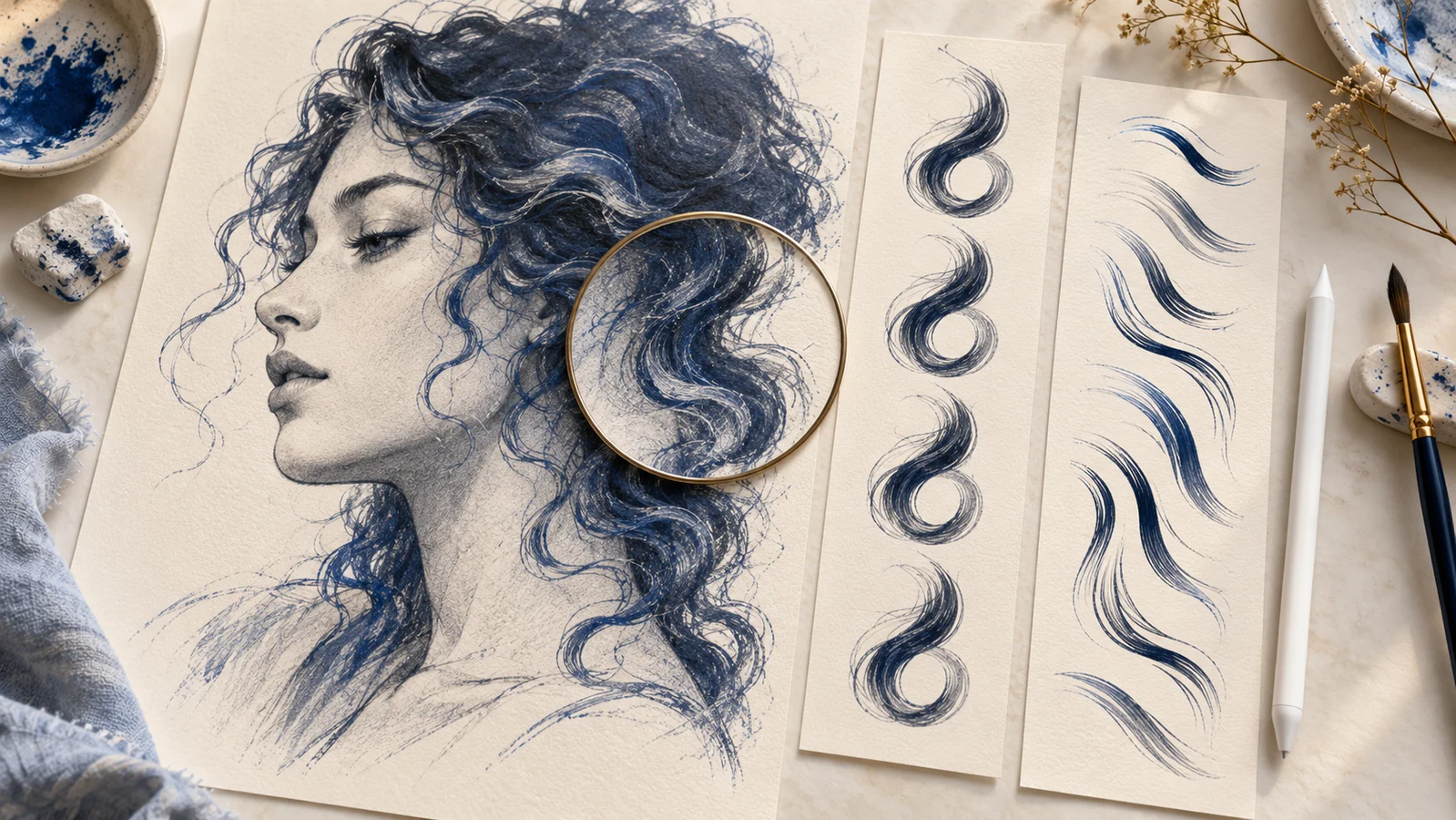
Choose a digital hair brush by the hairstyle, strand direction and final viewing size you need. A convincing preview can still produce repeated clumps or the wrong flow in your portrait. Check the exact app/file support and permission, then review an authorized sample with the actual crop before approving the brush for the artwork.
Separate structure, volume and detail
The January 23, 2024 hair-brush roundup presented Photoshop and Procreate resources for different styles. Use it as a historical source of ideas, not a current promise that every listed file is available or licensed for your project.
Decide whether the brush should establish a larger hair mass, add curl or clump texture, or draw individual strands. A dense detail brush may create noise when used to build the whole silhouette. A stamp that supplies a complete lock may need careful orientation and variation to fit the head.
Review direction and repeated shapes
Follow the intended part, growth direction and movement of the hair. Check where strands overlap and whether their width and curvature suit the illustration. Compare light and dark areas so added detail does not flatten the larger form.
Look for the same recognizable clump repeated along an edge. Rotation alone can leave identical spacing or highlights visible. Adjust the approach or select another brush when the repeated pattern competes with the hairstyle.
Use a specific portrait check
In a hypothetical character illustration, the brief calls for loose curls around one side of the face. A proposed brush stamps the same curl cluster repeatedly. Review the outer silhouette at the final portrait crop: if several identical loops become the main visible feature, revise their placement or use a more suitable stroke method.
- Intended result
- Loose curls with direction and variation that support the approved hairstyle.
- Review area
- The visible edge beside the face, overlapping clusters and any details lost at the final displayed size.
- Decision
- Approve only the actual sample that fits the brief. Keep any untested app or export condition open.
This is an illustrative art-direction exercise. No brush pack was installed or tested to produce it.
Check the actual import and behavior
Procreate’s current import guidance lists its brush formats and support for Photoshop .abr files. Import support does not establish that every setting or stroke will behave identically across applications.
Check the supplied format, intended application and documented requirements. Keep the original file and note any settings changed for the approved sample. Compare pressure, size and texture behavior in the app and input device actually used for the artwork.
Approve the artwork and its permission together
Verify the creator’s current license for the exact file and intended use, including any attribution or redistribution conditions. A roundup’s free label does not settle those terms. Keep the permission record with the approved artwork.
Inspect the exported portrait at its actual web or print size, including transparency against the final background. Our splatter-brush guide addresses a different stamp-versus-stroke decision, while the paper-texture guide covers background treatments. The billboard typography guide explains another review where final viewing conditions change the decision.
Key Takeaways
- Assign the brush a structural, texture or detail role.
- Review strand flow and repeated clumps at the final crop.
- Check imported behavior in the actual application.
- Keep the exact file’s permission record.
Frequently Asked Questions
Can Procreate import Photoshop brushes?
Its official guidance supports importing .abr files. Review the actual brush behavior rather than assuming identical results across apps.
Why does a detailed brush look repetitive?
A recognizable clump or stamp may repeat along the silhouette. Review its spacing, direction and variation in the final artwork.
Does the roundup provide commercial permission?
Check the exact creator’s terms for the file and intended use. The roundup alone does not grant that permission.