
Quick Answer
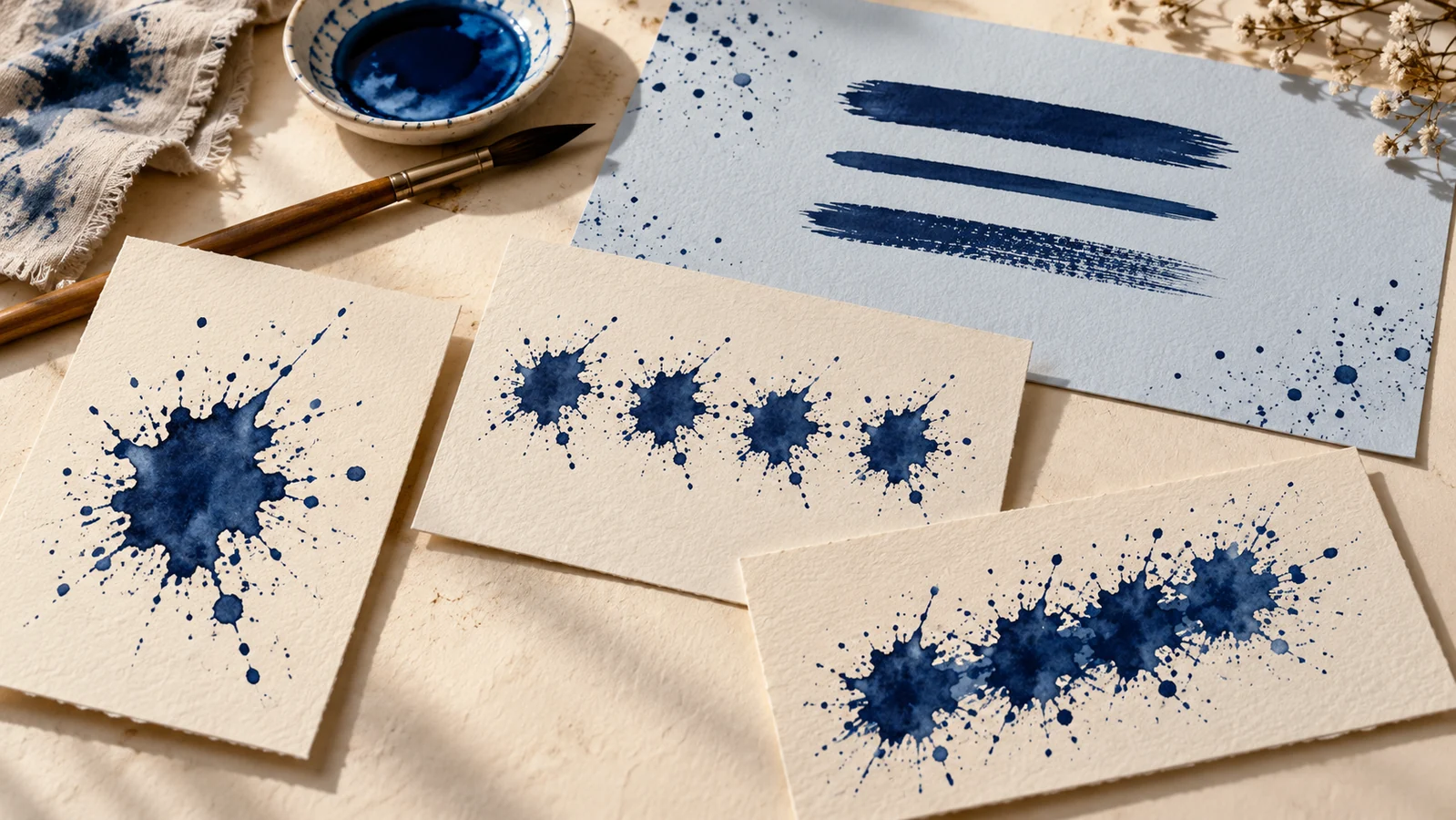
Evaluate a Photoshop splatter brush with one stamp and a short dragged stroke. Check the shape, size, angle and spacing of the marks before using it in website artwork. A dramatic preview does not show whether the same tip will repeat visibly or crowd the page’s text.
Choose the mark the artwork needs
A single splash behind an illustration and a continuous painted edge need different behavior. Name the intended use before comparing brush packs. Keep the source artwork editable so the effect can move without repainting the whole composition.
The original January 31, 2024 archive pointed to a resource roundup. Its pack counts and compatibility statements are historical. Check the actual supplier, file type and permission before obtaining an asset; this article does not provide a brush download.
Make a controlled brush sample
Adobe’s current brush-settings guide describes size, angle, roundness and spacing controls. Use the settings available for the selected brush and installed version.
- Single stamp
- Place one mark on a separate working layer. Inspect the largest splash and smallest droplets at the intended artwork scale.
- Short stroke
- Drag a short line with the same tip. Look for an obvious repeated shape and whether marks merge into a solid band.
- One changed control
- Compare a deliberate spacing or angle change while keeping other conditions fixed. Record which setting produced the intended arrangement.
- Page placement
- Place the sample beside the actual heading or subject. Keep a clear reading area and check whether responsive crops move droplets across it.
Separate stamp size from useful detail
A larger canvas setting cannot guarantee that a small source tip contains more detail. Inspect the result instead of accepting “high resolution” as a complete specification. Small droplets may also disappear when the artwork is reduced.
For a decorative web image, keep essential wording in page text. A brush treatment that looks lively on its own can make a headline difficult to read when repeated behind it.
Preserve the accepted settings and output
Record the brush source, permitted use, selected tip and relevant settings with the editable artwork. Adobe documents exporting a brush set as an ABR file, but permission to share a third-party brush must come from its actual terms.
Our halftone guide addresses a different fine-pattern problem, while the stone texture guide covers material scale and repetition. Use the image-sizing guide when preparing the accepted artwork for the website.
Key Takeaways
- Compare one stamp with a short stroke.
- Check angle, spacing and recognizable repeated marks.
- Preserve settings and keep essential page text readable.
Frequently Asked Questions
Does a large brush setting guarantee a sharp splash?
No. Inspect the source tip’s useful detail and the actual output at the intended size.
Why test a dragged stroke if I want one splash?
It reveals repeat behavior. If only one mark is needed, judge and place that stamp deliberately.
Can I download brush-pack files here?
No. This article provides selection guidance rather than files or usage rights.