
Quick Answer
Keep an InDesign booklet’s editable pages in normal reading order, then prepare the printer’s required output separately. Imposition arranges pages for printing, folding and binding. A reader’s spread and a printer’s sheet answer different questions. Agree who performs imposition and inspect a suitable folded proof before approving production.
Plan the content in the order it will be read
The booklet-template collection can provide layout references. Inspect the actual template’s page structure and dependencies. Its preview does not establish the correct delivery format for your printer.
Make a page plan identifying the front cover, opening content, internal sequence, intentional blanks and back cover. Keep the sequence understandable in the editable file. A booklet’s content should not become difficult to edit because someone manually rearranged pages to resemble a printed sheet.
Choose who prepares print order
Adobe’s imposition guide explains that InDesign’s Print Booklet handles page arrangement in the print stream while the document remains in normal reading order. It also describes print settings and intentional blank-page handling.
Have the printer specify the file it needs and whether it will impose the pages. Do not deliver already imposed sheets by assumption, then have them imposed again downstream. Digital reading and print production may require different outputs from the same content source.
Use an illustrative folded-proof record
For a hypothetical eight-page booklet, keep the following decisions visible. This is a review plan, not a file we created or printed.
- Reading sequence
- Identify pages 1 through 8, with the intended front and back cover and approved internal sequence.
- Production responsibility
- Record whether the printer or authorized designer creates the imposed output, using the actual binding and production requirements.
- Folded inspection
- Review a correctly prepared proof for cover orientation, page sequence, the center opening, intentional blanks and content near the fold.
- Decision
- Approve the identified proof version only after resolving misplaced pages or hidden content. Keep a separate note of production checks still owed by the printer.
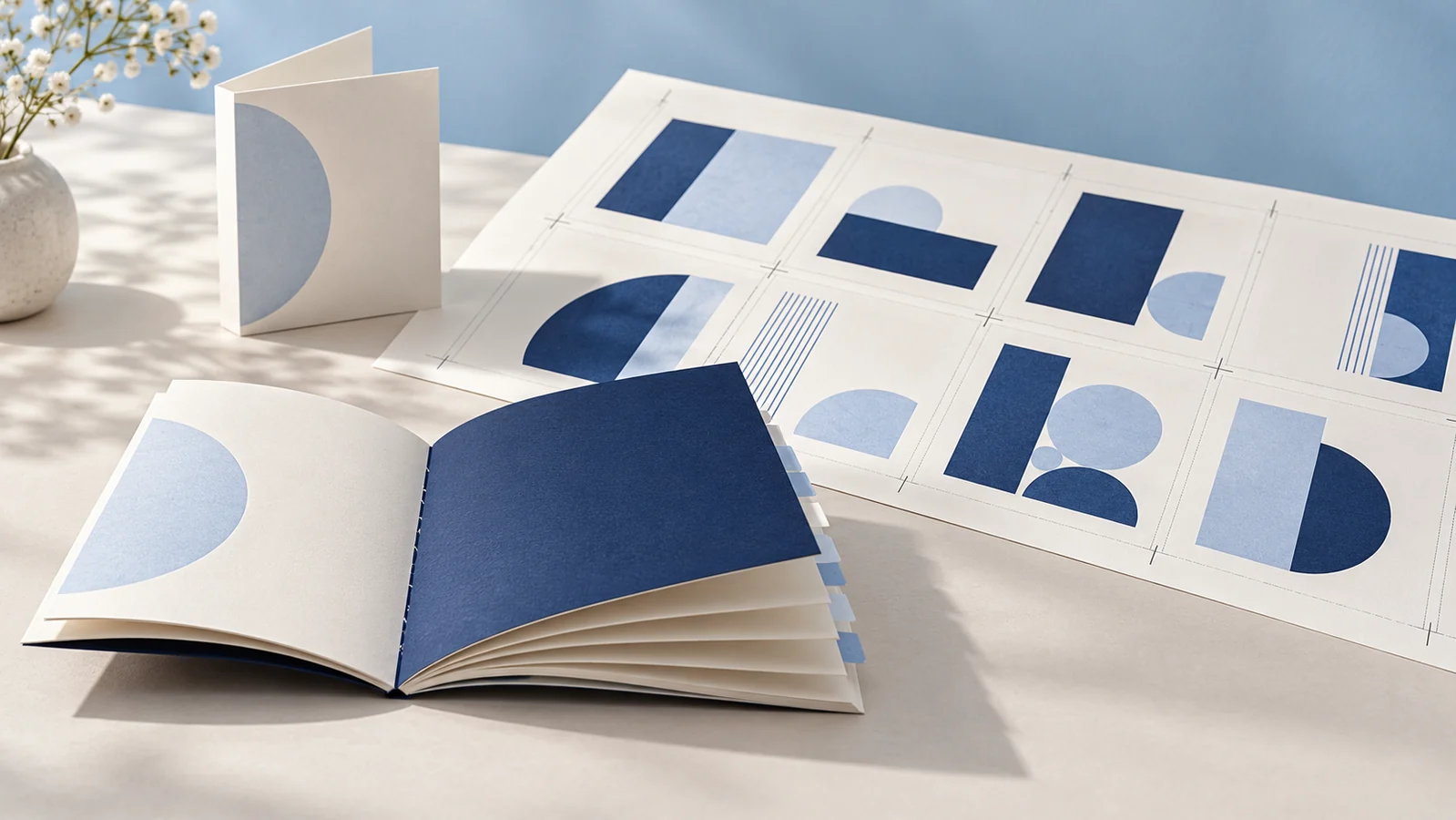
A page-count total alone cannot establish that each page is upright and in the intended position after folding. Likewise, an attractive open-spread mockup cannot substitute for that check.
Verify the actual print path
Adobe recommends a test document to establish orientation and loading direction for a particular printer. Follow the actual device and supplier requirements instead of copying an unrelated odd/even-page or tray-loading recipe.
Inspect blank pages deliberately. An intentional blank belongs in the page plan and needs to survive the chosen output process. Confirm the exported or printed result rather than trusting that an empty page in the editor will always be handled as intended.
Our catalog guide checks product records and text fit, while the catalog mockup article covers presentation. Include the final digital booklet and its source ownership in a website redesign handoff if the website will distribute it.
Key Takeaways
- Keep editable content in reading order.
- Agree responsibility and format for imposition.
- Inspect the folded sequence and intentional blanks.
- Keep print and digital outputs identifiable.
Frequently Asked Questions
Should I rearrange the editable pages into printer order?
Keep reading order and use the agreed imposition workflow. Adobe’s Print Booklet handles arrangement in the print stream.
Does every printer need imposed spreads?
Ask the actual printer. Confirm its required input and who will perform imposition before delivering a file.
Does a booklet mockup prove the page sequence?
No. Review a suitable proof through the actual folding and production plan, including covers and intentional blanks.