
Quick Answer
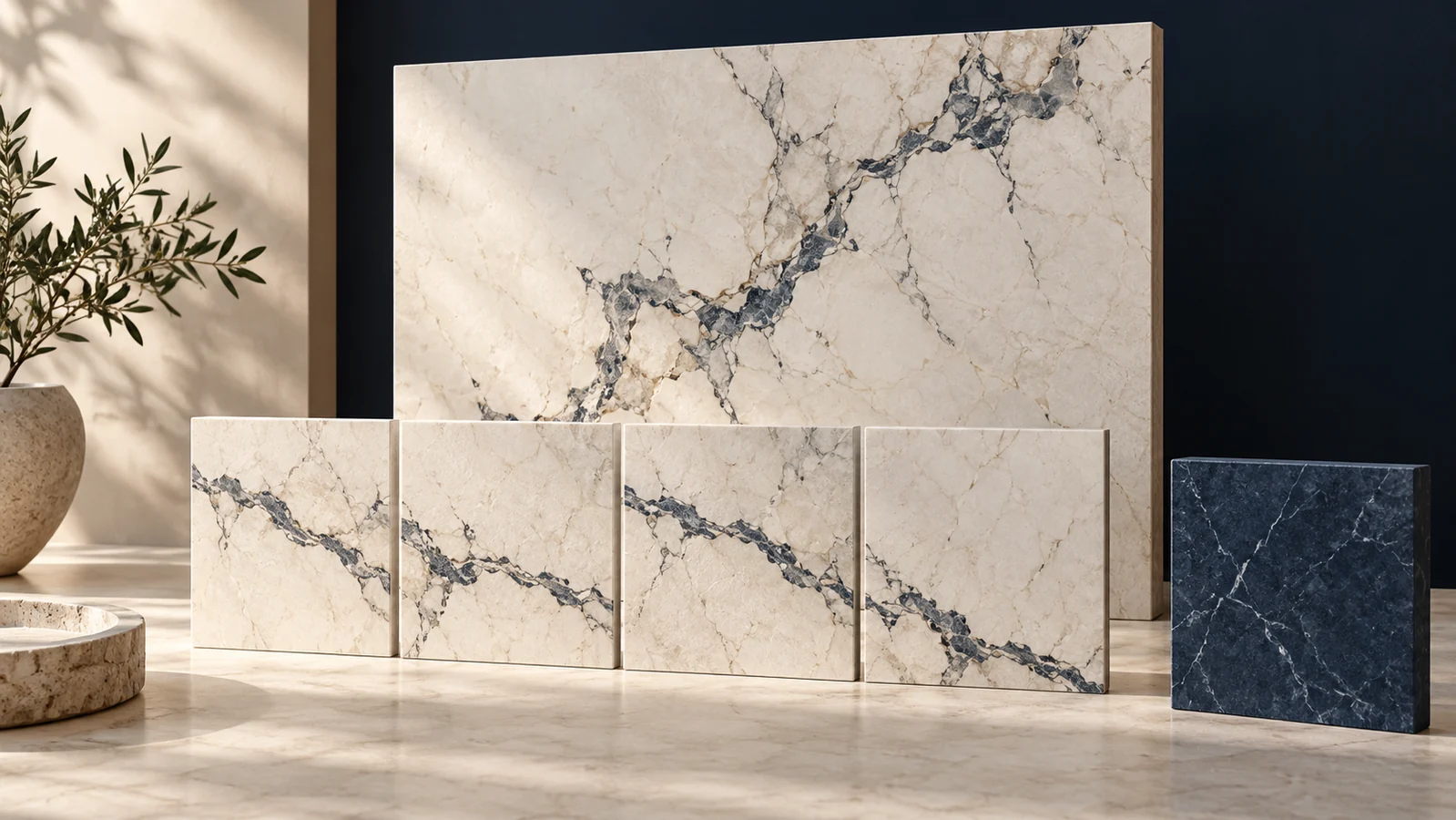
Choose a marble or stone texture by checking its purpose, visible scale and repeat boundaries. Distinguish decorative artwork from a photograph that represents an actual material. Test a large area and responsive crops before approving the asset; a single attractive preview does not establish seamless repetition or accurate product appearance.
Marble veining, stone joints and surface variation can give a design a recognizable material reference. They can also create an obvious repeated motif or imply a material the business does not actually supply.
Decide what the texture represents
For a decorative website background, the texture can be an artistic interpretation. If the image represents a countertop, tile, finish or construction material offered for sale, confirm its relationship to the actual product and approved description.
A generic gray stone image is not proof of a product’s color, dimensions, finish or availability. Keep decorative references separate from material-selection evidence. Do not use an illustrative surface as a photograph of a completed customer project.
Check the scale and direction
| Texture feature | Test in the intended layout |
|---|---|
| Marble veins | Inspect direction, contrast and recognizable repeated branches across a large area. |
| Stone or tile joints | Check whether the apparent stone size and joint spacing fit the design’s intended material reference. |
| Strong color variation | Preview every crop that may sit beside content or a product image. |
| A proposed repeating tile | Arrange multiple copies edge to edge and inspect all four boundaries and the combined pattern. |
| A single cropped photograph | Check that a wider or taller placement does not force stretching or an inappropriate crop. |
Visible repetition can remain distracting even when adjacent edges align. Step back and inspect the whole field for a distinctive vein or stone appearing at regular intervals.
Keep the working treatment adjustable
Adobe’s current Patterns panel documentation describes using a pattern fill layer with adjustable scale, angle and blending options. A flat texture photograph is not automatically a pattern preset; use the workflow appropriate to the actual file.
Preserve the source and an editable working version. Record whether the accepted design uses one crop, a repeating tile or a layered composite. Those choices affect how a future editor can extend the design without changing its character.
Review the page and asset record
Check the texture beside the actual headings, controls and images. A vein that sits outside content on desktop may cross it on a phone. Use a plain content surface or a different crop where the material detail competes with reading.
Confirm the source, permitted use and exact delivery files before implementation. A resource roundup’s “free” label does not establish current permission or availability. This article does not supply a downloadable texture pack.
Our paper texture guide discusses a different material treatment. Use the WordPress image sizing guide to prepare a delivery file after the crop and purpose are settled.
Key Takeaways
- Separate decorative material references from actual product evidence.
- Inspect scale, direction and repeated motifs over a large area.
- Preserve the approved crop or pattern and its source record.
Frequently Asked Questions
Is every marble texture seamless?
No. Test repeated copies and the overall pattern. Neither a preview nor a filename establishes seamlessness.
Can a generic texture represent a real product?
Only when its relationship to the product and approved description is accurate. Otherwise identify it as decorative or choose an appropriate product photograph.
Should I stretch a texture to fill a wider area?
Check the intended result. Stretching may distort recognizable stones or veins; a better crop, suitable tile or different source may work better.