
Quick Answer
Before choosing a simple logo template, inspect which parts are live text, outlined letters, editable shapes or linked artwork. Replace the sample name and descriptor in a permitted working copy. A clean preview does not establish that its wording can be retyped or that the required fonts are included.
Inspect the source behind the preview
Start with the actual business name, approved descriptor and the symbol you intend to retain or replace. Open the supplied source in its supported application and inspect those elements separately. Keep an unchanged copy of the original package.
The January 29, 2024 archive introduced a simple-logo roundup. Its broad claims about editable vector files do not establish the contents of any package now available. Check the actual supplier’s files and terms.
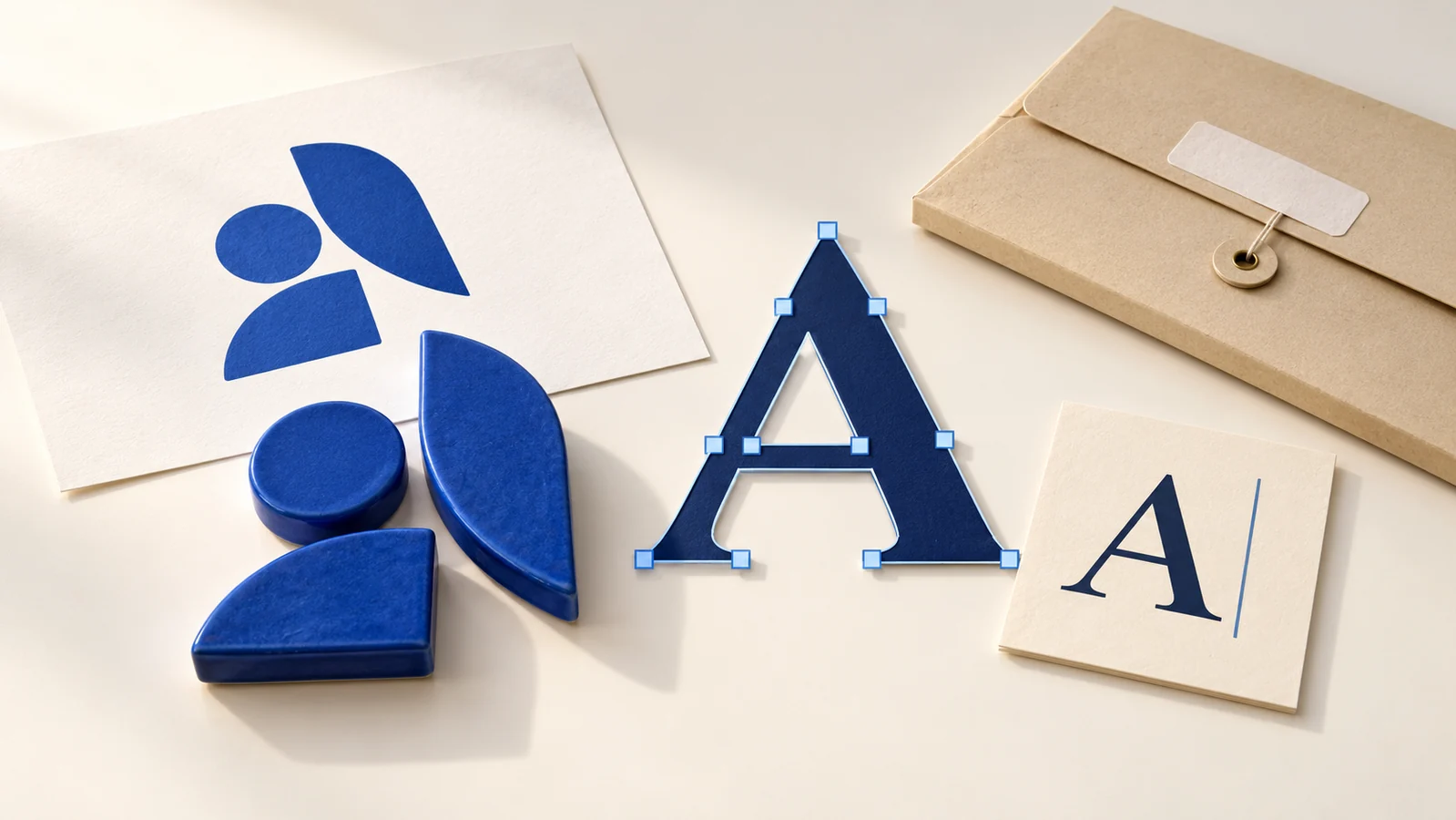
Check live type and outlined letters separately
Adobe’s Illustrator outline guide explains that converting type into paths removes its text-editing properties. The letter shapes remain editable as artwork, but changing a company’s name is no longer a normal text edit.
If editable type is present, confirm its font and whether the person doing the work has permission to use it. If only outlines are supplied, ask whether a live-text version exists or plan an approved replacement. Do not promise to recover the original font and spacing automatically from a preview.
Record the customization work
This hypothetical source check illustrates the difference between “editable logo” and a specific set of edits.
- Symbol
- The sample icon consists of separate vector paths. The designer can review a proposed color change while preserving the source copy.
- Company name
- The sample name is outlined artwork. Replacing it requires a separate approved text treatment or another supplied source, not typing over the existing letter shapes.
- Descriptor
- The smaller descriptor remains live text, but the named font is not included. The owner must approve a permitted font before the replacement is accepted.
- Open decision
- The business owner must approve the proposed name treatment and descriptor. No final logo has been accepted or used on a live site.
Review the customized mark plainly
Compare the actual name, spelling, spacing and symbol arrangement on a plain background before adding presentation effects. A longer name may need a different arrangement. Keep an editable working version where appropriate; Adobe advises duplicating type before converting it to outlines.
Retain the supplier, permission record and any separately obtained dependencies with the project. A template preview does not grant rights to its sample identity, and customization alone does not establish exclusivity.
Our fantasy football logo guide addresses a small team-avatar placement. The responsive logo guide covers related variants, while the logo mockup guide covers presenting an accepted design in a scene.
Key Takeaways
- Inspect text, shapes and dependencies separately.
- Outlined lettering cannot be edited with normal type controls.
- Approve the actual name treatment before preparing final variants.
Frequently Asked Questions
Does editable vector mean editable wording?
No. Letters may be vector outlines. Inspect whether a live-text version and the required font are available.
Should I outline the only working copy?
Keep an editable version where the workflow needs it. Adobe recommends duplicating type before conversion.
Does changing the sample name create an exclusive logo?
It does not establish exclusivity. Review the asset’s terms and the proposed identity with the responsible owner.