
Quick Answer
Check the visible size of a website’s fallback text alongside the preferred aesthetic font. Two fonts with the same CSS font size can have different letter proportions. A developer can evaluate font-size-adjust against an appropriate font metric, but matching one metric does not guarantee identical wrapping or appearance.
A beautiful font specimen usually shows the preferred face in a prepared composition. Visitors may encounter another face when that resource is unavailable. Include that fallback state in the typography review.
Separate CSS size from visible letter height
MDN’s font-size-adjust reference explains using a selected metric, such as lowercase height, as a proportion of font size. It describes fallback fonts with different aspect values as a potential legibility issue.
The default metric is x-height, the height of a lowercase x relative to font size. Other supported metrics address different needs. Choose the question first instead of copying a number because it appeared in a tutorial.
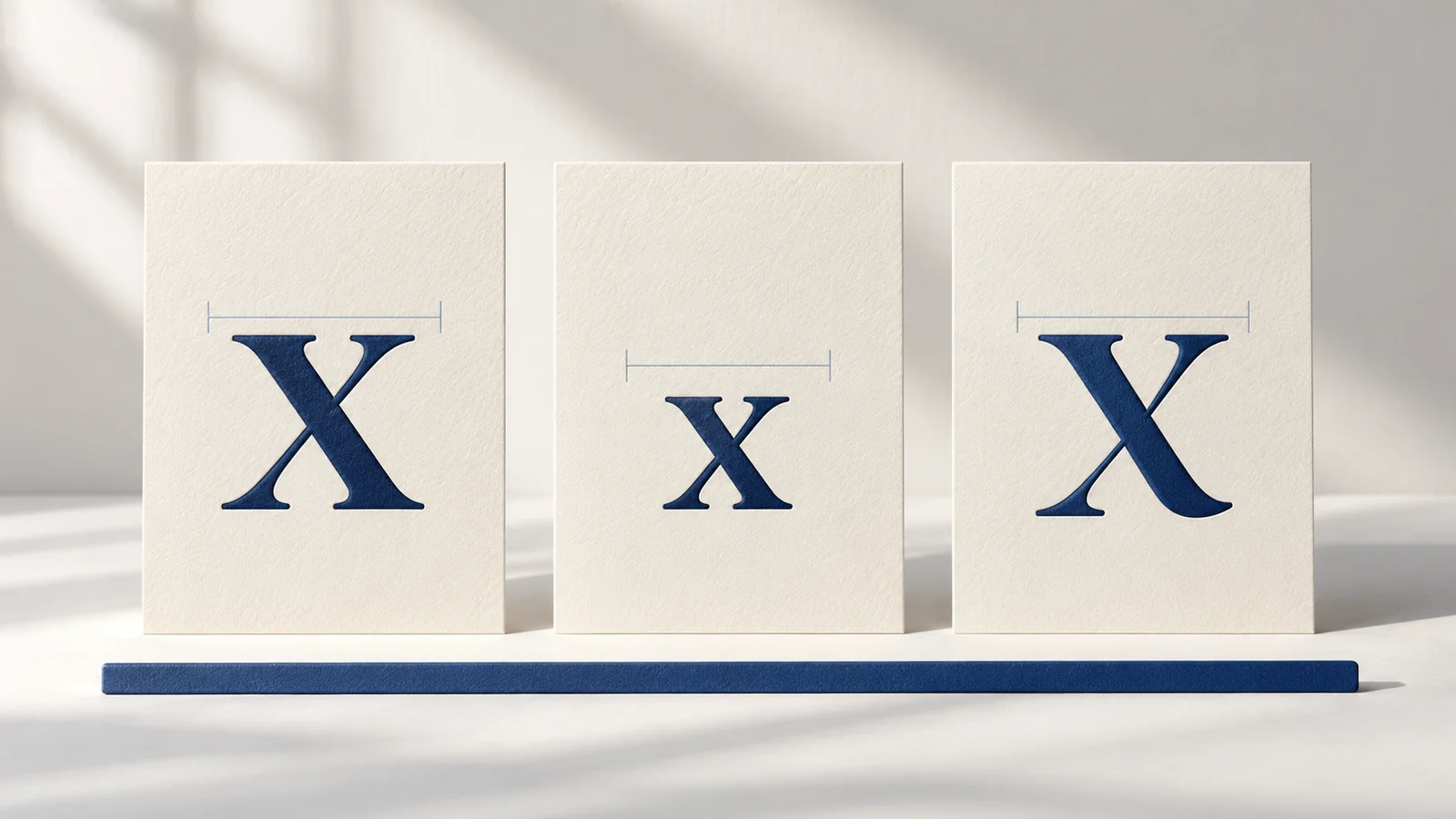
The cover is a conceptual letter-size comparison. It does not show measured x-heights or results from particular fonts.
Compare a meaningful fallback state
Use an approved development specimen with the actual paragraph or heading, its intended width and the proposed font stack. Have the developer verify which face renders in each comparison.
| State | Evidence to inspect |
|---|---|
| Preferred face | The intended font renders with the approved size and surrounding layout. |
| Fallback face | The actual fallback renders, with the same content and comparable layout conditions. |
| Proposed metric adjustment | The chosen metric and value have a documented basis, and the resulting text is inspected. |
| Required browser | The actual declaration and fallback behavior work in the browsers the project supports. |
Keep the test isolated. Do not remove a live font or change shared typography merely to obtain a comparison. Record the method used to produce the fallback state so the result can be understood later.
Check what the adjustment affects
MDN notes that the adjustment applies to each font used to render the text, including the preferred face. An unsuitable value can therefore change the preferred treatment too. The documentation also distinguishes the element property from the separate size-adjust font-face descriptor.
Have the maintainer review the actual declarations together. The property does not supply a missing font file or establish that the intended resource loaded. Its value should answer a metric question rather than conceal an unresolved loading problem.
Inspect the complete reading layout
After a proposed adjustment, review line breaks, paragraph height, adjacent controls and the longest required wording. Similar lowercase height does not establish matching character widths or identical spacing.
Check narrow layouts and enlarged text separately. Keep the preferred and fallback versions usable even when their compositions differ slightly. Do not promise a particular performance score or absence of layout movement from one property.
Retain the comparison and decision
Save the intended face, fallback stack, relevant metric, approved value and observed browser results. A later font replacement should trigger review of that relationship rather than inheriting an unexplained number.
Our font-weight diagnosis concerns the selected and rendered face. The font-size guide covers size rules, while the font-variable guide covers shared family references.
Key Takeaways
- Compare the preferred and actual fallback face.
- Distinguish visible letter proportions from CSS size.
- Give a metric adjustment a documented basis.
- Recheck wrapping, surrounding content and supported browsers.
Frequently Asked Questions
Will equal font-size values make two fonts look equally large?
Not necessarily. Their letter proportions can differ. Inspect the actual rendered comparison.
Can font-size-adjust make every fallback identical?
No. It addresses a selected metric. Shape, width, spacing and the surrounding layout still need review.