
Quick Answer
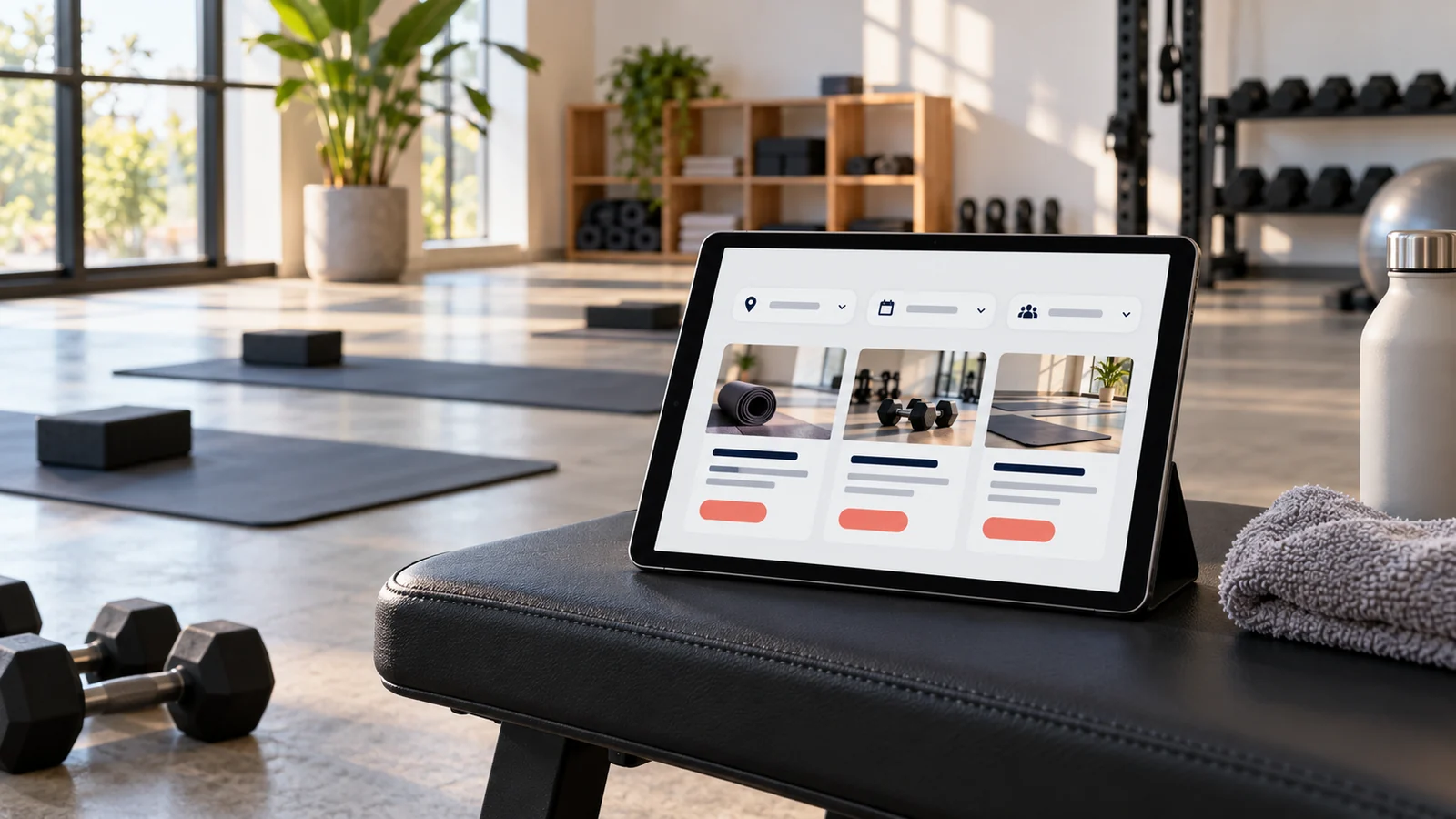
A gym class finder should explain which sessions match the visitor’s choices and how to recover when none do. Use clear filter labels, preserve the selected criteria and distinguish a matching class from an available place. A search result helps someone discover a session; the booking system must still establish availability and reservation status.
Use the terms a new visitor needs
The fitness website collection provides visual references. For a working class finder, start with the actual class information rather than a visual trend or a famous gym’s screenshot.
Have the operator approve useful choices such as location, day, start time and class category. Explain category names that depend on local knowledge. Do not invent a “beginner-safe” classification or make health suitability decisions through a generic website filter.
Check one small, explicit result set
This hypothetical exercise uses two sample records and proposed filter behavior. It is not a gym schedule or a test we performed.
- Sample records
- Session A: Thursday at 6 p.m., central studio, introductory class. Session B: Friday at 6 p.m., north studio, introductory class. The operator would need to approve the actual descriptions.
- Matching selection
- Thursday plus central studio should identify Session A within this sample set. The result should retain its day, time and location so the visitor can verify the match.
- Empty selection
- Thursday plus north studio has no match in these sample records. Explain that no sessions match the selected criteria rather than showing an unexplained blank region.
- Recovery
- Let the visitor clear the day or location restriction and see the changed results. Keep the remaining selections understandable instead of silently resetting everything.
State how combined filters work. A visitor should not have to guess whether selecting two class categories means either category or a session belonging to both.
Communicate the result change
When filtering updates the same page, inspect focus and the information conveyed to assistive technology. W3C’s Status Messages explanation distinguishes a result list from a short status such as “No results returned.” The latter can require programmatic notification when it changes without moving focus or changing context.
Choose an implementation that fits the actual interface. Verify keyboard operation, understandable labels and the narrow layout. A visible result count alone does not prove that the update is announced appropriately.
Hand off to the correct session
Preserve the selected session’s identity when the visitor proceeds to its details or booking route. Check the date and location at that boundary. A relevant search result does not establish remaining capacity, membership eligibility or a confirmed reservation.
Our gym website planning guide covers those operational systems, and the yoga guide covers first-visit information. Include the class-finder cases in a website redesign brief so the interface and authoritative schedule are reviewed together.
Key Takeaways
- Use approved class data and understandable filters.
- Explain matching, empty and cleared-filter states.
- Check result updates with keyboard and assistive technology.
- Keep discovery separate from confirmed booking availability.
Frequently Asked Questions
Does a matching result mean a place is available?
Not necessarily. Confirm capacity and eligibility through the actual booking system.
What should an empty result show?
Explain that the selected criteria have no matching sessions and provide an understandable way to change or clear them.
Should filtering automatically move keyboard focus?
Review the actual interaction. Same-page status updates can be communicated without moving focus; the appropriate behavior depends on whether the action changes context.