
Quick Answer
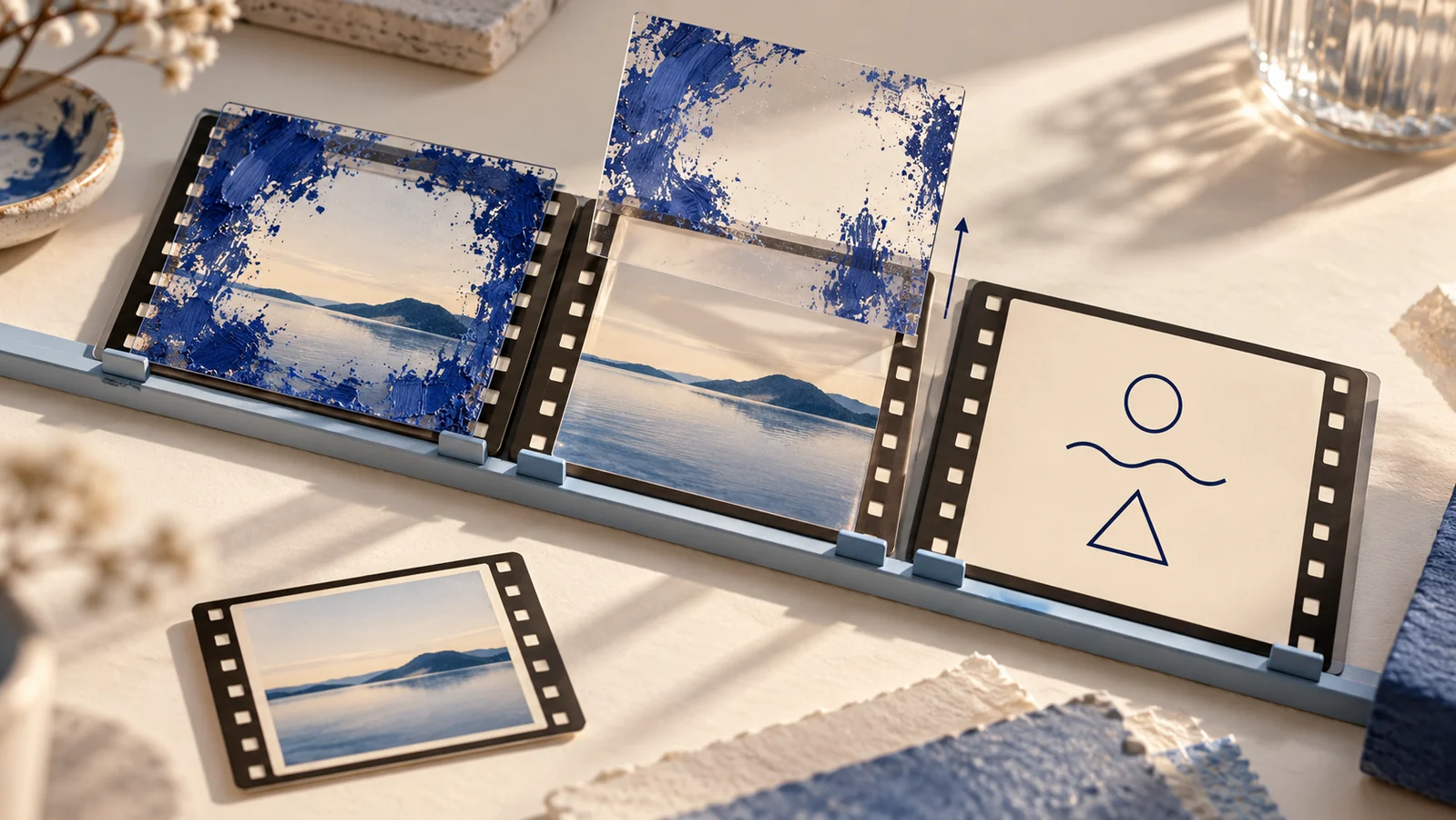
Use a Neu Grunge video treatment where its scratches, texture and movement support the message. Check when the overlay appears, which parts of the frame it covers and whether text and important subject details remain clear. Review the exported clip as well as the editor preview.
Choose the moment that needs the treatment
Identify whether the effect belongs in an opening title, a transition or part of the main footage. Applying the same treatment across an entire video can make a brief visual accent compete with later instructions or detailed imagery.
The January 25, 2024 archive described Neu Grunge and a Filmora promotion. Its contest, trend forecasts and product-library view are historical. They do not establish a current contest, asset entitlement or reason to buy software today.
Keep the treatment separately adjustable
Filmora’s current Windows compositing guide describes placing media on separate tracks, choosing blending behavior and using opacity keyframes. Check the controls documented for the actual installed platform and version.
Keep a protected source and a clean comparison. Limit the treatment to the intended part of the timeline, then adjust the available placement, blending or opacity controls. Confirm the actual asset’s permitted use before the project depends on it.
Review a specific timing decision
This hypothetical review describes an intended treatment, not a tested Filmora effect or a client result.
- Intended moment
- A short introductory title uses a distressed border before the main explanation begins.
- Observed issue to check
- The overlay may continue into a later instruction card or sweep across its text. Inspect the whole interval, not only the opening frame.
- Proposed edit
- End the treatment before the instruction card or adjust its placement and intensity so the wording remains clear. Keep the approved text unchanged.
- Acceptance check
- Play the exported file through the transition and instruction. Compare readability and subject details with the clean source at the intended display size.
Inspect more than the texture
Check whether movement, flashes or rapid contrast changes need a different treatment for the intended audience and presentation. Review captions and any essential visual information separately. A gritty style should not hide product labels, alter the appearance of a documented item or make an instruction depend on a fleeting frame.
Keep the editable project, accepted treatment interval and export settings with the delivery. Record any untested presentation or unresolved issue rather than calling a striking preview finished.
The video editing handoff guide covers collecting the project and required media. Our Motion Array guide covers a separate asset and permission review, while the video search archive concerns how video is presented on a webpage. None of those decisions is settled by adding an overlay.
Key Takeaways
- Give the treatment a defined moment and purpose.
- Keep timing and intensity adjustable.
- Check the exported message against the clean source.
Frequently Asked Questions
Should the overlay run for the whole video?
Use the interval that supports the intended message. Check later instructions, captions and detailed footage before extending it.
Does the historical resource prove an effect is included today?
No. Check the actual current asset, software requirements and applicable terms.
Is an editor preview enough to approve the treatment?
Inspect the exported file at the intended size, including the treatment’s start and end and any text it crosses.